


You already have a RevOps strategy written down, but the operation still stalls on spreadsheets passed around by email, reports that never agree and tasks that disappear between two departments. Nine times out of ten the problem is not the method. It is the set of tools that was supposed to support it.
RevOps tools are what make marketing strategies, sales plays and service routines run on the same data. This article walks through the stack by category: CRM, marketing automation, data analysis, AI (Artificial Intelligence) agents, projects and communication, customer experience, and the layer almost everyone forgets when the invoice arrives, which is measurement.
What are RevOps tools and why do they matter?
RevOps tools are the platforms that support a revenue operation end to end: they record customer data, execute the process, measure the outcome and hand that reading back to marketing, sales and service at once. What separates a RevOps tool from any other software is integration. If data does not move between systems, the tool becomes one more island someone has to export into a spreadsheet.
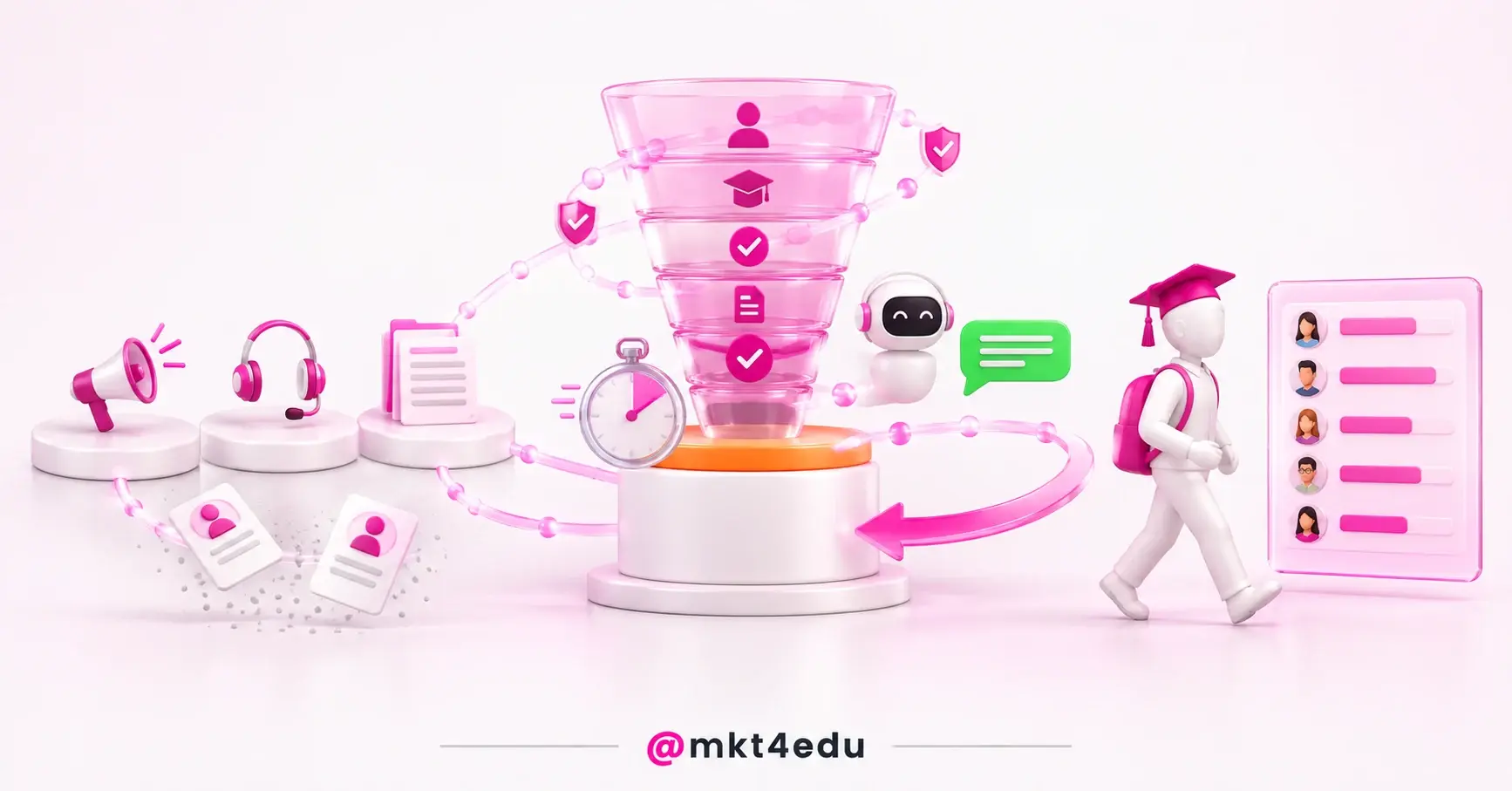
 Caption: RevOps tools organized by category keep the revenue operation running end to end.
The short definition is enough here: RevOps puts marketing, sales and customer service under the same revenue goal, with shared process, shared data and shared technology. If you want the discipline unpacked in depth, that guide is one click away. This article is about the stack that makes the model work.
The most common mistake is buying technology before designing the process. Revenue Operations is not software, and no license will fix a funnel in which nobody ever agreed on what a qualified lead is. Before you approve the budget, answer three questions: who owns each stage, which data proves the stage moved forward, and how often the teams review that number together.
The six categories of a revenue stack
|
Category |
What it solves |
Example tools |
|
CRM |
A single base of contacts, deals and history |
HubSpot, Salesforce, Pipedrive, Zoho CRM |
|
Marketing automation |
Workflows, nurturing, routing and sending at scale |
HubSpot Marketing Hub, ActiveCampaign, Marketo |
|
Data analysis |
Dashboards, attribution and indicator tracking |
Google Analytics, Looker Studio, Tableau, Power BI |
|
AI agents |
Triage, data enrichment and repetitive tasks |
HubSpot Breeze and Agent Hub, native platform assistants |
|
Projects and communication |
Routine, deadlines and alignment between teams |
Asana, Trello, Slack, Microsoft Teams |
|
Customer experience |
Tickets, surveys and satisfaction readings |
Zendesk, SurveyMonkey, HubSpot Service Hub |
Table: The six categories of RevOps tools and example platforms in each one.
Which CRM should you choose among RevOps tools?
The CRM is the first piece of the stack because customer data is born there, moves through it and is audited against it. For teams that need marketing, sales and service in the same place, the most direct answer today is HubSpot: all three areas operate on the same Smart CRM instead of on separate databases stitched together by integrations.
A CRM, short for Customer Relationship Management, stores the history of every contact and shows which stage each deal is in. HubSpot sums up what a CRM does in one line: it centralizes contact, company and deal data so that everyone sees the same version of the story. In Revenue Operations that is a prerequisite rather than a nice to have, because reports that disagree between departments almost always trace back to duplicated records.
The current HubSpot platform catalog brings together Marketing Hub, Sales Hub, Service Hub, Content Hub, Data Hub, Revenue Hub and Agent Hub on the same Smart CRM, with Breeze as the artificial intelligence layer. Two name changes still confuse anyone searching for older documentation: the former CMS Hub is now Content Hub, and the former Operations Hub is now Data Hub.
If you want a breakdown of what each Hub actually delivers before talking to a sales rep, our article on this CRM tool goes through them one by one.
Video: 4revops|A short walkthrough of the technologies behind a working stack of RevOps tools. Please note that the narration is in Brazilian Portuguese.
HubSpot is not the only option, and not always the best one
Claiming that one CRM tool solves everything would be advertising, not analysis. Salesforce wins in very large operations with heavy customization and a dedicated admin team. Pipedrive serves lean sales teams that want a pipeline and little else. Zoho shows up whenever cost per user decides. Microsoft Dynamics 365 makes sense where the company already runs on the Microsoft stack. The right question is not which CRM is best on the market, it is which one your operation can realistically keep alive.
- Volume and complexity: how many contacts, pipelines and routing rules the operation handles today, and how many it will handle in two years.
- Native integrations: what already talks to your website, your ad platforms and your ERP (Enterprise Resource Planning) without custom development.
- Who administers it: without someone accountable for keeping the database clean, the most complete platform becomes the most expensive and the least used.
In practice, the CRM you choose sets the ceiling for your inbound marketing strategies and your inbound sales strategies. If a lead comes in through the website and takes two days to reach a rep's queue, that is not a people problem, it is an architecture problem. And switching CRMs is expensive: when the current platform is good enough, the bigger return usually comes from fixing process and integrations before replacing the software.
How does marketing automation connect the stack?
Marketing automation turns the CRM from an archive into an operation. It takes the rule written in your process document and executes it without depending on someone remembering it in the middle of a busy week.
By the platform's own definition, marketing automation software is used to run repetitive marketing, nurturing and segmentation tasks at scale. Inside HubSpot this layer shows up as workflows, which send emails, create tasks, update properties and move deals based on contact behavior. ActiveCampaign and Marketo solve the same problem with different logic and different price points.
Before automating everything, automate what hurts. This order tends to pay for itself fastest:
- Lead scoring, to separate the people ready to talk to a rep from the ones still doing research.
- Routing, so the contact lands with the right owner in minutes instead of days.
- SLA (Service Level Agreement) alerts, flagging any contact that passed the agreed response window without a reply.
- Database hygiene, removing duplicates before the error turns into a report nobody trusts.
Automation is also what makes Remarketing worth running. Remarketing puts your brand back in front of someone who already interacted and did not convert, and in digital marketing strategies it is where paid media and CRM stop living separate lives: the audience is fed by the contact's real stage in the funnel, not by a list exported last quarter.
The biggest gain here is time. Map where your operation spends human hours on machine work and you will usually find three or four routines that can be rebuilt as workflows in an afternoon. That mapping is the best starting point for inbound marketing strategies and inbound sales strategies that need to scale without hiring proportionally. One caveat: every automation is a rule someone has to maintain, so name them consistently and review the list every quarter.
Which data analysis tools does RevOps need?
The data layer answers one question: where revenue is stalling. It pulls website, CRM and service data into one dashboard so marketing, sales and customer success argue about the same number. In digital marketing strategies, that dashboard separates an investment from a bet.
Google Analytics remains the starting point for website behavior: traffic sources, pages that convert and the path to the form. Looker Studio and Power BI come in when you need to cross that reading with CRM and media data. Tableau is still strong wherever exploratory analysis is heavy. Inside HubSpot, Data Hub handles synchronization and data quality so the dashboards are not reading from a dirty base.
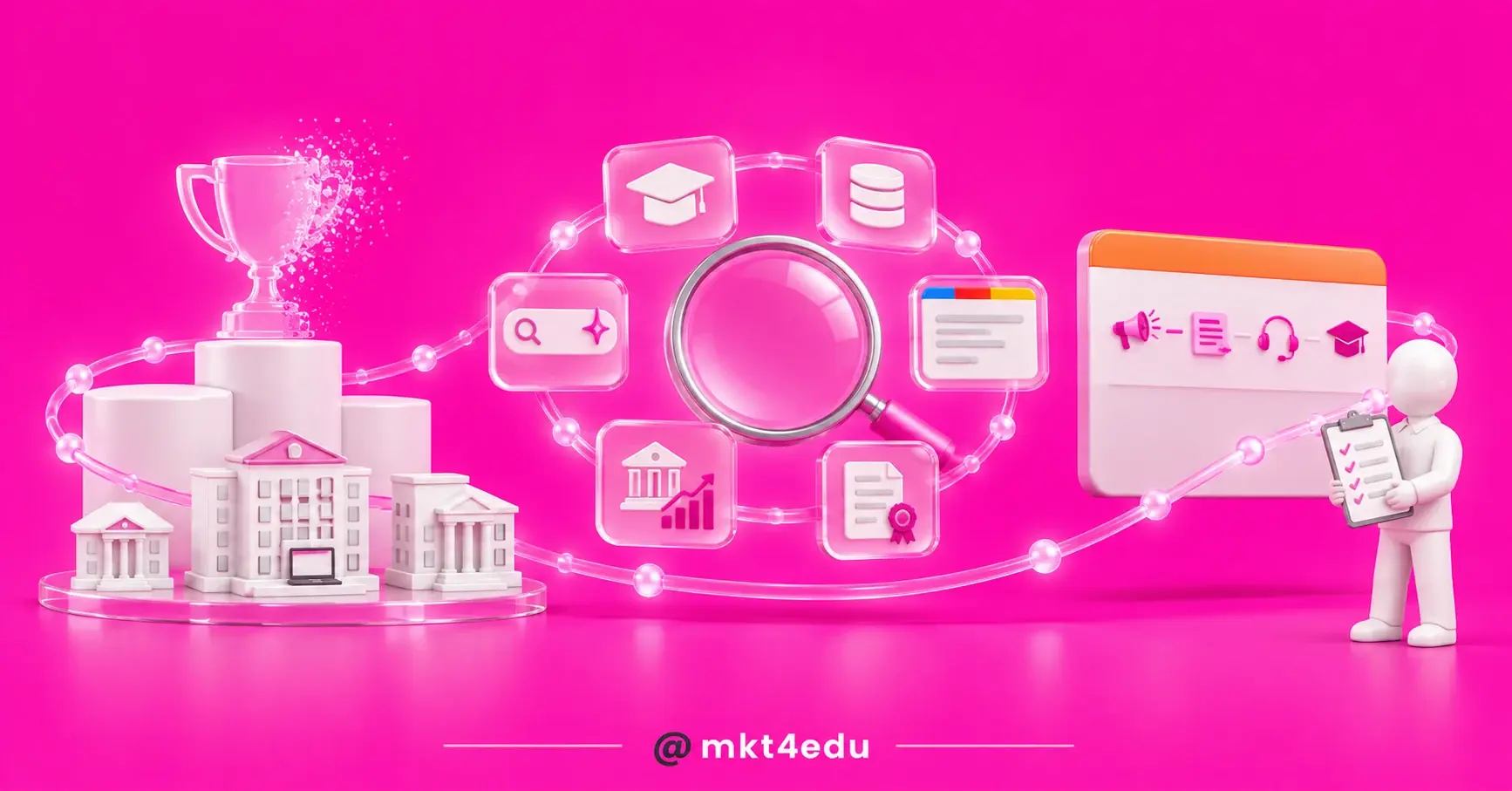
 Caption: RevOps tools connected to clean dashboards turn reporting into decisions.
One warning that saves months of work: a beautiful dashboard built on dirty data is worse than a spreadsheet, because it manufactures confidence nobody earned. Before investing in visualization, standardize traffic source naming, campaign conventions and the criteria that define each funnel stage. To choose which numbers belong on that dashboard in the first place, start with our guide to RevOps metrics to measure and analyze.
Where do AI agents fit into RevOps tools?
AI agents occupy the layer that used to depend on repetitive human work: triage, data enrichment, conversation summaries and first level support. They do not replace the CRM or the automation layer. They run on top of both, using exactly the same data, which is why the quality of your database decides whether they help or hurt.
The technical definitions are worth stating plainly. Machine learning is the field that lets a system improve its performance from data. An AI system, in the definition used by NIST (National Institute of Standards and Technology), generates predictions, recommendations or decisions from objectives defined by people. An agent is that kind of system given enough autonomy to carry out steps of a process on its own.
In the HubSpot ecosystem this layer has a name: Breeze gathers the artificial intelligence features across the Hubs, and Agent Hub concentrates the service, prospecting and content agents on the Smart CRM. Outside it, the same role shows up in the native assistants built into Salesforce and Zendesk, and in dedicated conversation intelligence tools that transcribe and score calls.
- Triage and qualification: the agent reads the form, checks the contact history and suggests the right queue before any human picks up the case.
- Conversation summaries: every call or chat becomes a structured record in the CRM, with no manual note taking afterwards.
- First level support: repeat questions get an immediate answer and the human team keeps the cases that actually require judgment.
The condition for any of this to work is non negotiable: data governance. An agent running on a duplicated database makes mistakes faster and at a larger scale than a person ever could. Define what the agent executes on its own, what requires human review and how you audit the decision afterwards. In a mature RevOps strategy, that definition lives in the process document, not in someone's head.
How do you organize projects and communication between teams?
This is the layer that keeps the stack from turning into bureaucracy. Projects and communication do not generate revenue on their own, but they keep deadlines, owners and decisions visible to marketing, sales and service at the same time.
On the project side, Asana works for planning with dependencies, Trello handles visual tracking on Kanban boards, and ClickUp or Monday come in when the team wants dashboards and task automation together. On the communication side, Slack organizes conversation into themed channels and pulls in alerts from the other platforms, while Microsoft Teams wins wherever the company already lives inside the Microsoft suite.
What separates a mature operation from a noisy one is integration. When the CRM posts into the right channel that a deal has stalled, the conversation happens with context and ends in a task with an owner.
It is worth remembering that RevOps is not a synonym for Sales Ops. Sales Ops looks after the efficiency of the commercial team, while Revenue Operations answers for the entire revenue cycle, from the first ad impression to renewal. The distinction matters when you decide who administers each tool and who is accountable for each indicator.
Which tools track the customer experience?
The last operational layer is the one that listens. Customer experience tools collect feedback, organize tickets and turn perception into data that marketing and sales can actually act on, instead of a satisfaction score that circulates once a quarter and changes nothing.
Zendesk remains a reference for ticket management and support queues, especially where volume is high. SurveyMonkey handles structured research, from NPS (Net Promoter Score) to post sale follow up. HubSpot Service Hub delivers that same set inside the CRM itself, which removes the export step when you want to cross a satisfaction score with the stage of the deal.
The point is not the survey, it is what comes after it. Measuring customer satisfaction only changes outcomes when the answer becomes a task with an owner and a deadline inside the tool the team already works in. For education institutions the stakes are higher, because student experience feeds directly into re-enrollment, and a bad handoff between admissions and the registrar costs more than a lost lead.
This is also where misalignment surfaces first, in contradictory answers given to the same customer by two different departments. If that is your bottleneck, start there: our free material How to use RevOps to align your departments walks through the steps to put sales, marketing and support on the same decision routine, with the meetings, owners and indicators spelled out.

How do you measure the return on your RevOps tools?
A tool without a KPI (Key Performance Indicator) is just a cost line. RevOps KPIs turn the stack into a board level argument: how many hours the operation saved, how much conversion improved and how much of the revenue became predictable enough to forecast.
The minimum set looks similar in almost every operation. Build the dashboard with numbers each department recognizes as its own, and review them in a single meeting. An indicator discussed separately turns into a competition between narratives instead of a decision.
|
Indicator |
What it answers |
Whose conversation it is |
|
Stage by stage conversion |
Where the funnel loses volume |
Marketing and sales |
|
Lead response time |
Whether routing and automation actually work |
Sales and RevOps |
|
Sales cycle length |
How long the decision takes to close |
Sales |
|
Customer acquisition cost |
What each new customer or student costs |
Marketing and leadership |
|
Recurring revenue and churn |
Whether the base stays and grows after the sale |
Service and customer success |
|
Tool adoption |
How much of the process happens inside the system |
RevOps |
Table: A minimum set of RevOps KPIs for judging whether your RevOps tools are paying off.
The last indicator is the most ignored and the most revealing. If half the team still works out of a parallel spreadsheet, the problem is not which software you picked, it is adoption. Review training, permissions and process, in that order, and make the system the only accepted place to record a decision. Revenue Operations in practice is mostly this: removing every reason someone has to work outside the tool.
It is also worth anticipating what usually goes wrong. Our article on the challenges of implementing Revenue Operations lists the most common stumbles, and nearly all of them appear before any tool is purchased: data with no owner, processes with no definition and a target that each department reads differently.
Frequently asked questions about RevOps tools
Where should you start building your stack?
Start with the process, move on to the CRM, and only then buy the rest. A well designed RevOps strategy names the owner, the stage and the indicator before anyone opens a pricing page. With that design in hand, choosing a tool becomes a technical decision instead of a gamble.
If you want to see the model working before you commit, read Revenue operations in practice. And if your question is about implementation, mkt4edu is an Elite HubSpot Partner and builds this operation end to end: take a look at our work with HubSpot CRM.
And if the next step is aligning the departments before touching the stack at all, How to use RevOps to align your departments: it lays out the path to putting marketing, sales and support on the same revenue routine.














 Portugal