


Choosing CRM software is rarely about choosing a tool. It is about choosing a set of pieces that will share the same customer record for years. When the pieces do not fit, the symptom shows up fast: the sales team opens a spreadsheet to find out what marketing promised, and the service team asks the customer for information that was already stored three screens away.
HubSpot organizes its platform around exactly that logic of pieces, the Hubs, assembled on top of a shared record. The list has changed in recent years, and much of the material available online still describes a kit that no longer exists. Two familiar names have left the company's product page.
This article rebuilds the inventory using what HubSpot publishes today, explains what each module solves and shows how to assemble the combination without paying for licenses nobody opens. The criterion, from start to finish, is how the pieces fit, not the sum of features in each one.
What should your business define before choosing CRM software?
The question that comes before any feature comparison is simple: where does customer information get lost today? The answer usually points to one specific spot in the operation, and that spot defines the first piece of the kit. Whoever starts from the feature list buys capacity with no owner and leaves the real bottleneck untouched.
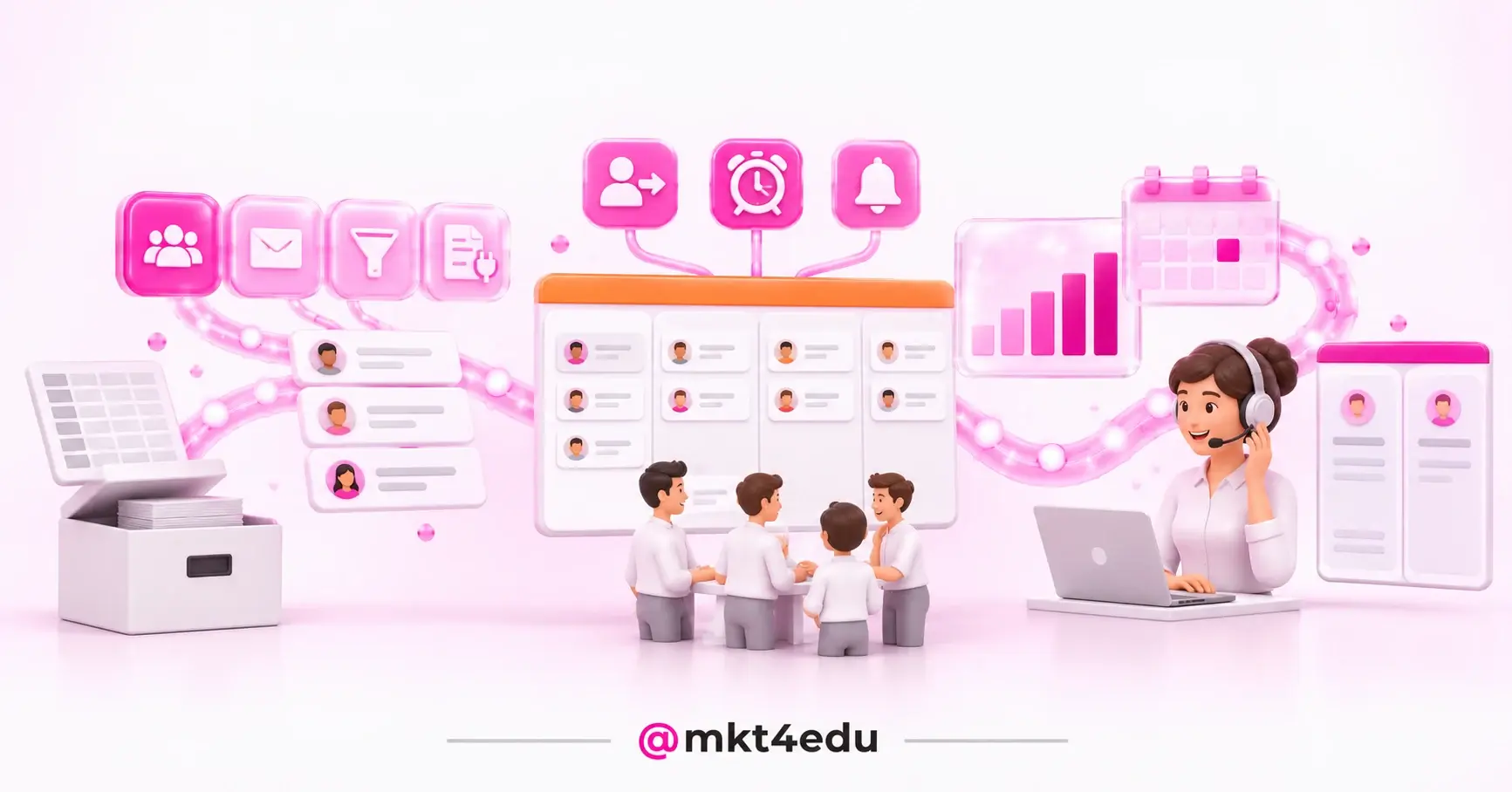
 Caption: CRM software only delivers results when every team that talks to the customer reads from and writes to the same record.
Before looking at pricing or plans, answer four questions in writing. They are what separates a kit assembled from need from a kit assembled from a catalog.
- What is the contact's path, from the first click to the signed deal, and at which stage does that person drop off the radar?
- Who else needs the history, besides sales, and how often does that person currently ask for it over chat?
- Which system is already mandatory in the operation, such as an ERP, a payment platform or an academic system, and will need to talk to the record?
- Which number do you want to move over the next two quarters, since that is the number the decision will be judged by later?
The fourth question saves the most money. A kit built for lead nurturing is not the same kit a company needs to cut response time in support, even when both are looking at the same platform.
It also helps to know which category your need falls into. The types of CRM split into operational, analytical and strategic, and each one demands a different kind of configuration. An operation that needs better data reading will not fix the problem by buying more task automation.
Company size matters too. CRM software for small businesses has to work with few people maintaining the configuration, which pushes the choice toward fewer modules and more ready made defaults. Companies with teams split by function tolerate, and require, a wider kit.
Which tools make up HubSpot's CRM software kit today?
The HubSpot products page currently lists six Hubs, Marketing Hub, Sales Hub, Service Hub, Content Hub, Data Hub and Revenue Hub, all built on the Smart CRM, plus Agent Hub and a bundle aimed at small businesses. Anyone holding on to the list from a few years ago will notice two absences.
CMS Hub became Content Hub. HubSpot announced the change on April 17, 2024, in a post titled “Why We're Evolving CMS Hub to Content Hub”, where the company writes: “We did it with inbound marketing over a decade ago and are now excited to introduce Content Hub in the age of AI.” The announcement page names the product's pillars as AI (artificial intelligence) powered content creation, centralized content management as a single source of truth, content optimization tied to CRM data, and integrations.
Operations Hub became Data Hub. HubSpot states this itself in a FAQ published on its blog, with the wording “Operations Hub is now called Data Hub”, and other company pages already write “HubSpot Data Hub (previously Operations Hub)” in the body text. HubSpot does not publicly detail when or how the change happened, so treat the new name as the name in use and the old one only as a historical reference.
|
Piece of the kit |
Problem it solves |
When it joins the kit |
|
Smart CRM |
Single record of contacts, companies and deals |
Always, it is the base the Hubs work on |
|
Marketing Hub |
Attraction, segmentation and contact nurturing |
When lead volume grows and the cadence turns into manual work |
|
Sales Hub |
Pipeline, follow up and deal history |
When the sales team loses deals for lack of follow up |
|
Service Hub |
Tickets, knowledge base and post sale |
When support repeats answers that are already documented |
|
Content Hub |
Site, blog and pages tied to the record |
When content has to change according to who is visiting |
|
Data Hub |
Sync, cleanup and data quality |
When external systems are mandatory in the operation |
|
Revenue Hub |
End to end revenue reading |
When marketing, sales and success need the same number |
|
Agent Hub |
AI agents working on the company record |
When repetitive triage and reply tasks start to scale |
Table: The pieces of HubSpot's CRM software and the problem each one solves.
Marketing Hub, Sales Hub and Service Hub: the trio almost every kit has
Marketing Hub handles attracting and qualifying: forms, lists, campaign automation and analysis of what converted. Sales Hub handles what comes after interest: sales pipeline, outreach sequences and a record of every interaction on an open deal. Service Hub handles the relationship after the signature, with tickets, knowledge base and satisfaction surveys.
The gain from the three together is not the sum of their features. It is an operational detail: the rep opens the contact and sees what the campaign promised; the agent opens the ticket and sees what was sold. Neither screen needs an export.
Content Hub, Data Hub and Revenue Hub: the pieces that close the loop
Content Hub puts site, blog and landing pages on the same record, which makes it possible to swap page blocks according to the visitor's stage. Data Hub takes care of the part nobody sees and everybody feels: syncing between systems, duplicate cleanup and quality rules, the work that supports any application integration with the platform. Revenue Hub organizes revenue reading so the teams argue over the same number, which is the basis of any Revenue Operations work.
Agent Hub is the newest layer: AI agents operating on the record that already exists. The same logic of fit applies here, with even more rigor, because an AI SDR agent only answers well when the history it reads is complete and current. An agent on a dirty database produces the wrong answer faster.
Video: Overview of the tools that make up HubSpot's CRM software. Narration in Portuguese.
How do you build a kit whose pieces actually fit together?
A kit is not a shopping list. It is a sequence. The order that works starts with the module that solves the most expensive bottleneck and only moves on when the next process begins to depend on the record the first one already feeds. Reversing that installs capacity before there is data to feed it.
First: the piece that clears the bottleneck
If the problem is leads arriving and going cold, the first piece is Marketing Hub. If deals stall for lack of follow up, it is Sales Hub. If customers complain about slow replies, it is Service Hub. Choosing the first module is a diagnostic decision, not a matter of preference.
Second: the data that has to circulate
Once the first Hub is in use, the bottleneck usually migrates to the border between teams. That is when Data Hub and Revenue Hub start to make sense, because the problem is no longer a missing tool but a missing sync. Mapping the customer journey before that step prevents automating a path nobody actually walks.
Third: the configuration nobody wants to do
Standardized properties, deal stages with written definitions and an owner per stage are what separate a working kit from an installed kit. An implementation checklist covers most of that and has the side effect of documenting why each field exists, which matters when the team changes.
Four mistakes show up often at this stage, and all of them cost months:
- Buying the whole kit at once: a license with no owner becomes a fixed cost and a half finished configuration.
- Migrating a dirty database: duplicates and empty fields enter the new system and contaminate every later report.
- Leaving the cadence for later: with no defined automation, the module becomes an expensive shared calendar.
- Naming no owner: with nobody deciding on fields and process, each team invents its own standard.
A HubSpot partner agency usually shortens this stage because it has seen the same sequence of mistakes in other rollouts and knows where the default configuration will not do. It is an execution shortcut, not a replacement for the diagnosis.
How do you measure whether your CRM software is delivering?
The first indicator is not financial. It is how much manual work has disappeared. Handoff spreadsheets, questions repeated to the customer and reports assembled by hand are the most honest thermometer of how well the pieces fit.
After that, three numbers tell the rest: the conversion rate at each funnel stage, the average time between stages and the share of complete records in the database. The third is the one most people ignore and the one that best explains why the other two refuse to improve.
Video: How to track CRM software results after go live. Narration in Portuguese.
Compare what you have with what the market offers before expanding the kit. A look at the best CRMs helps separate a tool limitation from a process limitation, and that distinction changes the buying decision. For teams still defining the basics, understanding what CRM is and what it is for prevents buying a module for a problem that was about method.
Reviewing the kit has a reasonable rhythm: every quarter, look at unused licenses, disabled automations and fields that were created and abandoned. Those three signals appear before the revenue indicator drops and leave time to correct course.
Frequently asked questions about CRM software
Is it worth assembling the full HubSpot CRM software kit?
It is worth it when the pieces you choose match processes the company actually runs. The complete kit is not the one with the most modules: it is the one that covers the customer's path without leaving a stretch of it dependent on a spreadsheet. Marketing Hub, Sales Hub, Service Hub, Content Hub, Data Hub, Revenue Hub, Smart CRM and Agent Hub are pieces, and a piece is only worth what it fits into.
An updated inventory solves half the problem, which was buying against a product list that had already changed. The other half is the sequence: which module first, with which data, under whose responsibility.
That second half is what usually stalls internally, because it requires deciding on process before deciding on tooling. A HubSpot consultation comes in exactly there, to run the diagnosis, define the rollout order and configure HubSpot CRM around what your operation has to deliver.














 Portugal