






Deciding to adopt artificial intelligence in pre-sales is the easy part. The question that stumps many people comes next: where to start, what to set up first, and how to keep the project from becoming just another abandoned tool?
Understanding how to implement an AI SDR agent methodically—rather than haphazardly—is what separates a pilot program that generates meetings from a time-consuming experiment that never takes off. The step-by-step guide below organizes the steps in the order that typically works in practice.
What You Need to Have Ready Before Creating an SDR Agent
Before setting anything up, three foundations must be in place: clarity about who you want to reach, a minimally organized contact database, and a functioning CRM. Without these, the agent is working in the dark, and the setup won’t be sustainable.
Think of these elements as the foundation. The agent accelerates what already exists, so a disorganized operation becomes even more disorganized more quickly.
If your qualified lead generation doesn’t yet use artificial intelligence, it’s worth starting to structure that process in parallel, because the SDR agent relies on it.
Step 1: Define the ICP and the offering the agent will be working with
Start with the ideal customer profile (ICP) and the offering. The agent needs to know who to talk to and what to propose, and this definition guides all subsequent setup. Without a clear ICP, the agent will resort to a generic approach and burn through the lead pool.
In practice, this means describing who the ideal customer is: industry segment, company size, decision-maker’s title, main pain point, and buying triggers. It’s also worth defining the value proposition in a few sentences, in a way that makes sense to this audience.
The more specific the ICP, the more relevant the agent’s conversation becomes, and the higher the response rate tends to be.
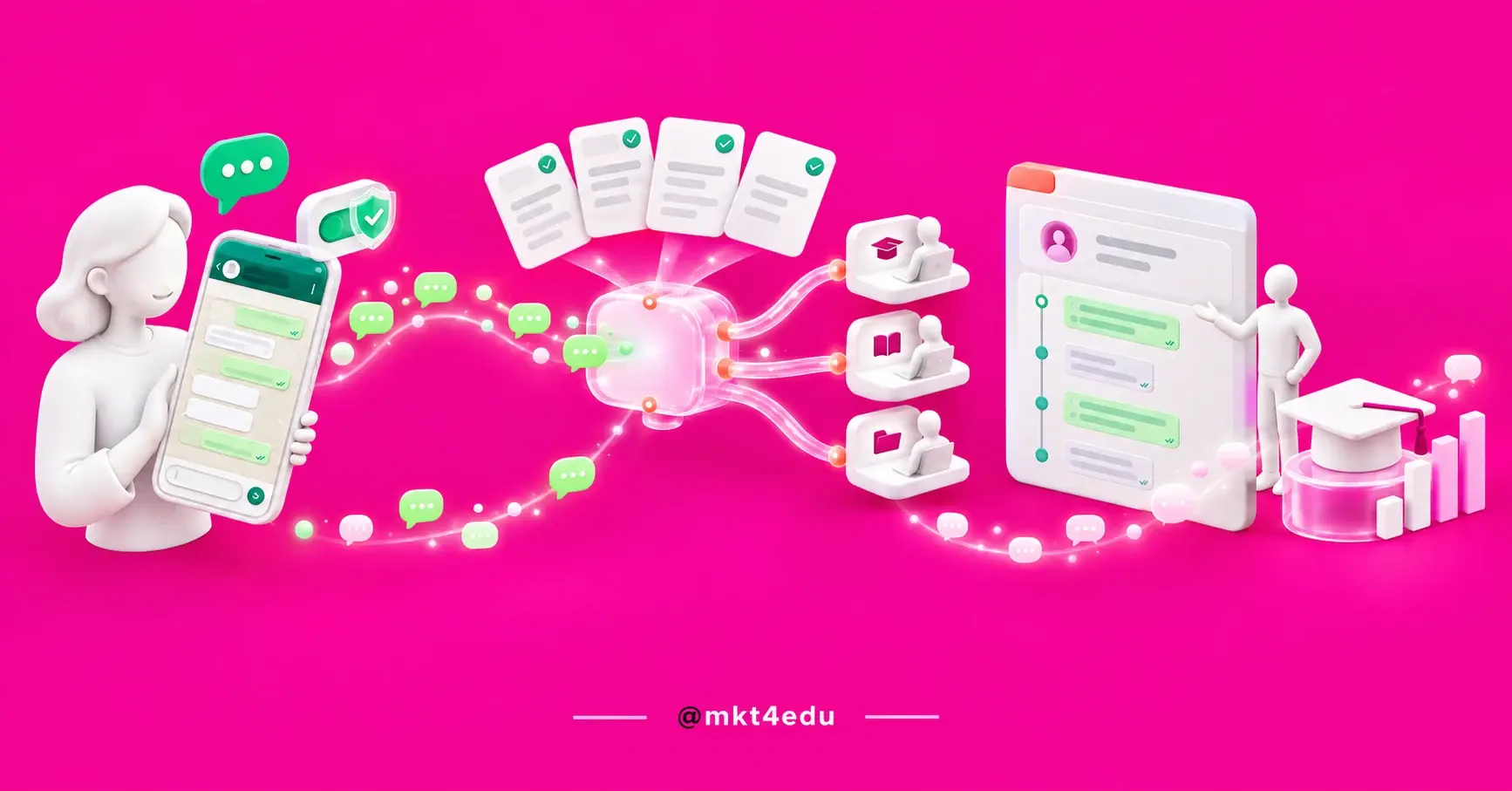
 Caption: Visualization of an automated pre-sales workflow using artificial intelligence, from lead screening to scheduling meetings.
Step 2: Choose the right channel and tool
Determine where the agent will work and which platform to use. The channel depends on where your audience engages: email, LinkedIn, or WhatsApp—the latter being the most popular in Brazil. The tool depends on the channel, your budget, and integration with your CRM.
There’s no single tool that’s best for everyone, so the choice comes down to carefully comparing your options. It’s worth looking at the leading AI-powered SDR tools and evaluating factors such as support for the channel you use, the quality of personalization, and ease of integration.
If WhatsApp is your focus, understand how an WhatsApp SDR agent will help you make a better choice.
Step 3: Set up the agent and integrations
With the channel and tool defined, move on to configuration. Here, you connect the agent to the CRM, define the operating mode, and customize the messages. This is the step where you actually set up the AI SDR, and it determines how much the operation will run on its own.
Integration with the CRM is the most important aspect, because it ensures context and automatic logging. Integrating the SDR agent with the CRM is what keeps all the data in one place. It’s worth reviewing the essential elements of this configuration before proceeding:
|
Configuration Item |
Why It Matters |
|---|---|
|
CRM Connection |
Provides context to the agent and logs every interaction |
|
Operating Mode |
Defines whether the agent sends the message on their own or requests a review |
|
Templates and messages |
Ensure brand tone and channel compliance |
|
Frequency Rules |
Control the frequency of follow-ups |
|
Qualification criteria |
Define who moves forward and who is disqualified |
|
Handoff point |
Indicates when to hand the lead off to a human |
Table: Basic checklist for configuring an AI SDR agent before the first outreach.
Carefully configuring these items helps avoid two extremes: an agent that’s too restricted—one that won’t do anything without approval—or one that’s too loose—one that fires off uncontrollably.
Step 4: Train the agent using your business context
Training the agent means equipping it with what it needs to sound like your company, which includes product information, common objections, frequently asked questions, tone of voice, and examples of good conversations. The better the training, the less the sales representative will need to correct later.
The process of training SDR agents should be iterative. You provide the initial material, observe the first few conversations, and adjust anything that was off-tone or inaccurate.
Marketplace platforms, such as HubSpot’s SDR, allow you to guide the agent based on your positioning and review the texts before they’re sent, which helps ensure quality without losing control.
Step 5: Run a pilot, measure, and adjust
Don’t scale up all at once. Start with a controlled pilot—in a single segment or channel—to validate the approach with low risk. The goal is to learn quickly: see what generates a response, what causes bottlenecks, and where agents go wrong before ramping up volume.
Define a few clear metrics from the start, such as response rate, qualified leads, and scheduled meetings. Monitor actual conversations during the first few weeks and adjust messages, criteria, and frequency.
Once the numbers stabilize, that’s when it’s worth scaling up. Before scaling, it also makes sense to review how much an AI SDR costs at higher volumes to ensure the bottom line remains positive.
Common Mistakes in Implementing AI-Powered SDRs
Most projects that fail to take off run into the same pitfalls. Knowing them in advance saves time and rework.
The most common mistake is starting without an ICP, which leads the agent to speak with people who don’t fit the profile and generate poor responses that seem to be the technology’s fault.
Other recurring pitfalls include skipping CRM integration and losing historical data, giving agents complete autonomy too early, treating all leads the same way, and ignoring lead qualification with clear criteria. There’s also a lack of attention to privacy during prospecting, which can pose legal risks.
Avoiding these pitfalls is half the battle toward a successful implementation.
Frequently Asked Questions About Implementing an AI SDR Agent
Where should you start when implementing your AI SDR agent?
The formula that works is simple to state but requires discipline to execute: define your target audience and offering, choose a channel and tool, integrate with your CRM, train the model using your specific context, and validate it in a pilot before scaling up.
Skipping steps—especially the ICP and qualification criteria—is what turns a good idea into a source of frustration.
If you want to implement an AI-powered SDR agent connected to an inbound sales strategy—with processes and metrics in place from the start—it’s worth doing so with a team that already structures sales operations using CRM. Talk to the mkt4edu team to design the implementation at a pace that fits your operation.


























 Portugal