


Customer relationship management has stopped being a service department talking point and become infrastructure. Companies that can say, in two clicks, what was promised to a customer, who promised it and what is still open, sell faster and lose fewer people along the way.
The problem is rarely a lack of information. It is scattered information: the email in one person's inbox, the negotiation on someone else's phone, the complaint in a form nobody reads. Customer relationship management exists to pull all of that into a single record and turn that record into action with an owner and a deadline.
That is where HubSpot comes in. The platform keeps the contact database, the marketing campaigns, the sales pipeline, customer service and the website content on top of the same database, which gives the end-to-end view an operation needs in order to stop asking the same question twice.
In this guide, you will see the concept, why it matters, the pillars and types of CRM, the stages of the cycle in practice, the metrics worth tracking and which HubSpot solutions support each part.
What is customer relationship management?
Customer relationship management is the set of processes, data and tools a company uses to guide every relationship from first contact to repeat purchase. It is not an isolated campaign or a piece of software you buy: it is the decision to record what happens with each person and to act on that record.
The technology behind this practice is the CRM (Customer Relationship Management), the customer relationship management system that centralizes contacts, companies, deals, tickets and interaction history. Understanding what a CRM is comes before choosing a tool, because the tool only organizes a process that already exists.
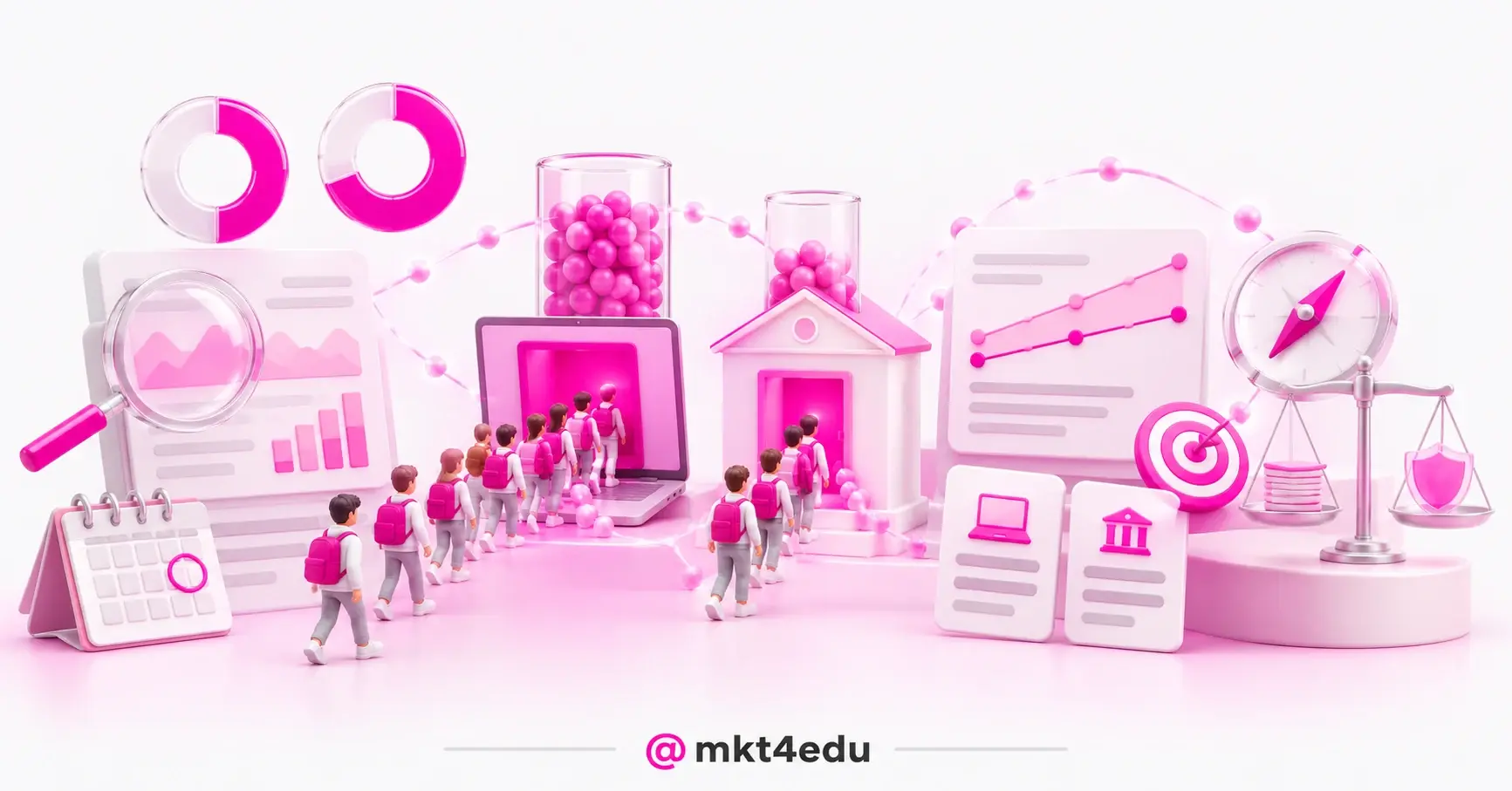
 Caption: Customer relationship management starts with a single database that is clean and open to every team.
The difference between talking to a customer and managing the relationship is continuity. Talking is an event. Managing means keeping the conversation coherent over time, with the history available to whoever answers next, even if that is a different person on a different team.
That history has a shape. It follows the customer journey in stages, and each stage asks a different question of the company: who is this contact, what are they looking for, what have they already bought and what went wrong last time.
- Who the contact is: profile data, source, company and role in the buying decision.
- What has already happened: pages visited, emails opened, meetings held, proposals sent and tickets opened.
- What is still open: a deal in progress, a pending task, a promise made and a deadline agreed.
- What comes next: the next action defined, with an owner and a date, visible to whoever has to carry it out.
Why is customer relationship management important?
The importance of customer relationship management shows up in three concrete calculations: revenue that is not lost in the middle of the funnel, cost that is not paid twice and forecasting that does not depend on personal impressions.
Without a single record, the company pays twice for the same lead: once in the media that brought it in and once in the rework of finding out, from scratch, what had already been discussed. The benefits of CRM for companies start with cutting that waste and go all the way to a predictable sales funnel.
On the active base side, the effect is retention. A customer who is asked the same question for the third time understands that nobody remembers them, and leaving starts to cost very little. Retaining customers with a CRM depends on seeing risk signals before the cancellation, and risk signals live in the usage, service and purchase history.
There is also an internal effect that rarely makes it into the calculation. When marketing, sales and service look at the same record, the meeting stops arguing about which spreadsheet is right and starts discussing what to do with the customer. Less friction, faster decisions.
Four symptoms show that relationship management is missing, even in a company that has already bought a CRM:
- An idle lead with no owner: nobody knows who answers and the contact cools off until it becomes dead weight.
- Contradictory answers: different teams promise different terms to the same person.
- Forecasting by impression: the target is defended with the salesperson's perception, not with a verifiable deal stage.
- A customer lost in silence: the cancellation arrives without warning because nobody read the recorded signals.
What are the main pillars and types of CRM?
Customer relationship management rests on four pillars that only work together. Knock one down and the other three fall with it, which is why a project focused on the tool alone usually stalls halfway.
The four pillars of the operation
- Data: a standardized record, free of duplicates, with required fields that someone actually fills in and can use later.
- Process: named stages, an objective criterion for moving between them and a defined owner at every point.
- People: a team trained to log things in the system instead of a notebook, with a routine for reviewing what was logged.
- Technology: the platform that supports data and process, automates the repetitive work and returns reports without manual exports.
The pillar that falls most often is people. CRM management only becomes routine when logging takes less effort than not logging, and that is solved with process design and automation, not with pressure in a meeting.
The types of CRM and what each one solves
The types of CRM describe functions, not competing products. Telling operational, analytical and strategic CRM apart helps you decide what to prioritize during implementation and explains why two companies with the same license reach different results.
|
Type of CRM |
What it solves |
Example of use |
|
Operational |
Runs the day-to-day of marketing, sales and service |
Deal logging, email automation, ticket queue |
|
Analytical |
Reads the data and turns history into decisions |
Stage conversion, churn analysis, revenue forecasting |
|
Collaborative |
Spreads information across teams and channels |
History shared between sales and support, one view per contact |
|
Strategic |
Guides the company's relationship policy |
ICP (Ideal Customer Profile) definition, contact cadence, account priority |
Table: The four types of CRM and the role each one plays in customer relationship management.
In practice, the same platform covers all four roles. What changes is the use: teams that only run the day-to-day never reach the analytical layer, and teams that only analyze never change the behavior of the people facing the customer.
Which CRM stages are essential in practice?
The CRM stages form a cycle. The design changes from company to company, but six phases show up in practically every mature customer relationship management operation.
- Capture: the contact arrives through a form, campaign, referral or list, always with the source recorded.
- Qualification: the team checks fit and buying timing, and the lead gets an explicit stage in the funnel.
- Negotiation: the opportunity becomes a deal in the pipeline, with value, stage, next activity and expected close date.
- Closing: won or lost is recorded with a stated reason, which feeds the analysis of the next cycle.
- Delivery and activation: the customer moves to onboarding or service without losing the history built during the sale.
- Post-sales and repeat purchase: follow-up, support and new offers come from the same record, based on actual usage.
The phase that stalls most often is the third one. A sales pipeline with vague stages produces useless forecasts, because nobody knows what has to be true for a deal to move forward. A good stage has an exit criterion that someone outside the conversation can verify.
Order matters during implementation. Trying to switch on all six phases in the first month is the shortest path to abandonment, and a good share of CRM implementation mistakes comes from that rush: too many fields, too many workflows and no usage routine.
One simple rule settles half the funnel disputes: only move a deal forward based on evidence recorded in the system, never based on the confidence of whoever is running the conversation.
Which metrics are tracked most in the CRM?
CRM metrics answer the two questions that hold customer relationship management together: is the funnel healthy and is the base staying or leaving. Anything that does not help answer that is a decorative report.
- Stage-by-stage conversion rate: how much moves from one stage to the next, which is where the bottleneck shows up first.
- Cycle time: how many days a deal takes from entry to close, broken down by source and product.
- Average deal size: the average value per deal won in the period, read alongside the mix sold.
- CAC (Customer Acquisition Cost): what it costs to bring in a new customer, counting media, content and sales effort.
- LTV (Lifetime Value): the revenue a customer generates while they stay, which is the counterweight to CAC.
- Retention rate and churn: how much of the base stays and how much cancels in each period.
- NPS (Net Promoter Score): how willing the customer is to recommend you, always read together with the stated reason.
A metric on its own decides nothing. It needs a time series and a breakdown by segment, which is the logic behind RevOps metrics: looking at revenue as a single process, from the first ad to the renewal, instead of three separate reports by department.
Three reading habits prevent wrong conclusions: compare equivalent periods, separate the new base from the old base and be suspicious of an improvement that appears in the same month someone changed the criterion of a stage.
The final metric of this management is the revenue that comes from people who already bought. If it grows as a share of the total, the relationship is working, even when the volume of new leads stays flat.
How does HubSpot support customer relationship management?
HubSpot organizes the operation around the Smart CRM, the shared database, with specialized modules for each area. The current product portfolio includes Marketing Hub, Sales Hub, Service Hub, Content Hub, Data Hub and Revenue Hub, plus Agent Hub and the integrations Marketplace.
Content Hub: the first impression layer
The journey usually starts on the website, and Content Hub is what supports that part. It is the current name of the former CMS Hub: the same content management role, with personalization by contact, a mobile version and analytics connected to the CRM. Because the pages and the contact database live in the same place, what a person reads on the site shows up in their record.
Marketing Hub: personalized engagement at scale
After the first visit, the job is nurturing. Marketing Hub handles marketing campaigns, segmentation, automated workflows and behavior analysis, with the message coming out of the same record that sales and service consult. That is what makes it possible to deliver content consistent with the contact's actual stage.
Sales Hub: pipeline, activity and forecasting
Sales Hub turns interest into deals: pipeline stages, contact sequences, scheduling, quotes and forecast reports. The difference compared with a spreadsheet is that the stage changes based on recorded activity, which makes the forecast auditable.
Service Hub: the post-sales that keeps the customer
Relationship management does not end at the sale. Service Hub opens tickets, automates queues, maintains a knowledge base and measures satisfaction. It is worth seeing how customer experience improves with Service Hub when the support team can see the commercial history of the person on the other side.
Data Hub, Breeze and Agent Hub
Data Hub, the current name of the former Operations Hub, handles syncing, cleanup and data quality across systems, which is the least visible pillar and the one that ruins reports fastest when it fails. The AI (Artificial Intelligence) layer sits in Breeze Assistant and Agent Hub, presented by HubSpot as the home for go-to-market agents. The day-to-day effect of that shows up in the analysis of how HubSpot's AI is changing the customer journey.
Video: How HubSpot's CRM raises the level of customer relationship management, on 4RevOps BrainTalks; the video is narrated in Portuguese.
Anyone still evaluating the platform will find the feature breakdown in what HubSpot CRM is. Anyone who has already decided usually needs help with configuration, migration and training, which is the work of HubSpot CRM implementation and operation.
mkt4edu runs this structure every day, in acquisition and retention projects, as a HubSpot partner agency. That daily practice is what turns the modules described above into a routine the team actually follows.
How do you combine inbound marketing strategies and CRM?
Inbound marketing strategies and CRM solve two halves of the same problem: one attracts and educates, the other records and guides. The reasons to bring inbound marketing and CRM together are practical, and the main one is that nurturing only gets the tone right when it reads the contact's real stage, not the stage the campaign assumed.
In practice, that becomes marketing automation connected to the funnel: the workflow changes according to the deal stage, the campaign source and recent behavior, instead of sending the same email to the entire base. That is the difference between a relationship cadence and a broadcast list.
Inbound sales strategies use the same record from the other side of the counter. The sales rep opens the contact already knowing which materials the person read, which pages they visited and which objection showed up in the form, which shortens discovery and avoids asking what the customer already answered.
Digital marketing strategies that ignore the CRM end up optimizing the click and abandoning the conversation. Connecting both ends also improves UX (User Experience), and the relationship between UX and CRM shows up in concrete details: a short form because the data already exists, a fast reply because there is a defined owner and an offer consistent with what was already said.
All that personalization depends on a consented database. Brazil's General Data Protection Law, Law 13,709/2018, defines consent, purpose and data subject rights, and the CRM is exactly where the opt-in has to be recorded, dated and auditable, with a working unsubscribe path.
Frequently asked questions about customer relationship management
Is it worth structuring customer relationship management?
It is worth it from the moment the company starts losing information. If the history fits in the heads of two people, a spreadsheet does the job. When three teams talk to the same customer, the cost of having no single record grows faster than the cost of the platform.
The bill is not only the license. It includes process design, data migration, training and a usage routine, which is why many companies prefer to start with support. The benefits of working with a HubSpot partner cover exactly that part, which is usually what is missing in a project run by the internal team alone.
The bottom line is what the platform delivers to the team the next morning: a single contact database, automation connected to the funnel, support with the history at hand and reports that reconcile with revenue. See the benefits of HubSpot's CRM in the banner below and identify which of them answer the bottleneck you have today.














 Portugal