




To improve marketing and sales results, it helps to understand HubSpot CRM and what’s included in Free Tools. The CRM is free for organizing contacts, deals, and activities, while more advanced automation may depend on your plan and active seats in the account.
How to use HubSpot CRM and what’s included in Free Tools
HubSpot CRM is free and helps organize contacts, deals, and activities, giving a clearer view to track the funnel and the team’s actions. To sell more and better, the platform integrates marketing and sales resources in the same software, centralizing data and making processes easier to run. More advanced automations may depend on the plan and active licenses in the account. To avoid frustration at the start, match the resource choice to team maturity: begin with organization and tracking, then adopt more robust automation as the operation grows.
-
Use the free CRM to organize contacts, deals, and activities.
-
Centralize marketing and sales in one environment to integrate teams and data.
-
Adjust automation usage based on the plan and active licenses in the account.
-
Start with organization and tracking, and move to workflows as volume and rules grow.
Furthermore, HubSpot also allows you to sell more and better, integrating the necessary resources for marketing and sales teams into the same software.
To reduce early stage frustration, match features to your team’s maturity: the CRM and Free Tools cover organization and tracking, while more robust automation, like workflows, usually becomes relevant as lead volume, handoffs, and segmentation rules grow.
What you will see in today’s content
-
How HubSpot CRM helps organize contacts, deals, and activities.
-
Marketing and sales integration in the same software and information centralization.
-
Sales funnel organization and the flywheel model connecting attraction, engagement, and delight.
-
Pipeline management and examples of tasks that can be done inside the platform.
-
Notifications, alerts, and workflow automation depending on plan and licenses.
-
Nurturing flows with automated emails, opt-in consent, and privacy and consent.
-
Behavior-based segmentation and automatic assignment of the best responsible owner.
-
Marketing and CRM automation in one environment and gains in data quality, management, and productivity.
-
Customer retention through automated processes, a simple journey, and a pleasant experience.
Good reading!
Optimizing your workflows
Through Using the Hubspot CRM platform, your company will have a wide variety of tools available to optimize your workflows. Below, we will discuss some of the main features of the platform and how they positively impact the integration and execution of your internal processes:
Organization of your sales funnel or flywheel
Hubspot's sales CRM platform goes far beyond managing and organizing your contacts. With the tools available, there is the possibility of integration between your teams in a centralized and intuitive space.
This makes lead allocation in the funnel more consistent and, when it fits your operation, the flywheel model helps you see customers as a growth driver, connecting attraction, engagement, and delight in a continuous cycle.
Centralizing this information on the platform will also give your company a much clearer view of the data collected from your leads, giving you more autonomy and assertiveness in interpreting this information, as well as in preparing plans aimed at increasing your revenue.
This way, managing your pipeline becomes much more intuitive, in addition to allowing several internal activities to be automated, generating a considerable increase in your teams' productivity.
Check out some examples of tasks that can be done within the platform:
- Monitoring of tasks in real time by team leaders.
- Sending internal notifications as new tickets are created.
- Smart ticket updates that can be made by sending an email.
SEE TOO:
- What are the advantages of CRM for your company and how to sell more
- Why should you use HubSpot as a CRM? 5 reasons to do it
- Hubspot CRM how to use it? Everything you need to know
Workflow automation
With aligned teams and well configured notifications, pipeline follow up becomes smoother, with alerts for deal and activity changes. When you need rule based automation and triggers, workflows can be used depending on your subscription, helping the team prioritize leads that are closer to sales, such as a Sales Qualified Lead (SQL).
It is worth adding that the Hubspot platform also allows responsibility for this lead to be assigned to a specific salesperson, who will be in charge of making contacts and monitoring the customer throughout the entire process.
In addition, teams will also be able to count on several actions relevant to their workflows, such as:
- Building, sending, and tracking sequences, when your account has the required seat and subscription;
- Fully automated emails;
- Commercial automation.
Nurturing Flow Tracking in HubSpot
Through Hubspot's CRM, it is also possible to create lead nurturing flows in a fully automated way, allowing relevant emails to be sent to customers whenever a specific action is taken, which can generate more engagement and also make them advance through your sales funnel.
For email nurturing, “automation” should go hand in hand with privacy and permission. opt-in consent settings and privacy and consent features help standardize how contacts are collected and triggered, aligning operations with good practices and guidance from data protection authorities such as ANPD.
Based on the behavior of your leads, you can also manage your contacts and segment them according to your internal organization.
In addition, the platform also has the functionality to automatically associate a person most capable of handling that lead according to the data recorded during the contact.
Marketing automation and CRM
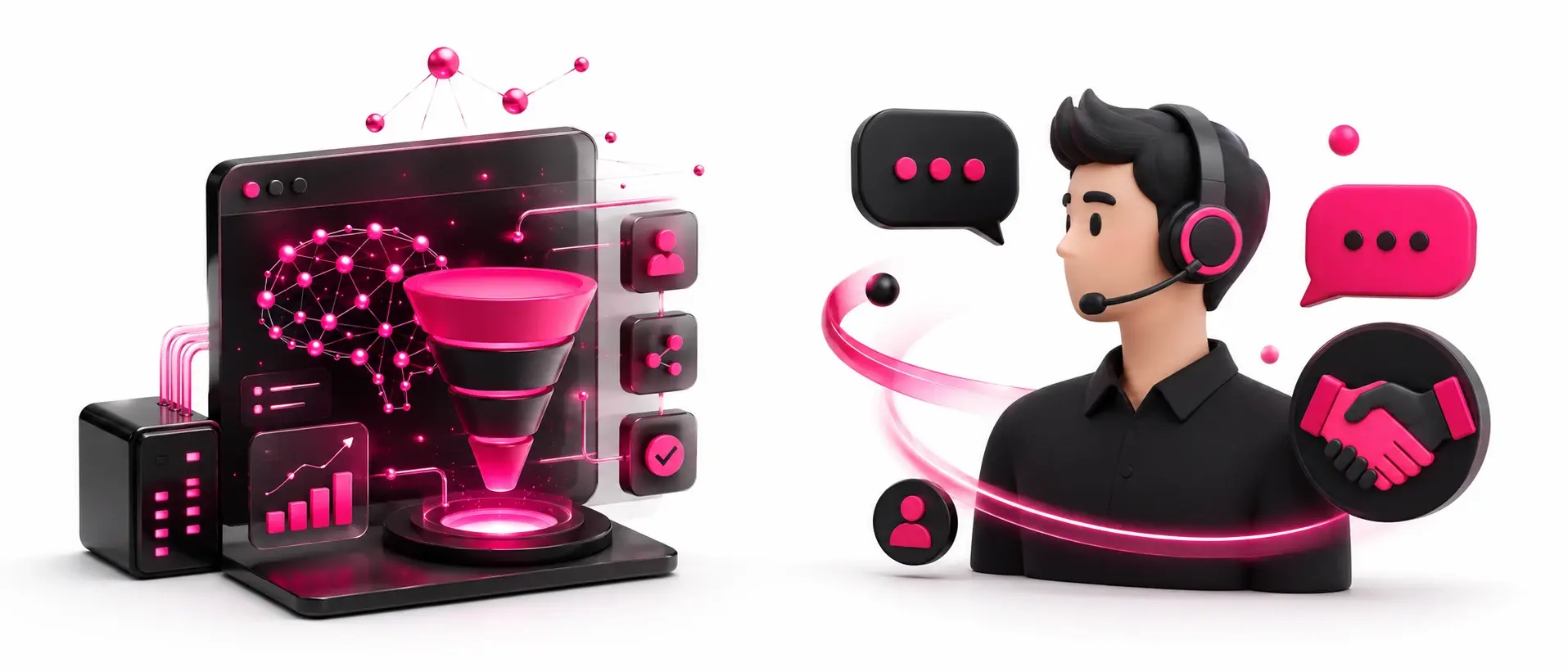
In addition to the tools that enable greater fluidity in executing your workflows, in Hubspot, you will also have different functions of marketing automation and CRM in a single integrated environment.
With marketing automation and CRM, your company will be better prepared to optimize the sales process and the conversion of your leads, as, by using both tools, there will be a considerable gain in efficiency and productivity for your teams, whether marketing, or sales.
This integration, which is possible through a fully customized CRM platform that adapts to the needs of your company and customers, will be a differentiating factor for your brand. In addition, several advantages will also be added to your processes and brand, such as:
- Greater data quality: through fully digital systems, there are no failures in the transmission of information;
- More assertive customer management: with an integrated database, the platform can determine what is most important for each lead and indicate the best courses of action;
- Increased productivity: with all the tools arranged in a single environment, employees have greater autonomy in their roles.
Furthermore, nurturing leads with relevant content that adds value to your brand and your customers' purchasing experience also becomes much more efficient when processes are automated through the platform.
Greater customer retention
With the reliability that Hubspot's CRM platform provides to your company when it comes to not only automating but also optimizing your processes, there is a considerable margin of opportunity that will allow your teams to increase both capture and customer retention.
Once your customer's purchasing journey is made up of simple steps and the relationship between them and your brand is as pleasant as possible, their loyalty will increase, as will the value of your brand to your target audience.
Through more reliable automated processes that add value for both parties involved, your customer satisfaction increases, directly impacting your retention results.
Summary: Hubspot's CRM platform allows the implementation of automated processes that, in addition to being intuitive, also allow for a more personalized experience for the needs of your company and customers. Making the workflow simpler and enabling marketing automation to be more assertive, CRM is the perfect tool for optimizing processes and ensuring customer satisfaction.
To learn even more about how an integrated system can boost your results and increase your number of sales, check out our article on the advantages of the CRM platform for your company.

Frequently asked questions about HubSpot CRM and Free Tools
Is HubSpot CRM free?
Yes, the CRM is free to organize contacts, deals, and activities.
What can depend on the plan and active licenses in the account?
More advanced automations can depend on the plan and active licenses in the account.
When does it make sense to use more robust automations, such as workflows?
Workflows usually come in when lead volume, handoffs, and segmentation rules start to grow.
What kind of organization does the CRM bring to the sales funnel?
The CRM helps centralize and integrate teams, making lead allocation in the funnel more consistent and pipeline management more intuitive.
What does the flywheel model help you see?
The flywheel model helps you see the customer as part of growth, connecting attraction, engagement, and delight in a continuous cycle.
What are examples of tasks that can be done in the platform?
Some examples include:
-
Real-time task tracking by team leaders.
-
Internal notifications when new tickets are created.
-
Smart ticket updates that can be done from sending an email.
How can funnel tracking become smoother?
Funnel tracking can become smoother with aligned teams and well configured notifications, with alerts about movements in deals and activities.
What can be done with sequences and automated emails?
You can create, send, and track sequences when the account has the required seat and subscription, and also use fully automated emails and sales automation.
How do lead nurturing flows work in HubSpot?
They allow fully automated nurturing flows, sending relevant emails whenever a specific action is taken, to generate more engagement and help leads move forward in the sales funnel.
How do privacy and permission fit into email nurturing?
In email nurturing, automation needs to go together with privacy and permission, using opt-in consent and privacy and consent features to standardize how the database is collected and activated.
How does the platform support segmentation and contact management?
It allows managing contacts based on lead behavior and segmenting them according to internal organization.
Can a responsible owner be assigned automatically to handle a lead?
Yes, there is a feature to automatically associate the most suitable responsible owner based on the data recorded during the interaction.
What gains are mentioned from having marketing and CRM automation in the same environment?
The mentioned gains include:
-
Higher data quality, with no failures in information transmission.
-
More assertive customer management, with indications of best courses of action.
-
Higher productivity, with greater autonomy in a single environment.
How can the platform impact customer retention?
It can increase retention by making the buying journey simpler and the relationship more pleasant, raising satisfaction and loyalty through more reliable automated processes.


























 Portugal