





When it comes to creating content optimized for search engines, content hubs are the basis for online success.
However, as search engine algorithms become more sophisticated and users demand high-quality content, a strategic approach is essential.
A well-built content hub solves both sides: it gives readers a clear path through the topic and gives search engines a readable structure, supported by internal links with a purpose.
What is a content hub and what role does it play?
A content hub is a page or section on a website that concentrates and organizes information related to a specific topic. Imagine it as the neural center of a digital spider's web, connecting each strand of relevant content into a cohesive structure instead of leaving material scattered across the blog.
These hubs not only improve the user experience by making navigation simpler and more intuitive, but they are also a magnet for search engines.
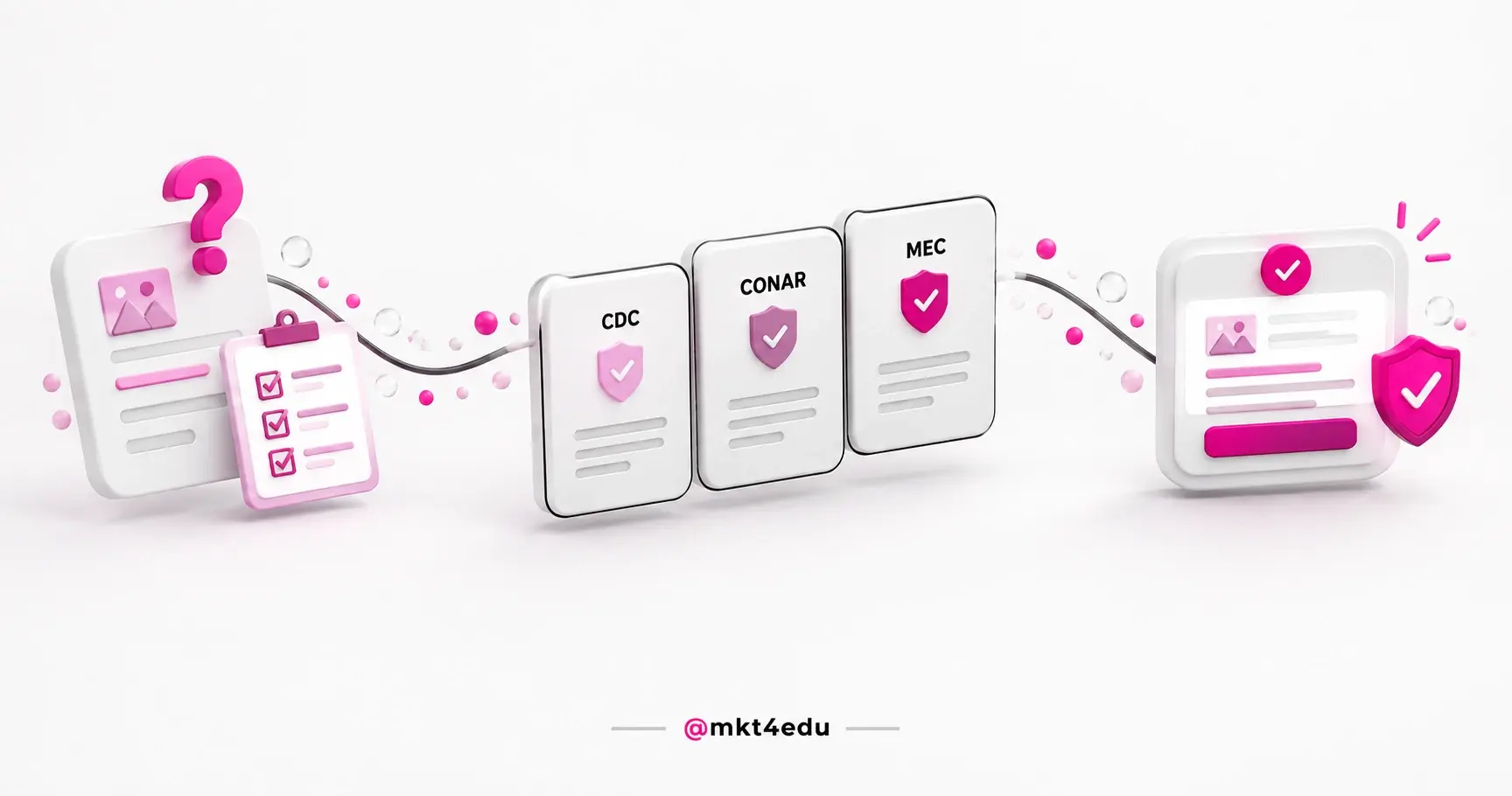
 Caption: The content hub concentrates in one central page what was scattered and gives the reader the whole path of the topic.
By grouping similar content in a central location, a content hub strengthens the site's relevance and authority for certain topics, thus increasing its visibility in search results.
That is the difference between having thirty articles about a subject and having a topic covered. In the first case, every page competes alone; in the second, they support each other.
How does a content hub improve SEO?
A content hub improves SEO because it organizes the site around topics rather than isolated pages. It serves as an information center that connects different parts of your website, providing a more organized and easy-to-navigate structure for users and search engines.
By concentrating a variety of relevant content around a specific theme, hubs not only offer a richer and better targeted experience to visitors, they also strengthen your site's authority in relation to that theme.
In addition, content hubs make it easier for search engines to index your content, helping them to understand the hierarchy and relevance of your site.
By building a well-planned internal link architecture, you are essentially signaling to search engines which content is most important and how it is interconnected.
That network is what carries the so-called link juice, a term used in SEO to denote the transfer of value or authority from one page to another via hyperlinks.
One piece of technical honesty: no search engine publishes a rule for how many internal links a page needs. What Google's documentation reinforces is that helpful, well-organized content is what sustains a position, and content architecture exists to make that usefulness readable.
Content hub, topic cluster and Content Hub: what is the difference?
The three names travel together and mean different things. A content hub is the format of the central page. A topic cluster is the model that organizes the set. Content Hub is HubSpot's product for creating and managing content, renamed from the former CMS Hub in 2024.
Mixing up the three is expensive at two specific moments: when someone is buying and finds a strategy article instead of a license, and when a team assumes that creating one central page is enough to rank for a topic.
|
Concept |
What it is |
Where it lives |
|
Content hub |
Central page or section that gathers and connects material on one topic |
On your site, as a page or category |
|
Topic cluster |
Organization model with a pillar page, satellite content and internal links between them |
In your strategy and in HubSpot's SEO tool |
|
Content Hub |
HubSpot product for creating, hosting and managing content, formerly CMS Hub |
On the platform, as a paid license |
Table: A content hub is a page format, a topic cluster is an organization model and Content Hub is a licensed product.
In practice, the first two work together: the hub is usually the pillar page of a topic cluster, and the cluster gives the hub the network of satellite content that sustains topical authority. Teams already on the platform will find the tooling side of the same operation in content personalization on Content Hub.
How do you create an effective content hub?
To create a truly effective hub, there are several factors that must be taken into account. The starting point is always the same: choose a topic you can actually cover in full, not a subject too broad to fit in a single page.
Planning and structuring
It all starts with building an efficient content hub capable of boosting your online presence. Here are some tips for achieving this goal:
- Keyword research: start by identifying the relevant keywords for your niche. Use tools to discover terms with a high search volume and low competition.
- Content mapping: organize your ideas into a structured content map, as it helps you visualize how the different pieces connect and ensure comprehensive coverage of the topics relevant to your target audience.
- Site architecture: design a content architecture that makes it easy for users and Google crawlers to navigate, which includes a clear hierarchy of categories and subcategories, user-friendly URLs and a coherent internal link structure.
- Producing quality content: create relevant, informative and engaging content that meets the needs and interests of your target audience. Use identified keywords in a natural way and avoid over-optimization.
- On-page optimization: optimize every page of your content hub for SEO, including titles, meta descriptions, header tags, URLs and image attributes. An on-page optimization checklist handles most of that in one pass.
- Consistency: keep your content hub updated with new information, trends and insights that are relevant to your visitors. Google values fresh, up-to-date content, which can help maintain your position in search results.
- Promotion and link building: actively promote your content through social media, email marketing and other outreach strategies. Also, look for opportunities to build quality links from relevant and authoritative sites.
Selecting topics and keywords
Careful selection of themes and keywords is essential for an effective optimization strategy. Here are some strategies for choosing the right themes and the most relevant keywords:
- Know your target audience well: first of all, it is essential to understand who your audience is and what they are looking for. Research their interests, needs and problems to identify the topics that most engage them.
- Consider user intent: as well as choosing popular keywords, consider the intent behind them. People may be looking for information, products or services, so tailoring your content to meet user intent can maximize its relevance.
- Analyze the competition: study direct competitors to find out what themes and keywords are working for them. This can provide valuable insights into what is relevant within your niche.
- Diversify your keywords: don't limit yourself to just a few main keywords. Explore variations and related terms to reach a wider audience and capture different aspects of your theme.
- Update regularly: the digital landscape is constantly evolving, so reevaluate your keywords and themes periodically to make sure they remain relevant to your target audience. The best tools for website optimization help you see that shift before traffic drops.
Remember that quality is key. The content you share should be informative, engaging and, where appropriate, inspiring, so it pays to spend time and resources producing material that adds genuine value to the lives of the people following your brand.
How do you optimize content hub pages for SEO?
Optimizing a content hub is structural work, not term repetition. Understanding and applying SEO techniques can boost the visibility of your content on search engines, increasing organic traffic to the hubs and to the related content orbiting around them.
Here are some crucial practices to ensure effective optimization:
- Proper structuring: organize your content in a logical way, using headings, subheadings and lists. This makes it easier for users to read and also helps search engines understand what your content is about.
- Internal and external linking: make intelligent use of internal links to direct users to other relevant content within the hub, as this improves the experience and distributes page authority more evenly within your site. Remember to also include external links to reliable sources.
- Optimizing images and videos: use keywords in the file names and alt tags to improve indexing in search engines.
- Performance and speed: make sure that your content hub offers a fast user experience, which consists of optimizing the loading time of pages and ensuring that they are responsive on different devices.
The importance of quality content for SEO
Quality content is the foundation on which a successful SEO strategy is built. No content architecture rescues material that fails to answer the question that brought the reader in.
When users find genuine value in your content, they are more likely to engage, share and return, thus increasing your domain authority and improving your ranking in search results.
By investing in the creation of high-quality content and applying effective SEO techniques, you not only optimize the visibility of your content in search engines, but also build lasting relationships with your target audience.
So, as well as meeting the criteria of search algorithms, quality content establishes trust, authority and relevance for your brand or business.
How do you manage and update a content hub?
Maintaining a dynamic and relevant content hub is essential for attracting and keeping the attention of your target audience. An abandoned hub ages fast, because the topic keeps moving even when the page stops. Here are some key tips for managing and updating your hubs:
- Content strategy: define the objectives, target audience and types of content that will be offered, and keep up to date with industry trends to ensure that your content remains relevant.
- Update schedule: establish a regular schedule, which can include scheduling new posts, reviewing existing content and removing outdated or irrelevant material.
- Performance monitoring: measure metrics such as traffic, bounce rate, average time on page and social engagement to understand what is working and what needs improvement.
- Audience feedback: encourage comments, ratings and suggestions to understand needs and interests, and use this information to adjust your content strategy.
- Continuous optimization: based on performance analyses and audience feedback, implement improvements to your hub, which can involve SEO optimization, design updates, expanding popular topics and integrating new content formats.
Maintaining a consistent schedule helps sustain audience interest and demonstrate commitment to quality. By following these tips, you build an effective and lasting content hub for your target audience.
How do you integrate a content hub into your digital strategy?
In the digital landscape, an online presence is more than just a necessity, it is a competitive advantage for any brand that wants to stand out. Strategies that include content hubs as an essential part of the approach are key to strengthening that presence in a meaningful way.
Hubs work as central platforms where customers and visitors find a variety of relevant information, from articles and videos to infographics and podcasts. It is this ease of access to rich and diverse content that underlines their importance in your strategy.
In addition, content hubs act as anchors for other digital marketing initiatives. They can fuel social media campaigns, provide material for newsletters and emails, and boost SEO through the regular production of quality content.
In higher education, this design has a shape of its own. A hub about choosing a program gathers what applicants research before they apply, and an SEO checklist for educational institutions shows what has to be in place on the page so that content gets found during the admissions season.
More than that, content hubs have the power to create a community around the brand, encouraging interaction and sharing between users. As the operation grows, the work becomes maintenance, and that is where the support of an SEO team changes delivery speed.
On the measurement side, a hub only proves its return when conversions reach the CRM. With the HubSpot CRM, every contact stores the page where they converted, which lets you compare topics by contacts generated rather than by visits. The plan comparison is in tips for choosing the right HubSpot CRM plan.
Frequently asked questions about content hubs
Where should you start your content hub?
Start with the topic where you already have published material sitting scattered. Take stock of what exists, choose the page that will concentrate the subject, connect the related content to it and only then plan what is missing. Organizing what is already live usually pays off faster than opening a new front.
Functioning as information centers, hubs bring together relevant content on a specific topic, increase the site's authority in the eyes of search engines and make navigation easier, which can increase engagement and time on site.
To effectively manage your content hubs, tools such as the HubSpot CRM stand out as a dynamic and intelligent solution for managing your pages and channels. Find out more about the tool and how 4RevOps' team of experts can help your business stand out even more.



.jpg)
























 Portugal