



.jpg)


The pattern repeats in almost every new project. The first campaign goes out, open rates come in low, and the team reacts in the wrong place: rewriting the subject line, changing the send time, redoing the segmentation. The third attempt looks like the first.
The problem was never the email. It was DNS.
Configuring DKIM in HubSpot is the difference between the message arriving signed by the institution's domain or by a domain nobody recognizes, because that is exactly what the platform does when the sending domain is not connected.
And the sender swap never shows up as an error on screen: the campaign is sent, the report says delivery complete, and the only clue is the address the recipient sees.
What changes when you configure DKIM in HubSpot?
The channel context sits in what email marketing is and how to use it. Here, the subject is what makes the message arrive at all.
What changes is who signs the message. With the domain connected and the records applied, the email goes out signed by your domain, the receiving server verifies the origin, and the recipient sees the sender you defined.
Without that, the platform sends the same message but replaces the from address with one of its own domains.
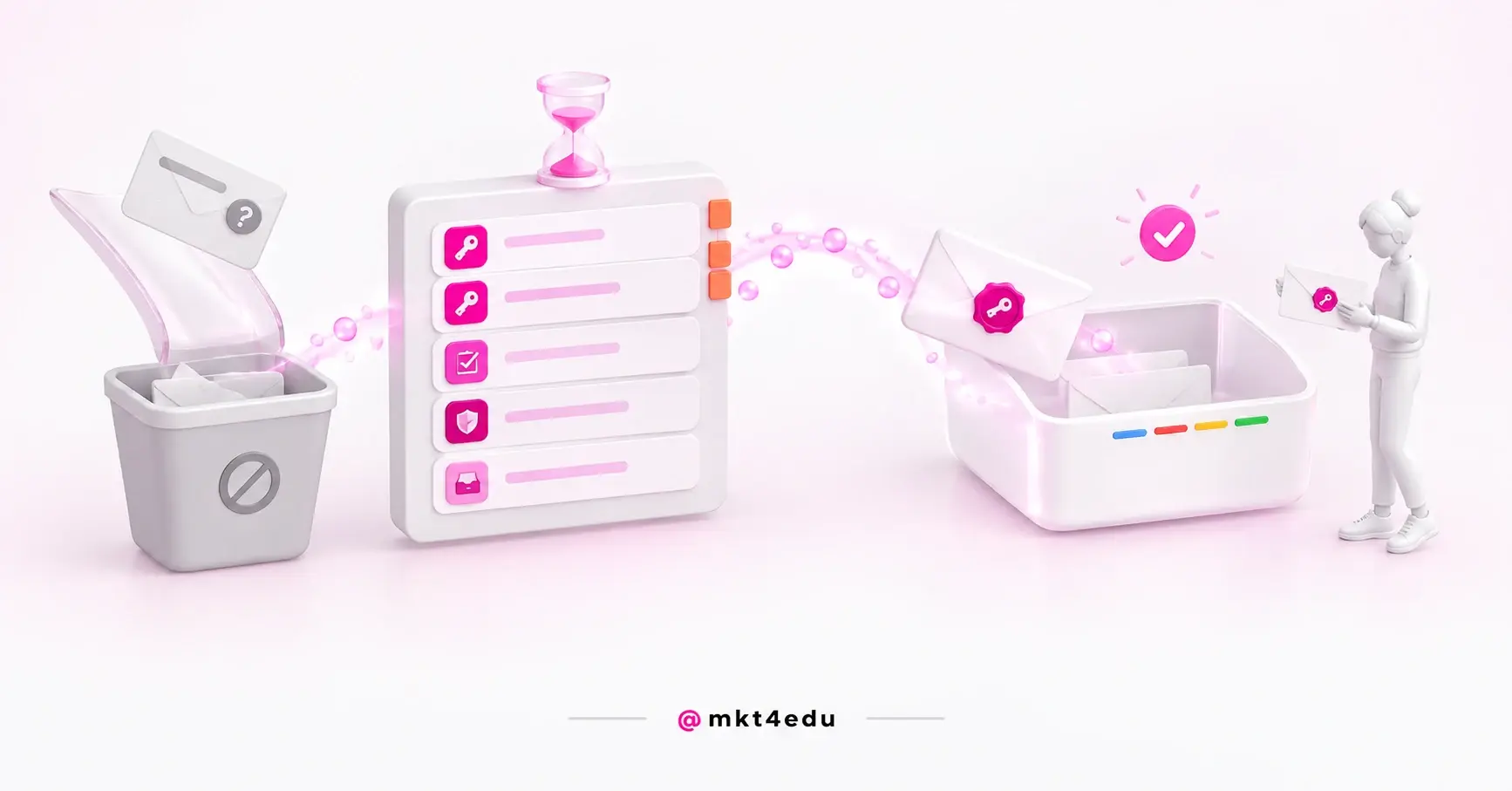
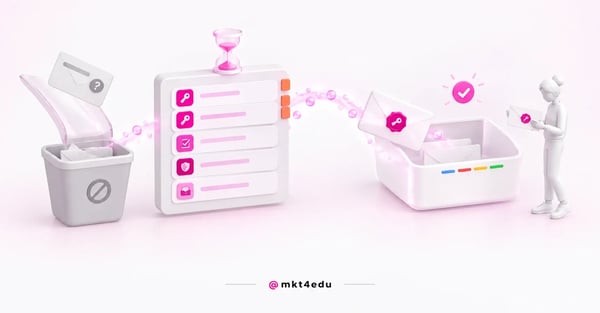 Caption: DKIM in HubSpot is what moves the message from the spam folder to the inbox, before any subject-line tweak
The receiving server asks three questions: who actually sent this, was that server authorized, and what should happen if the answer is no.
DKIM answers the first, with a signature verifiable against a public key published in your DNS. SPF answers the second, declaring which servers are authorized. DMARC answers the third, and it is a policy customizable across three stances: do nothing, quarantine or reject.
On their own they hold nothing up, which is why high-volume providers ask for all three.
The effect shows up before delivery: a recognized address gets opened, a strange one gets ignored even in the inbox.
All marketing automation depends on that recognition, and no well-designed communication flow for applicants makes up for a sender the person does not recognize.
Video: what happens to the email once DKIM in HubSpot gets it into the inbox, on the mkt4edu channel (in Portuguese)
Why does HubSpot swap your sender without a sending domain?
Because it has to send from a domain it can authenticate itself. DKIM, SPF and DMARC are not strictly mandatory to fire a campaign.
Without them, HubSpot changes the from address to a domain it manages, of the form user=yourcompany.com@hs-domain.com, and the substitution happens with no warning on the sending screen.
That is the fact that reorganizes the whole diagnosis.
There is no error message and no alert in the report. The display name stays what you configured; it is the address behind it that changes. The applicant sees “Example College” and, on expanding the sender, finds a domain they have never seen.
A message that presents itself as your brand but leaves from a third-party domain hands the spam filter exactly the signal it was trained to distrust. And the recipient either does not open it or marks it as spam, which damages the reputation of every send that follows.
Anyone working in student recruitment knows the cascade: the applicant does not open the email with the application link, the advisor calls with no record of the interaction, and the conversation starts from zero.
This is not a platform failure. It is missing configuration, and the fix lives in the DNS panel.
Which subdomain should you use as the HubSpot email sending domain?
The sending domain has to be a unique subdomain, separate from the one hosting pages and posts. Trying to connect an address that already serves content as a sending domain throws an error in the platform. And the subdomain you pick has to match the from address of your campaigns.
This is the part that catches teams that already organized their content architecture: they define subdomains for the site, the blog and the landing pages, get to email and try to reuse one of them.
The reason it does not work is architectural. Sending reputation and hosting are separate stories, and mixing them lets a delivery problem damage the domain that serves your site.
Matching the from address is the second rule. If the subdomain is info.college.edu, the sender will be something like contact@info.college.edu. You do not choose one and then the other, you choose both at once.
Neutral names such as info, email or news survive any kind of communication. The criterion is permanence: a subdomain like campaign2026 serves one cycle and becomes technical debt, because changing it later restarts your sending reputation.
What are the four DKIM, SPF, DMARC and MX records?
Four record types and five entries in total: DKIM requires two CNAMEs, SPF one TXT, DMARC one TXT, plus an MX record. HubSpot generates the values on the connection screen, and none of them can be copied from a tutorial.
What each one does explains the length of the list:
|
Record |
Type |
Entries |
What it declares |
|
DKIM |
CNAME |
2 |
The keys that allow the message signature to be verified |
|
SPF |
TXT |
1 |
Which servers are authorized to send on behalf of the domain |
|
DMARC |
TXT |
1 |
The policy to apply when verification fails |
|
MX |
MX |
1 |
The mail server responsible for the subdomain |
Table: Composition as documented by HubSpot; the values are generated per account.
Two observations change the work for whoever executes it.
The first is about SPF: on shared servers, HubSpot handles it for you. Anyone running a dedicated IP has to configure the record, and that slips past larger accounts.
The second is about DMARC. A subdomain counts as authenticated when DMARC is published on the root domain, by policy inheritance.
If the institution already has DMARC on college.edu, the sending subdomain inherits that policy. Convenience and risk together: with the root policy set to reject, any send that fails verification is refused outright.
When verification fails, HubSpot classifies the bounce as DMARC or Policy. That label is the most direct evidence that the problem is authentication, not content and not the list.
How do you connect the sending domain in HubSpot, step by step?
The path is Settings, the Content area, the Domains & URLs screen, the Email Sending tab, and Connect sending domain. The platform asks for the subdomain, generates the DNS values and waits for verification.
The feature requires at least a Starter subscription, which rules out free-tool accounts.
- Decide the subdomain and the from address together. Since the two have to match, defining one without the other creates rework.
- Open the Email Sending tab, not Web Hosting. One handles the address where content lives, the other the address that signs the email.
- Copy the generated values into your DNS provider's panel. Every value is specific to your account.
- Check how each record was actually saved, not how you typed it. Several providers automatically append the domain to the value pasted into the host field, producing duplicate entries such as info.college.edu.college.edu. The fix is manual, and a provider that concatenates gets all five entries wrong.
- Go back to the platform and run verification. If it fails immediately, the likeliest explanation is that propagation has not finished.
Step 4 is where time disappears, because the provider's screen shows what you typed, not the concatenated result. A DNS lookup from outside the panel shows the name that actually exists. Placing this step inside the full account configuration sequence keeps it from becoming a surprise the night before the campaign.
How long does DNS propagation take in email authentication?
Propagation usually takes 10 to 70 minutes, and the documentation admits it occasionally reaches 48 hours. Within that window, verification can fail with no configuration error at all: it is the normal span of the process, not a symptom.
The pattern that creates panic is familiar: someone creates the records the morning of the send, verification does not pass, the team assumes an error and redoes what was already correct. Two hours later, the original configuration would have validated.
Setting up the sending domain the week before the send eliminates the entire category of problem. While DNS propagates, the time goes into building the campaign inside the platform.
What does Gmail require from senders of more than 5,000 emails a day?
Since February 1, 2024, Google requires senders of more than 5,000 messages a day to Gmail accounts to have three things at once: SPF, DKIM and DMARC configured on the sending domain; one-click unsubscribe in header format; and a spam rate below 0.10% in Postmaster Tools, never reaching 0.30% or more.
This is not a list of recommendations. It is a condition of acceptance.
And the 5,000-a-day threshold is lower than it sounds. A base of 40,000 contacts split into two sends during application-opening week clears that volume on day one, counting Gmail addresses alone.
An admissions campaign crosses the 5,000-message mark comfortably: a requirement apparently written for large senders applies to a mid-sized institution in the most important week of its calendar.
One-click unsubscribe is requested in the message header, per the RFC 2369 and RFC 8058 specifications. HubSpot's own anti-spam policy already requires one-click unsubscribe, processed within 24 hours, with no login and no charge.
Both requirements point to the same behavior, but it is worth confirming with whoever administers sending how the header is actually applied.
A spam rate below 0.10% depends on behavior, not configuration. It is measured in Postmaster Tools and is the only one of the three requirements that keeps demanding work after DNS is done.
These are the requirements verifiable today, published by Google in 2024; later rules should be checked at the official source.
Video: once DKIM in HubSpot settles authentication, open rate is what is left, the subject of this mkt4edu channel video (in Portuguese)
My HubSpot email is landing in spam: what should I check first?
Start with the sender, not the content. Open a received message and look at the real address behind the display name. If a HubSpot-managed domain shows up instead of yours, the diagnosis ends there: the sending domain is not connected, and nothing in the copy fixes that.
That inversion saves weeks. Instinct says to look at the subject line, the images and the text ratio: real variables, but they queue up behind authentication, because broken authentication makes them irrelevant.
The verification sequence has seven steps.
- Check the real from address. Not the display name, the address.
- Read the bounce classification. A bounce labeled DMARC or Policy points to an authentication failure.
- Verify that all five DNS entries exist. Two DKIM CNAMEs, one SPF TXT, one DMARC TXT and the MX. One missing breaks the chain.
- Check for domain duplication in the records. Query from outside the provider's panel.
- Confirm that the sending subdomain does not host content. If it serves pages or posts, the connection will not pass.
- Find out which DMARC policy sits on the root domain. Inheritance works against you when it is set to reject without review.
- Wait for propagation before concluding. 10 to 70 minutes, or up to 48 hours in the extreme case.
The first six are resolved in DNS; the seventh is patience.
With authentication in order, attention can turn to the list and the message. Two points are objective: purchased lists are prohibited in HubSpot's marketing email tool, and a legacy base with no consent is handled with a permission-pass campaign, a subject that privacy and consent configuration in the portal organizes.
The rest sits in the most common mistakes in email campaigns, a read that pays off once DNS is settled.
Common questions about DKIM in HubSpot
So, is it worth authenticating the domain before the first campaign?
It is, and the answer is harder than “it is”. With no sending domain connected, you are not sending with authentication pending: you are sending with a sender that is not yours. The entire campaign rests on an address the applicant does not recognize.
Five DNS entries and one propagation window separate the two scenarios.
If you arrived here investigating poor delivery, the order is simple: check the real sender of a received email, read the bounce classification, verify the five entries and find out the DMARC policy on the root domain.
If, on opening the Domains & URLs screen, you discover the account has no domain connected at all, the problem predates this article. Subdomain architecture and getting the records right at the provider come first.
That is what connecting a domain in HubSpot resolves: which address hosts each type of content, which subdomain stays reserved for sending and how to apply the records without falling into the duplication trap.
With the domain connection settled, the five records here take an afternoon. In the reverse order, they take a month. If you would rather have that handled inside a project, the mkt4edu team runs the full platform implementation.

























 Portugal