





Not every blog reader is in a position to read. Part of the audience opens the article on the move, between two meetings, or with the screen on another tab. HubSpot post narration exists for exactly that scenario, turning published text into an audio track inside the page itself.
Here on the mkt4edu blog the feature is live, and every meaningful post update goes through a new audio generation. That routine is what guarantees listeners get the same information as readers.
What follows is how the feature works according to the official documentation, plus what our own operation learned using the tool inside education marketing strategies.
What is HubSpot post narration?
HubSpot post narration is an AI feature that converts the article text into audio and shows a player inside the post. The editor opens the post settings, triggers the generation, reviews the transcript, picks a voice and adds the result to the content before publishing or updating.
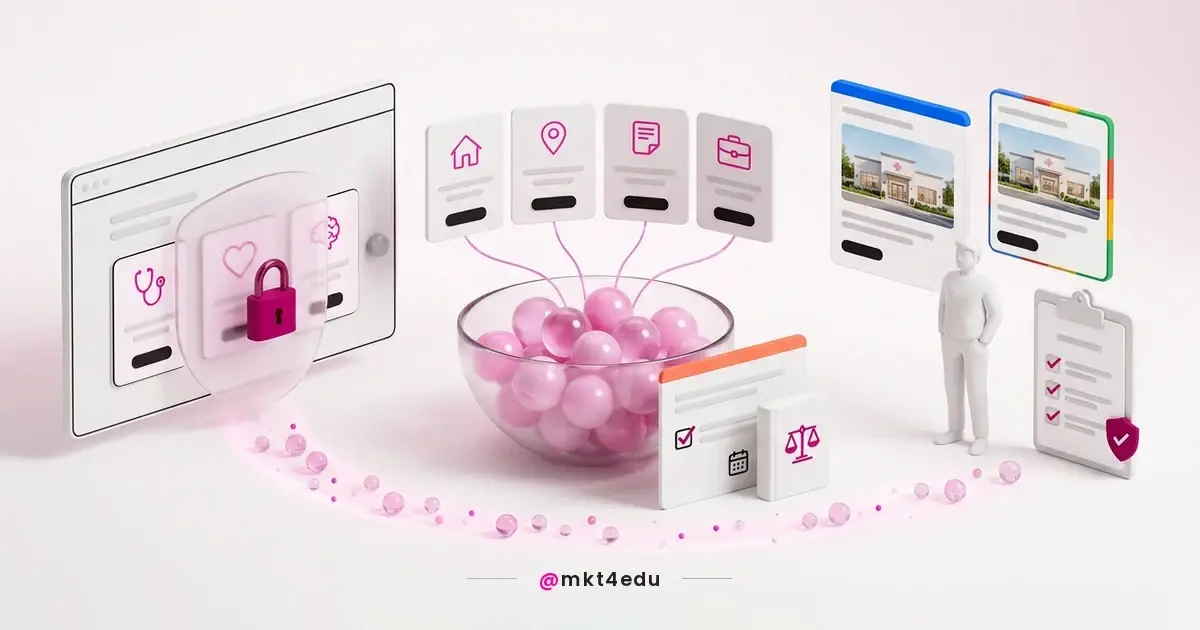
 Caption: HubSpot post narration turns the published article into an audio track inside the page itself
The official documentation describes the path inside the tool. HubSpot's article on generating a blog post narration details access through the post settings, the transcript field, the voice menu and the regenerate icon before you apply it.
Two controls belong to the editor, and that is where quality is decided. The transcript can be adjusted before generation, and the voice is chosen from a list, not assigned by the system.
An editable transcript solves a recurring text-to-speech problem on blogs. Not everything that works written works spoken, and being able to cut before generating avoids audio that reads out code, footers and visual elements.
A template detail also shows up in the documentation. Some blog post templates already include the narration module, while others require it to be added to the content manually.
There is an account prerequisite that often blocks the first test. The feature depends on the setting that gives users access to generative AI tools and features, and the documentation on setting up a HubSpot account to adopt AI features requires super admin or partner admin permissions to change those settings.
Video: an overview of the platform AI set that HubSpot post narration belongs to, on the mkt4edu channel (in Portuguese)
The feature belongs to that AI set spread across the platform, the same environment where the HubSpot CRM (Customer Relationship Management, the system that centralises contact relationships) concentrates contacts, content and marketing automation in a single base.
Which plans and languages include narration?
The article on generating a blog post narration lists the feature for Content Hub Professional and Content Hub Enterprise, and ties its use to enabling generative AI tools in the account settings. Check the plan before promising the format in an editorial meeting.
On languages, promise nothing without testing. The knowledge page does not publish the list of languages supported by the synthetic voice, so a practical check in your own account is worth more than any promise in a meeting.
Reading quality in your language matters more than it seems. A poorly tuned synthetic voice mispronounces proper nouns, acronyms and technical terms, and that shows up in the first minute of audio.
Accounts still in implementation usually leave this kind of feature for later. The material on HubSpot configuration and implementation shows at which point of the sequence it makes sense to switch content features on.
How do you prepare the text for a good narration?
Preparation happens before you click generate, while reviewing the transcript. The goal is to hand the synthetic voice a text that makes sense heard: no narrated visual elements, acronyms written the way they are spoken and numbers in a format that reading aloud will not distort.
Six adjustments solve most of the problems:
- Expand acronyms on first use, so the reading does not spell out what should be pronounced.
- Rewrite long numbers and percentages in spoken format, avoiding a truncated read.
- Remove table captions, button labels and references to visual elements from the transcript.
- Adjust proper nouns and foreign terms with a spelling that approximates the correct pronunciation.
- Cut keyword repetitions that work in writing and sound artificial spoken.
- Check the punctuation, because it is what defines the pauses in the narration.
Punctuation is the most underestimated of the six. Short paragraphs and well-punctuated sentences produce audio with rhythm, while long sentences turn into reading with no breathing room.
When should you regenerate the audio of an updated post?
The editorial rule is simple: if the text changed in what it asserts, the audio has to be generated again. The tool has a regenerate icon that creates a new narration from the same transcript, and the documentation describes no automatic audio update when a post is edited.
Data corrections, changed recommendations, updated sources and rewritten sections call for a new narration, because outdated audio contradicts the text visible on the same page.
Not every edit requires it. A link fix, an image swap, a comma correction and a meta description change do not alter what the reader hears.
On the mkt4edu blog, regeneration entered the publishing routine as the last step. Every time a post goes through a content update, the narration is generated again before the article goes back live.
Record the date of the last generation alongside the post. Without that control, nobody can say whether the audio matches the current version after a few months of updates.
Teams working with content hubs and recurring article updates feel that need earlier, because updating old posts is part of the routine, not the exception.
What does narration change in accessibility and engagement?
Narration widens the reach of content to people who prefer or need to listen, but it does not replace a page's accessibility requirements.
Those requirements have defined criteria. The Web Content Accessibility Guidelines (WCAG) 2.2 require a text alternative for non-text content, a structure where information and relationships can be determined, a minimum contrast ratio of 4.5:1 for normal text (3:1 for large text) and functionality operable through a keyboard. Audio comes in as an additional layer.
That distinction avoids a wrong promise in a meeting. Publishing audio does not make a site accessible; it makes the content available in another format.
On engagement, it is worth being honest about what is known. There is no reliable public market figure on time-on-page gains from narration, so treat any expectation as a hypothesis to be measured on your own base.
In education operations, that speaks to the adult audience profile. A good share of the applicants arriving through student recruitment both study and work, and audio fits a routine with no long reading windows.
The same applies on the enrolled side. Support content in audio is one more resource for the student recruitment and retention fronts run by marketing.
How do you measure audio usage on the blog?
Measuring the audio is indirect, and that is worth saying plainly. We did not find, in the feature's official documentation, a native report of plays per post, so the route is to combine on-page behaviour, editorial judgement and audience feedback to decide whether narration earns its place.
Three readings usually suffice at the start:
- Compare average time on page between posts with and without narration, aware that other factors influence the number.
- Track behaviour on mobile devices, where audio consumption tends to be more natural.
- Ask the base directly, in a short survey, whether the format is used and in what situation.
None of the three delivers proof on its own. Together, they indicate whether the feature deserves to stay in the production routine or becomes a time cost with no return.
The HubSpot CRM helps close that loop when the blog talks to the contact base. You can cross content consumption with lead source and observe whether people who use the audio move through the funnel differently.
That crossover in the HubSpot CRM is what separates a content report from a business report. The material on the CRM cycle and artificial intelligence covers that passage between behavioural data and commercial decisions.
Frequently asked questions about HubSpot post narration
What changes on a blog when narration enters the routine?
What changes is the publishing routine, more than the content. HubSpot post narration adds two fixed tasks, reviewing the transcript and generating the audio, and that discipline is what prevents a blog with half the articles narrated and the other half out of date.
Start with a small slice. Five high-traffic articles, with audio generated and the date recorded, already show whether the format has an audience. That slice usually comes out of the blog's own content planning.
Then fit regeneration into the update routine. As long as the audio is not part of the same flow as the text, it will age on its own.
The feature pays off more when it belongs to a larger plan. An education consultancy tends to position narration alongside the content that sustains student recruitment and retention, rather than as an isolated novelty.
Audio speaks to an audience already consuming content outside text. The article on marketing to Generation Z through video brings consumption data that helps decide where the alternative format pays off.



























 Portugal