



.jpg)


Connecting ad accounts to HubSpot is one of the fastest implementation tasks, and one of the ones that generates the most confusion afterward.
Authentication takes a few minutes, the account shows up in the list, the numbers start coming in, and then comes the question nobody saw coming: the lead from the ad form never showed up in the CRM.
In most cases, there's no failure. There's a setting that wasn't turned on, or a waiting period that hasn't passed yet.
In implementation projects, this is the stage where the false alarm costs more time than the real problem. Someone disconnects the account, rebuilds the audience, opens a ticket, and the cause was a 300-member minimum or a 48-hour window.
Which ad networks does HubSpot connect?
There are four networks: Facebook, LinkedIn, Google and TikTok. The ads tool is available on every product and plan, which means even an account with no paid Marketing Hub can connect and track its media accounts.
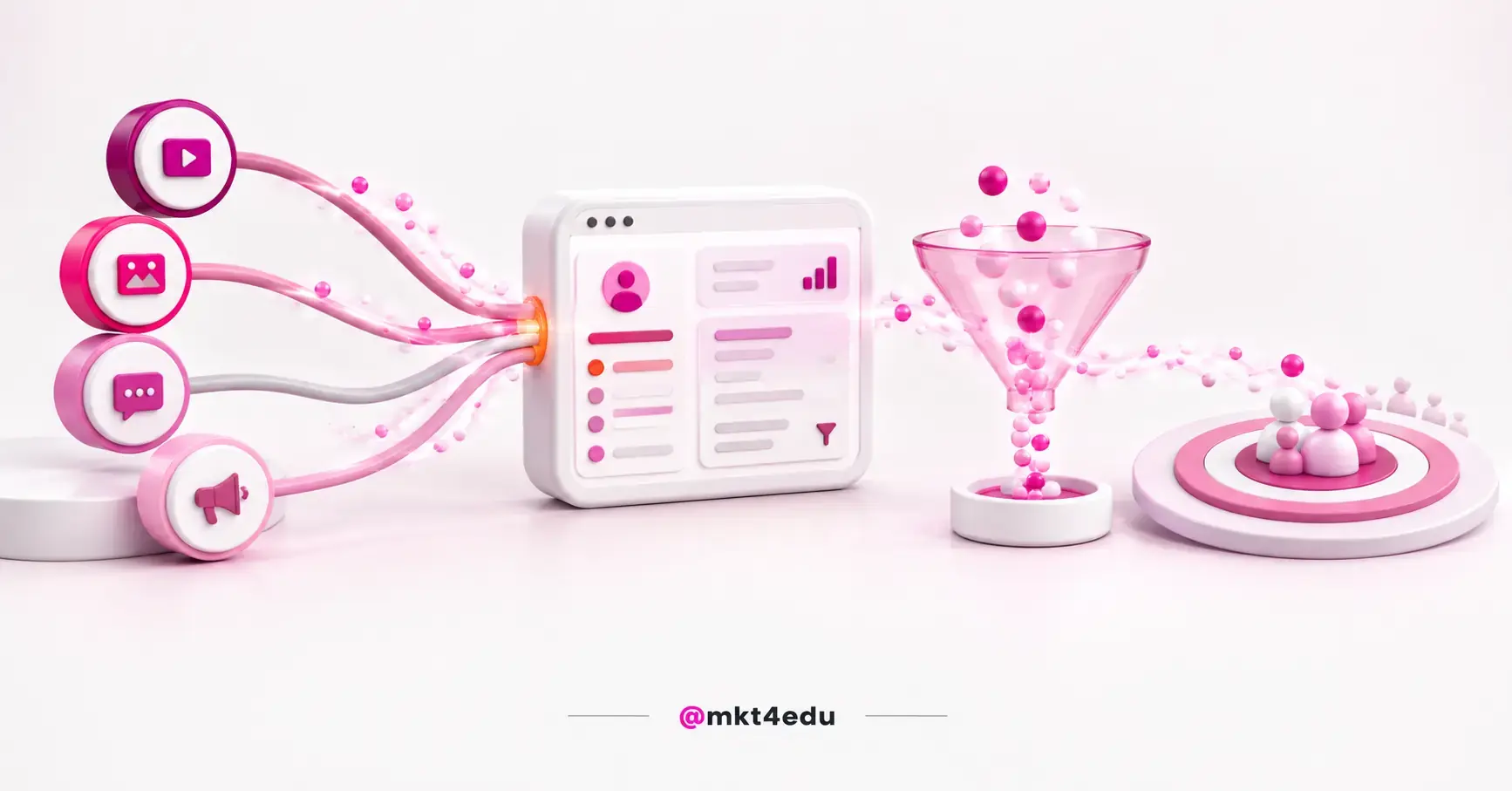 Caption: ad accounts in HubSpot cover four networks: Facebook, LinkedIn, Google and TikTok.
The count matters more than it seems.
Whoever reads "three networks" in outdated material and runs TikTok Ads concludes the channel stays outside the CRM and builds a manual spreadsheet export that shouldn't need to exist.
It's also worth separating two things that get confused: connecting the ad account is different from connecting the organic page. One can be linked without the other.
It's a step in the channels phase: it runs in parallel with the others and doesn't depend on DNS or a domain. Whoever maps out the full timeline finds the order in the guide to HubSpot implementation and setup.
What changes in your operation after connecting the ad account?
The connection enables four concrete things: syncing leads from ad forms straight into the CRM, installing tracking pixels, reading performance metrics (impressions, clicks, budget and creative), and segmenting contacts by ad interaction.
The last one is the least talked about and the most useful day to day.
Segmenting by ad interaction means media history stops being a separate report and becomes an attribute of the contact.
This is where paid media touches sales marketing: whoever opens the record sees that a contact interacted with a graduate-program ad, not a generic search, and the approach changes.
The metrics on the platform solve the problem of comparing channels across different screens. For teams running automated Google campaigns, the discussion of whether Performance Max is worth it gets more objective with cost per qualified lead sitting next to cost per click.
A note of technical honesty: what the tool's documentation describes are performance metrics and interaction-based segmentation. Don't treat the connection as if it alone settled the cross-channel attribution debate.
How do you connect ad accounts to HubSpot, and what do you authorize?
The path is short: in account settings, go to Marketing > Ads, or enter through More > Marketing > Ads > Get started with Ads, choose the network and authenticate. HubSpot then receives a user token with permission over the ad accounts of the person who authenticated. On Facebook and LinkedIn, that token also reaches the pages.
Two consequences follow from that, and they're process consequences.
First: the connection is tied to a person. If whoever authenticated leaves the company or loses admin access, the integration stops, and that usually surfaces months after go-live, when nobody remembers who clicked connect. Authenticating with a stable admin user solves the problem before it exists.
Second: the token reaches pages on Facebook and LinkedIn, and that's what allows pulling leads from ad forms. Without permission over the page, the account connects and metrics show up, but the source of the leads stays out of reach.
Before starting, ask whoever controls the accounts for three things: admin access on the ad account, admin access on the page, and confirmation of which account is the official one when there's more than one. The third item causes the most rework.
How do you sync Facebook and LinkedIn leads with HubSpot?
Lead sync is a setting separate from the account connection, and it needs to be turned on for every Facebook page or LinkedIn Ads account you'll use. After that, ad-form submissions start creating or updating contacts.
This is the point that most often produces the wrong diagnosis of "the integration didn't work."
The account shows as connected, the dashboard shows impressions and clicks, and the team concludes everything's fine. Except metrics and leads are different tracks: the first comes from the ad account, the second depends on page authorization and the switch being turned on there.
The two capture paths in a paid campaign also fail for different reasons. In the network's native form, the lead never leaves the app, and sync is what creates the contact.
On a landing page, it's the platform's own form that creates the contact. That path depends on HubSpot forms set up to capture leads and on the tracking code being on the page.
Whoever runs both formats checks both mechanisms.
Once the contact comes in, the topic stops being media and becomes response time. In inbound sales operations, the interval between the form submission and the first human contact is what decides conversion, and triaging that volume is where AI-assisted lead qualification makes a difference.
What audience types does HubSpot build, and what's the minimum size?
There are four audience types: Website Visitors, Contact Segment, Company Segment and Lookalike. Building audiences in HubSpot requires Marketing Hub Starter or higher, and each network imposes its own minimum size for an audience to be usable in a campaign.
The minimum size is the piece of information almost no content covers, and it's what explains the audience that shows up on the platform and not on the network. Here's how it breaks down by type and by network:
|
Audience type |
|
Google Ads |
|
|
Website Visitors |
Yes |
Yes |
Yes, with a window limited to 90 days |
|
Contact Segment |
Yes |
Yes |
Yes |
|
Company Segment |
No |
No |
Yes |
|
Lookalike |
Yes, including Instagram |
No |
No |
|
Minimum size to use |
20 users |
1,000 active users on Search and YouTube; 100 on Display and Gmail |
300 members |
Table: The default Website Visitors window is 60 days, and Google's minimums count users active in the last 30 days.
Two takeaways follow from that.
Google Search's minimum is 50 times Facebook's. A segment with 400 contacts activates on Facebook and LinkedIn, runs on Google Display, and isn't available on the search network. That's not a configuration mistake, it's a network rule.
And the documented audience list covers Facebook, Google Ads and LinkedIn. TikTok is part of account connection and metrics, so plan remarketing without assuming parity across all four networks.
How long does syncing an ad audience take?
Contact and company audiences take 24 to 48 hours to sync with the network, and LinkedIn's audience reports can take up to 72 hours. These are timelines HubSpot documents, not estimates, and knowing them avoids the kind of intervention that makes the problem worse.
The error pattern is always the same.
The audience is created on a Friday, nobody sees anything on the network, and someone deletes and recreates it on Saturday. The counter resets. On Monday, the team concludes the integration is broken when it was really just one cycle interrupted halfway through.
Two rules fix it: create the audience at least 72 hours before the campaign launches, and don't recreate anything before the window has passed.
What usually breaks in practice is a compressed timeline: if a campaign depends on a CRM segment, defining that segment is one of the first tasks, not the last.
The lead didn't reach the CRM: what should you check first?
The check has an order, from most likely to rarest: sync switch, the authenticator's permission, the capture mechanism, page tracking and privacy settings. In practice, most cases die on the first two items.
Is lead sync turned on for that page? It's a setting per page and per account, not per portal. Connecting the account doesn't turn on sync, and a page added to the manager later comes in switched off.
Does whoever authenticated still have admin access? If the token lost permission over the ad account or the page, metrics may keep reading while lead capture stops. Re-authenticating with a stable user fixes it.
Does the ad use a native form or a landing page? If the campaign sends to a page, lead sync has nothing to do with the problem: the form creates the contact, and the suspect becomes the HubSpot tracking code on the landing page.
Does the contact exist but never got the email? Check whether double opt-in is active. That setting also applies to contacts created by lead ads: the contact enters the CRM and doesn't receive marketing email until the address is confirmed.
Did privacy settings change the reading? With privacy rules active, open and click tracking is disabled for contacts with no legal basis on record. The lead arrived, the campaign went out, and the report looks empty because the measurement method changed.
There's also a maintenance detail: the social tool documents that Facebook pages stay authorized for 90 days before requiring re-authentication. A quarterly review of connections costs fifteen minutes.
Frequently asked questions about ad accounts in HubSpot
So, what should you do after connecting your ad accounts?
The connection itself is the easy part, and it's done in an afternoon. What determines whether it delivers results is what comes after: lead sync turned on for every page, authentication done by a user who won't disappear, and each network's timelines and minimums respected before concluding something's broken.
If you're doing this this week, start with three checks: which ad accounts are the official ones, who has admin access on them and on the pages, and how many contacts the segment has against the minimum of the network it'll run on.
When the ad lead starts landing in the CRM, the question shifts. It stops being "how do I make the integration work" and becomes "what do I do with this volume": who goes to nurturing, who goes to immediate follow-up, who enters which remarketing audience.
The next step, then, is organizing lead segmentation in HubSpot so media source becomes a decision criterion, not just a filled-in field.
























 Portugal