Switching CRM is a decision almost every operation postpones, and the reason is rarely the new tool: it is the fear of losing years of history along the way. Contacts, deals, conversations and automations form the company's commercial memory, and nobody wants to gamble it on an export done in a hurry.
The good news is that a data migration between CRMs is a predictable project when it follows a method: map first, clean the database, test with a sample and switch in phases. The risk does not live in the technology, it lives in the haste.
This guide organises that method from start to finish, from the diagnosis that justifies the switch to the final validation, with HubSpot CRM as the recurring destination in the examples.
When is it worth switching CRM?
It is worth switching CRM when the current tool blocks growth instead of supporting it: reports the team rebuilds in a spreadsheet, unavailable integrations, a cost per user that rises at every renewal and reps logging less and less. The migration justifies itself when those limits cost more than the switching project.
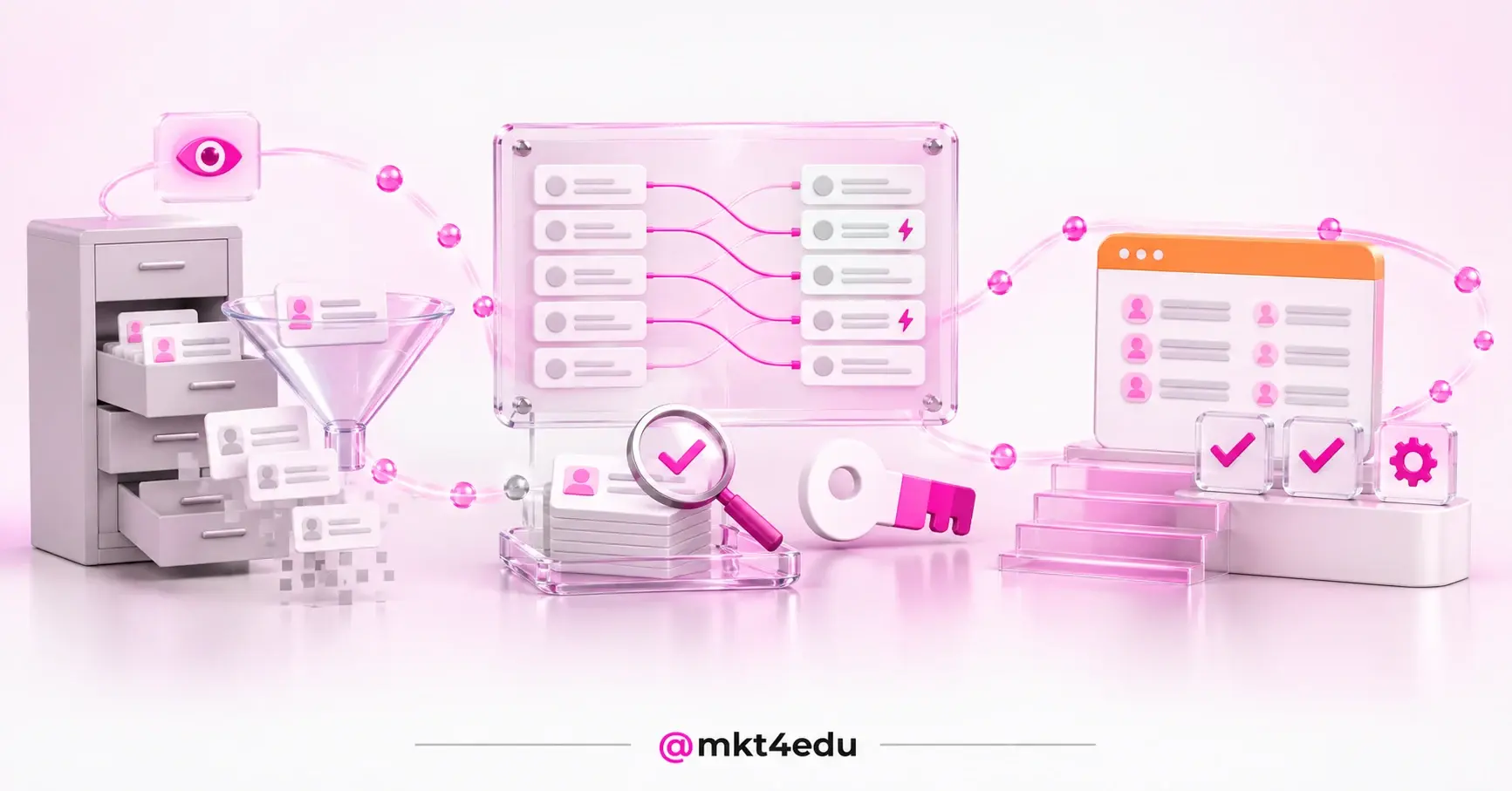
 Caption: a safe CRM data migration runs through cleaning, a versioned field map, a pilot load and validation
The most common symptom is the parallel spreadsheet. When the team exports data every week to build the report the tool should deliver, the CRM has already lost its role as the single source of truth.
The benefits of a CRM for companies appear when the platform holds the whole funnel, from first contact to after-sales. If each department keeps a piece of the customer somewhere different, the switch stops being a whim and becomes a course correction.
There is a strategic signal too. Inbound marketing depends on the history of interactions to segment and nurture, and inbound sales depends on the same history to prioritise approaches. When the CRM neither keeps nor connects that data, both fronts operate in the dark.
The same applies to spend on media and content. Digital marketing strategies need each lead's source to survive from click to contract, and a tool that loses that link turns the channel report into a guess.
The daily routine completes the diagnosis. Healthy CRM management demands reliable fields, stable automation and reports that add up; if each of those fronts depends on a workaround, the tool became the problem it was meant to solve.
In the end, the decision compares two costs. The migration has a known effort and a defined end; the limit of the current tool charges interest every month, in productivity and in data that goes missing.
What do you map before migrating the CRM?
Before migrating the CRM, map the objects, fields, automations, integrations and reports of the current system: what exists, what is genuinely used and what triggers an action in another tool. That inventory defines what gets carried over, what gets archived and what dies with the old system.
Mapping starts with the objects: contacts, companies, deals, tickets and activities. For each one, list the fields, the real completion rate and the dependencies. A field that feeds an automation, a report or a CRM integration with another system cannot change format without a plan.
In projects run by mkt4edu, the cleaning happens before the export, never after. Duplicates are merged at the source and properties with 0% completion are cut from the scope, because migrating an empty field only carries noise into the new house.
That cleaning is the least glamorous and the most profitable stage of the project. Data governance in the CRM starts there: completion standards, owners per field and creation rules that stop the new database from getting dirty again.
The final product of the mapping is the field map, with each source field linked to its destination field, the data type and the transformation rule. In mkt4edu's routine, that sheet is versioned and has a trigger column, marking the fields that fire automation in the destination.
The trigger column prevents the classic accident: loading the database and firing, in the same minute, emails from flows nobody reviewed. A field marked as a trigger comes in switched off and only activates after validation.
The mapping also has a legal layer. Brazil's LGPD data protection law governs the processing of personal data, and the migrated database falls under that definition: carry only the data with a clear purpose, and use the switch to discard what should not have been there.
The consent and source history deserves special attention in that triage. It is what sustains marketing strategy and campaign segmentation after the switch; losing that layer breaks the whole relationship sequence.
In operations with several campuses and funnels, such as a CRM implementation for education institutions, the mapping also covers teams, permissions and pipelines, designed before any load.
Video: video from the mkt4edu channel on the modules that enter the inventory of a CRM data migration
How do you migrate contacts to a new CRM?
To migrate contacts to a new CRM, export the already-cleaned database, apply the field map, run a pilot load with a small sample, check the records in the destination and only then execute the full load, always with a unique identifier that prevents duplicates.
Here is how the phases organise themselves, each with an objective criterion for releasing the next:
|
Phase |
What happens |
Criterion to advance |
|
Diagnosis and inventory |
Survey of objects, fields, automations, integrations and reports in the current system |
Complete inventory, with a named owner per object |
|
Database cleaning |
Deduplication at the source and removal of unfilled properties |
Database free of duplicates and field scope closed |
|
Field map and configuration |
Versioned field map and creation of fields and pipelines in the destination |
Every source field with a destination, type and rule defined |
|
Pilot load |
Import of a small sample for a real test in the destination |
Sample validated field by field, with no outstanding error |
|
Full load |
Complete import with a unique identifier per record |
Source and destination counts matching on every object |
|
Phased switch |
Teams migrate in stages, with the old system in read-only mode |
The whole operation running in the new CRM, with no reference to the old one |
Table: phases of a CRM data migration, with the criterion that releases the move to the next stage
The pilot load is the cheapest insurance of the project. In migrations run by mkt4edu, the sample has 100 rows and is validated within 24 hours: enough volume to reveal a format error, a swapped field and a date in the wrong time zone, and small enough to delete and start again without trauma.
Protection against duplicates comes from the unique key. In mkt4edu's method, the key is composite, combining the identity document, the campus and the intake (the entry cycle of the student or customer): the same contact can exist in two funnels without becoming two mismatched records.
In the destination, the mechanics of the load help. Importing into HubSpot CRM loads several objects from a single file or multiple files, mapping columns and using unique identifiers to create or update records, which makes it possible to repeat a corrected load without duplicating the database.
Understanding the destination's structure before the load avoids rework. HubSpot CRM's objects, properties and associations have their own logic, and the field map has to respect it from the first row.
Video: video from the mkt4edu channel on the destination structure a CRM data migration has to respect
How do you validate the data after the migration?
To validate the data after the migration, compare the counts per object between source and destination, check a sample of records field by field, test the automations with internal contacts and watch a day of real operation before calling the load finished.
The first layer is quantitative: totals of contacts, companies, deals and activities matching the source, with every difference explained by the cleaning, never by silent loss.
The second layer is qualitative. A sample of records is opened side by side in both systems: the phone in the right field, the date with no time zone shift, the deal owner preserved and the activity history in place.
The third layer is functional, and it is the one the user feels. Forms creating contacts, integrations with the site and the ad platforms working, automations firing for a test contact and reports matching the numbers from before.
Marketing deserves a check of its own. The lists behind the marketing campaigns have to return the same contacts as before, and the segmentations of the digital marketing strategies depend on properties that cannot have arrived empty.
With the data validated, the history goes back to work. Inbound marketing resumes nurturing from where it stopped, and inbound sales goes back to prioritising approaches by each contact's real behaviour.
The last check is about people, not data. Structured CRM training in the first week decides whether adoption takes off or the parallel spreadsheet comes back through the side door.
When the destination is HubSpot, it pays to fit the migration into the larger arrival plan: the official HubSpot onboarding covers the guided configuration of the tool, and the best practices for HubSpot onboarding order the team's entry in that phase.
Can you run two CRMs at the same time during the migration?
You can run two CRMs at the same time during the migration, and on large databases that overlap is recommended: the switch happens in phases, team by team, while the old system stays accessible as a safety net until the operation stabilises in the destination.
In migrations run by mkt4edu, the standard is a phased switch with the old system in read-only mode for about 60 days. Nobody creates a new record there, but any doubt about history has somewhere to be checked, which takes the panic out of the change.
The golden rule of that overlap is naming one owner per data set. During the transition, each object has an official system of record: a new contact is born in the new CRM, and the old one becomes a reference archive. Two systems of writing at once guarantee conflict.
The exception is a temporary CRM integration, used in long migrations to sync both sides for a defined period. It demands the same field map as the load and clear priority rules, and it needs an end date: a provisional integration that becomes permanent is technical debt.
The order of the switch follows the logic of a CRM implementation: foundation and data before automation, automation before reporting. The order of the HubSpot implementation phases serves as a reference, with each team entering once the previous layer stabilises.
This kind of project rarely needs to be solitary. HubSpot keeps an official solutions partner directory, with tiers such as Elite, Diamond, Platinum and Gold, and the HubSpot partners most experienced in migration arrive with the field-map and switch method already run.
In the choice, comparing CRM implementation services avoids the trap of deciding on price alone: what separates HubSpot partners in this kind of project is the validation process, not the promised timeline.
mkt4edu is an Elite HubSpot partner agency and runs migration to HubSpot CRM within the method described here, from cleaning the database to the phased switch with the old system on standby.
The overlap ends when the whole operation runs in the destination and the reports add up with no reference to the old system. At that point, data governance in the new CRM takes on the rules the old database never had, and read-only mode can be switched off.
Frequently asked questions about CRM data migration
What do you lose by postponing the CRM data migration?
Postponing the data migration has a silent cost: each month in the wrong system adds duplicates to the database, manual reports to the routine and decisions made on half the data. The project that looks daunting today grows with every cycle, because the mess grows along with the database.
The method described here disarms that cycle: map, clean, test with a sample, load with a unique key and switch in phases. With clear criteria for advancing, the change loses its air of a leap in the dark and gains a beginning, a middle and an end.
After the switch, the work changes nature. Marketing and sales strategy go back to running on a reliable history, and the priority becomes adoption: knowing how to use the CRM day to day is what turns the migrated database into revenue.
If capacity or platform experience is missing, a HubSpot partner agency shortens the road, because it arrives with the field map, the load and the validation already run many times. Your operation's history deserves to reach the other side intact.













 Portugal