



.jpg)


In student recruitment, WhatsApp is not a support channel, it is where the question about tuition comes up and where enrollment gets agreed. That is why the decision to set up a WhatsApp HubSpot integration starts from a real problem: a conversation living on an advisor's phone never becomes data.
Centralizing solves that, at costs the connection screen does not warn you about.
There are four. Messages stop appearing in the app. The window for replying freely closes after 24 hours. No previous conversation is imported. And the number, once committed, does not come back with one click.
None of that is a defect, it is how the WhatsApp API is designed. What changes the outcome is knowing all four before choosing the number.
How does WhatsApp Business work in HubSpot?
The number becomes a channel in the conversations inbox. Every message enters as an activity on the contact record, can be assigned to an owner, turned into a ticket, fed into automation and shown in reports. The team replies from inside the platform, in the same place it handles email and website chat.
The practical change is ownership of the information. Before, the conversation belonged to the device, where one advisor knew what the applicant had already asked and the rest of the team did not. After connecting, the history belongs to the contact, and anyone with permission can open it.
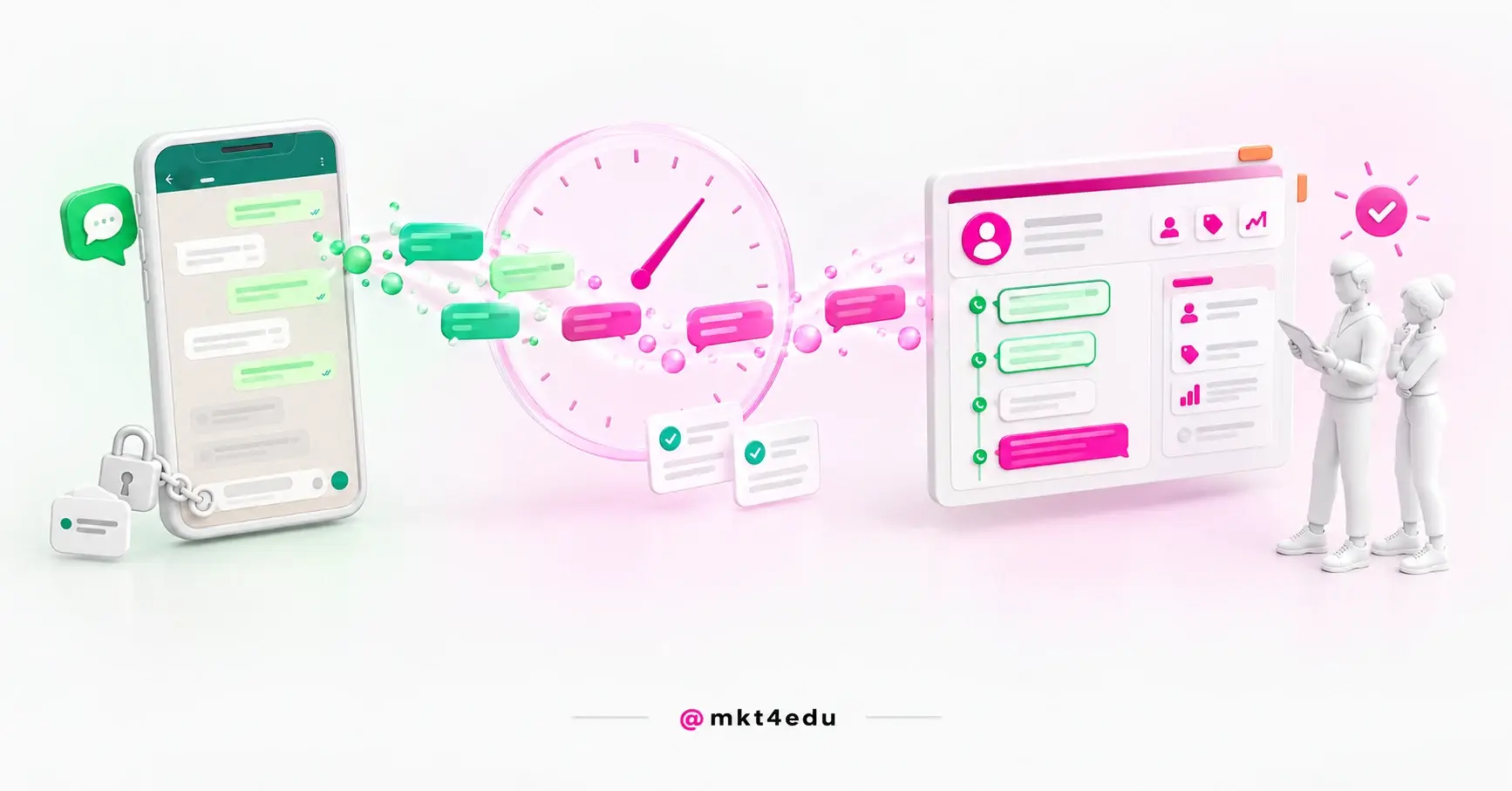
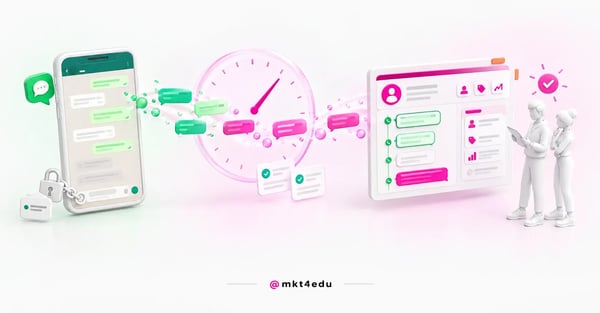 Caption: the WhatsApp HubSpot integration takes the conversation off one advisor's phone and puts it on the contact's timeline
That is what makes the channel usable for anyone doing inbound sales. The message stops being an isolated event and becomes a signal on the same timeline as the form and the page visit, following the logic behind using a CRM in student recruitment.
Three things become possible:
- Routing the conversation by team, shift or program, instead of depending on who saw it first
- Treating a recurring question as a structured demand, the way a ticketing system organizes support
- Putting automatic triage in front of a human, with the logic of website chatbots
The gain is real. The price comes next.
Video: the 360º view that explains why a WhatsApp HubSpot integration is worth it, on the mkt4edu channel (in Portuguese)
Which plans allow a WhatsApp HubSpot integration?
The connection requires Marketing Hub Professional or Enterprise, or Service Hub Professional or Enterprise. Any of the four works, and you do not need both Hubs. Starter, the free tools and subscriptions to other Hubs do not enable the channel in the inbox.
This requirement tends to surface at the worst moment, which is in the middle of the task.
It is a first-week check, alongside the other requirements that gate entire stages. Teams that organize the order of implementation phases before starting discover this in a spreadsheet, not on an error screen.
The plan requirement is the same for the direct connection and for coexistence. And it is worth separating the two bills: the HubSpot subscription enables the channel, while message consumption follows the rules of the WhatsApp Business account, on Meta's side.
What do you need before connecting WhatsApp Business?
Five fronts: an eligible subscription, a WhatsApp Business account (personal profiles do not connect), admin permission in the Meta Business Manager, the company's registration details and a number that meets three restrictions. Missing one stops the connection halfway, with no explanatory message.
The list breaks down like this:
|
Prerequisite |
Where it gets resolved |
What happens if it is missing |
|
Marketing Hub or Service Hub Professional/Enterprise |
HubSpot subscription |
The channel does not appear in settings |
|
WhatsApp Business account |
Meta |
A personal account is not eligible |
|
Admin in the Meta Business Manager |
Whoever administers the portfolio |
Authorization fails on Meta's screen |
|
Verified Meta Business Manager |
Meta, verification process |
Capped at 50 business-initiated conversations a day |
|
Legal name, display name, site and email |
Internal records |
The form will not advance |
|
A free number that receives calls and sits outside an IVR |
Telephony and whoever operates the number |
Rejected at registration |
Table: Requirements as per HubSpot's official documentation.
Two lines postpone the project.
The first is Meta Business verification. Without it, access is capped at 50 business-initiated conversations a day. For reactive support that may be enough, but for anyone sending application reminders it is tight, and verification depends on Meta.
The second is the number. Three conditions have to be true at once: it cannot be connected to another WhatsApp account, to the WhatsApp Business App or to another integration; it has to receive voice calls, because validation is done by phone; and it cannot be part of an IVR, the “press 1 for support” tree.
That condition rules out the main number of many call centers.
Add to it the ceiling of 25 numbers per account: one per campus is viable, one per advisor is not.
How do you connect a WhatsApp number in HubSpot?
The path is simple: account settings, the WhatsApp item, “Connect a WhatsApp phone number” and “Continue with WhatsApp”.
From there the flow runs in Meta's window, where you pick the portfolio and the WhatsApp Business account, enter the number and approve the permissions, before choosing the inbox.
The full sequence:
- In settings, open WhatsApp and click Connect a WhatsApp phone number.
- Click Continue with WhatsApp and authenticate with Meta.
- Select the business portfolio and the WhatsApp Business Account.
- Enter a new number or select an existing one.
- Complete validation, which arrives by voice call.
- Approve the permissions HubSpot requests.
- Choose the inbox that will receive the conversations and save.
Clicking takes minutes. What takes days is everything before it.
In implementation projects, the bottleneck here is almost never technical: it is finding whoever has admin access to the Meta Business Manager and negotiating with the department that uses the number. It is also worth not committing the main number on the first test: use a secondary one, validate routing and reporting, and only then decide.
Video: the real timeline of an integration like the WhatsApp HubSpot integration, on the mkt4edu channel (in Portuguese)
How do the 24-hour window and message templates work?
The session stays open for 24 hours after the contact's last reply, and inside it the team writes freely. Outside it, a business-initiated message only goes out through a pre-approved template. Each new reply from the contact restarts the countdown.
It is the rule that changes the design of the operation the most, and it comes from WhatsApp.
A prospect messages at 6pm on Friday, the team replies at 9am on Monday and the window has already closed. A simple reply now depends on a template that probably does not exist.
Three consequences follow: service hours acquire a measurable cost, the follow-up cadence built for email stops working, and an automatic reply becomes protection rather than luxury. This is where a support agent integrated with the CRM becomes a workaround for a concrete limitation.
Templates are created and approved in the WhatsApp Business account, on Meta's side, and then sync automatically with HubSpot. Four restrictions define their use.
- Data.The contact has to have the WhatsApp Phone Number property filled in. Having the phone in the ordinary field is not enough, and this is a frequent cause of sends that never leave.
- Personalization.Only contact and company tokens work. Deal, ticket and custom object tokens do not, which rules out messages like “your application is at stage X”.
- Volume. HubSpot supports up to 1,000 template messages a month across all connected accounts combined. A thousand sends covers targeted re-engagement, not a campaign to a wide base at peak application time, and the read on WhatsApp campaigns helps separate conversation from broadcast.
- Format.Location headers, flow-type buttons and the sample templates generated by WhatsApp are not supported.
What do you lose by connecting WhatsApp to HubSpot?
Three things, and none of them reversible with one click. Messages stop appearing in the WhatsApp app, on the phone and in the web version. No conversation predating the connection is synced. And the number is committed to the integration, with no use in another account or app.
This is the part that rarely comes up before purchase, and the one that creates regret.
The app stops showing the conversations. The documentation is explicit: once connected, messages no longer appear in the mobile app or on the web and exist only in the inbox. Anyone who handled support from their phone changes routine on switchover day.
The history does not come along. Only messages after the connection sync. Everything before stays on the device of whoever operated the number, outside the platform and outside any report. If it has legal or commercial value, it has to be preserved beforehand.
The number stops being shareable. If three people currently use the same number on different devices, that practice ends at connection.
Anyone who has led this change knows where it hurts: not in the technology, in the team's adaptation. The advisor who lost the app is the same person who has to like the new inbox.
What is WhatsApp coexistence in HubSpot and when should you use it?
Coexistence is the mode in which the same number keeps working in the WhatsApp Business App and in HubSpot at the same time. Messages sync both ways, in real time, across phone, web and desktop, and the last 180 days of history are imported automatically.
It is the answer for teams that cannot lose the device.
The prerequisite logic inverts, and that is the detail that confuses people most: in the direct connection the number cannot be in the WhatsApp Business App, while in coexistence it has to be registered there. They are mutually exclusive paths, decided before you start.
Here is how the two modes differ:
|
Criterion |
Direct connection |
Coexistence |
|
App on phone and web |
Messages stop appearing |
Works, with real-time two-way sync |
|
Previous history |
Not synced |
Last 180 days imported automatically |
|
Images and videos from history |
Not applicable |
Not imported: they appear as placeholders |
|
Required state of the number |
Cannot be in the WhatsApp Business App |
Has to be registered in the WhatsApp Business App |
|
Sending templates |
Through the platform |
Through the platform, never from the device |
|
Voice notes |
No detail in the documentation |
One received on the device appears in the conversation; sending from the platform is not supported |
Table: Criteria per the official documentation of each mode; confirm in the portal before deciding.
The mode has rules of its own: sending capped at 20 messages per second, registration within five minutes, and one economically relevant detail, a free-text message sent from the device does not count toward WhatsApp's conversation limits, only a template sent from the platform does.
For anyone using a help desk, a warning: every imported conversation creates a new ticket, which means a flood of tickets on connection day.
The choice comes down to one question: can the team work entirely inside the platform? If yes, the direct connection is simpler to govern. If not, coexistence avoids the resistance that kills adoption.
How do you collect consent for WhatsApp conversations?
A business-initiated message requires explicit consent from the contact.
HubSpot works with two subscription types for the channel, WhatsApp Marketing and WhatsApp Transactional, and the opt-in can be recorded by keyword inside the conversation, manually by a user, or in bulk through a workflow.
The separation between the two types is useful and underused. When a contact clicks the opt-out button on a marketing message, they are unsubscribed only from the WhatsApp Marketing subscription, and their WhatsApp Transactional status stays untouched.
Someone who asked not to receive promotional messages still gets appointment confirmations and notices about missing documents.
A note on legal basis, for operations in Brazil. Law 13.709, the LGPD, defines consent as a free, informed and unambiguous statement for a determined purpose, and declares generic authorizations null.
Translated: a checkbox saying “I agree to receive communications” does not support WhatsApp marketing sends with the solidity of a specific opt-in.
Teams that already organize data privacy inside the CRM are halfway there: legal basis to process the data and legal basis to communicate are separate decisions, and the consent configuration in the portal is where that becomes a filled-in field.
Common questions about the WhatsApp HubSpot integration
So, is a WhatsApp HubSpot integration worth it?
It is worth it when WhatsApp conversations are already part of the sales process and are recorded nowhere.
Bringing the channel inside the platform turns a loose message into attributable data, with an owner, a deadline and a history. For anyone who depends on the channel to close, it is the difference between managing and hoping.
But the decision is not “connect or do not connect”.
There are two, and both are expensive on autopilot. The first is the mode: the direct connection, simpler to govern and without the app, or coexistence, which preserves the device and brings 180 days of history.
The second is the number: which of yours can be committed, knowing it leaves the commercial app and does not come back with one click.
Neither has a generic answer. They depend on who handles support today, the channel's volume, whether an IVR sits in front of the number, the value of the old history, and whether the plan is to converse or to broadcast.
It is the conversation worth having before clicking connect, not after. The mkt4edu team implements this channel in operations where WhatsApp closes enrollments, and you can talk to us about which mode and which number make sense in your case.

























 Portugal