





Anyone who opens Search Console after months usually finds the same scene: dozens of pages “crawled, not indexed”, a drop in clicks nobody explained and an AI report that showed up without warning.
The immediate question is where to start, and the answer is an SEO audit with method, not a sequence of loose fixes.
A complete SEO audit is not an 80-page report generated by a tool, it is a process with a defined order: first what prevents the page from existing for Google, then what prevents the click, then what prevents the conversion.
In 2026, one more layer joins in, the AI SEO analysis, because part of the answers your audience reads no longer comes from a list of links.
The text below organizes that process tool by tool: what to check, which signal indicates a problem and how to take it all into an action plan.
What is a complete SEO audit and what does it have to cover?
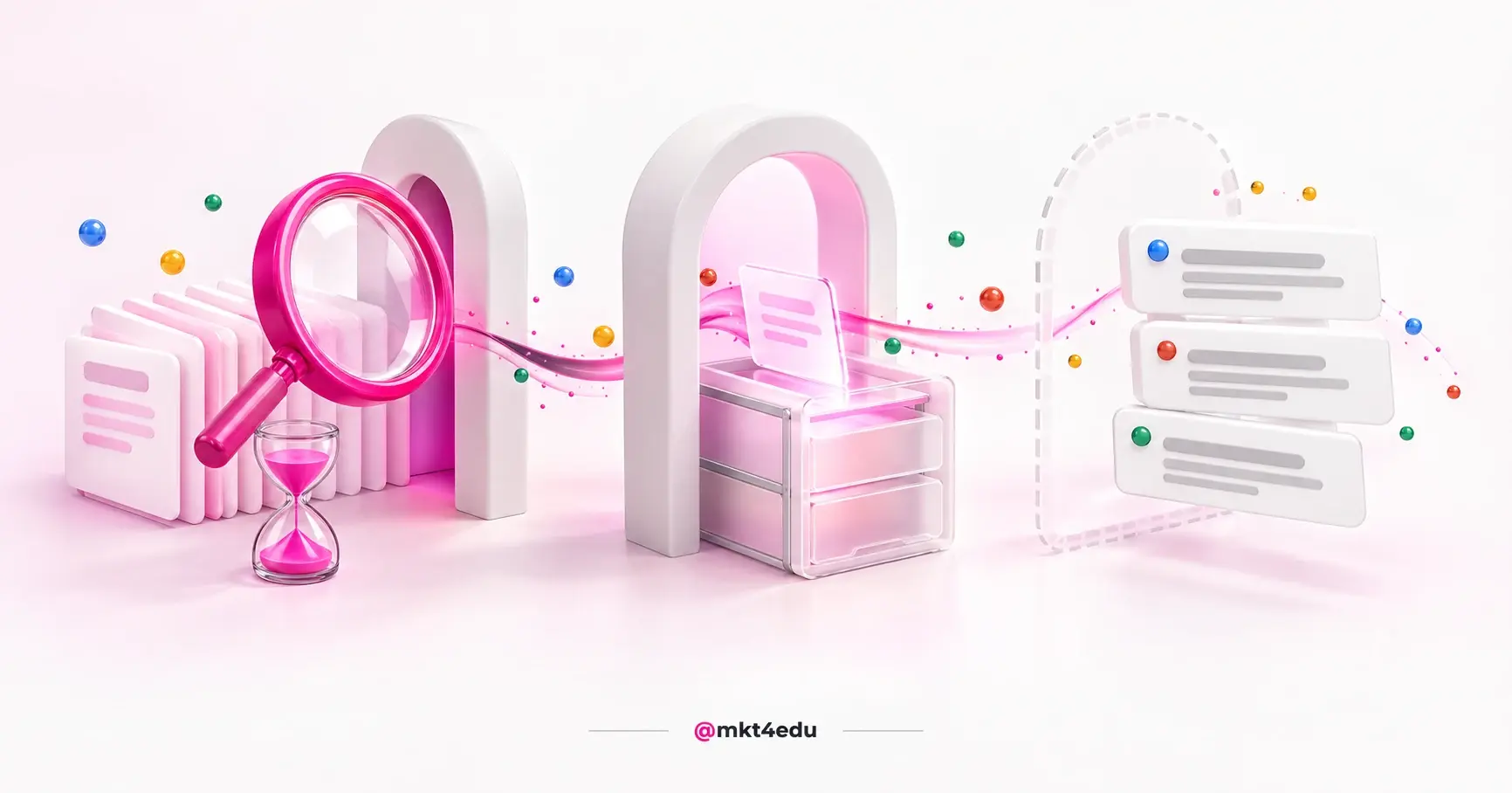
A complete SEO audit is the survey of everything that affects a site's presence in search, organized into five fronts: technical (crawling and indexing), content (relevance and intent), authority (links and mentions), experience (speed and usability) and AI visibility (citation in AI Overviews, AI Mode, ChatGPT and Perplexity).
 Caption: the five fronts of an SEO audit and the tools that answer for each one of them
The order between fronts matters more than the number of checks. A site blocked in robots.txt does not benefit from excellent content, because the content never reaches the index.
That is why the technical audit comes first, content and authority come next, and experience and AI close the cycle.
Video: what to do with the findings after running an SEO audit on the site, on the mkt4edu channel (in Portuguese)
The fifth front is new and still confuses many teams. Google states in its documentation on AI features in Search that AI Overviews and AI Mode use the same Search index and that there are no additional requirements to appear in them.
The AI SEO analysis is therefore a layer on top of the same diagnosis, not a parallel discipline.
How do you run an SEO audit in Google Search Console?
How to run an SEO audit in Google Search Console: go, in this order, through the Page indexing, Performance, Core Web Vitals, Links and Manual actions reports, and close with the generative AI performance report. Search Console shows how Google sees the site, so it is the source that confirms whether a page exists for search.
The starting point is the Page indexing report. It splits known URLs into indexed and not indexed, with the reason for each exclusion: server error, robots.txt block, noindex, 404, redirect error, soft 404 and duplicate page.
The problem signal in the indexing report is a strategic page in the “crawled, currently not indexed” group.
The Performance report answers the business question: which queries and pages bring clicks, with how many impressions, what CTR (Click-Through Rate) and what average position.
In the audit, compare equal periods and look for queries with many impressions and low CTR, candidates for a new title and a new meta description. The step by step for each filter is in how Google Search Console works.
The Core Web Vitals report classifies groups of URLs as good, needs improvement or poor, based on real user data from CrUX (Chrome User Experience Report).
The three metrics are LCP (Largest Contentful Paint), INP (Interaction to Next Paint) and CLS (Cumulative Layout Shift). The thresholds published by Google on web.dev are 2.5 seconds, 200 milliseconds and 0.1.
The Links report lists the most externally linked pages, the source sites, the anchor texts and the internal links per page. The warning signal is a conversion page with few internal links, or an unknown domain concentrating thousands of external links.
The Manual actions and Security issues reports have to be empty. The first shows penalties applied by human review; the second flags hacked content, malware and social engineering.
The URL Inspection tool closes the technical stage: for a specific page, it shows whether it is indexed, which canonical Google chose and whether there is valid structured data. The live test confirms whether a noindex or robots.txt fix has taken effect.
The most recent report is the one on generative AI performance, which the documentation describes as the way to see how organic impressions in generative AI features of Search change over time.
The generative AI report covers AI Overviews and AI Mode, by page, country, date and device, and was released to all sites on 31 August 2026. The detailed reading is in the AI report in Google Search Console.
How do you run an SEO audit in Google Analytics 4?
How to run an SEO audit in Google Analytics (GA4): isolate the Organic Search channel in the Traffic acquisition report, assess engagement and key events per landing page, and separate the AI Assistant channel to measure traffic coming from ChatGPT and similar tools. Search Console tells you where the site appears; GA4 tells you what happens next.
The first report is Traffic acquisition, whose primary dimension is the session default channel group. The official channel definition includes clicks from Google AI Overviews and AI Mode in Organic Search, so do not expect to see them separated.
The same document defines the AI Assistant channel as the one through which users reach the site from sources such as ChatGPT, Gemini, DeepSeek, Copilot or Grok. It is the newest audit metric in GA4: how much of the traffic already comes from AI assistants and to which pages.
The second layer is quality. The GA4 documentation defines an engaged session as one that lasts longer than 10 seconds, has a key event or has 2 or more page or screen views.
A low engagement rate on an organic page that ranks well indicates poorly served intent, and that is a content finding, not a technical one.
The third layer is key events, which Google defines as an event that measures an action particularly important to the success of your business. A page with a lot of organic traffic and zero key events calls for a CRO (Conversion Rate Optimization) review, not an SEO one.
Linking Search Console to GA4 brings two reports that the integration documentation calls Google Organic Search Queries and Google Organic Search Traffic.
The organic search traffic report puts clicks, impressions, engaged sessions and key events per landing page in the same table. A script for building that reading is in the SEO report in GA4.
How do you run an SEO audit with SemRush?
How to run an SEO audit with SemRush: run Site Audit for technical errors, Backlink Audit for toxic links, Organic Rankings and Position Tracking to compare positions with competitors, and the AI Visibility Toolkit to measure citations in ChatGPT, Perplexity and AI Overviews. SemRush covers what Search Console lacks: competition and AI.
Site Audit crawls the site with more than 140 technical and on-page checks, according to the tool's knowledge base, and summarizes everything in a Site Health score, with findings split into errors, warnings and notices.
The thematic Site Audit reports cover Crawlability, HTTPS, International SEO, Performance, Internal Linking, Markups and Core Web Vitals. A category dedicated to AI search flags what gets in the way of reading by generative tools.
Backlink Audit assesses the inbound link profile with a Toxicity Score and lets you assemble a disavow file to send to Google. On most institutional sites, the typical finding is not a toxic link, it is scarcity: few referring domains and generic anchors.
Organic Rankings, formerly called Organic Research, shows the keywords a domain ranks for, position changes and organic competitors. Position Tracking completes that picture with daily tracking of chosen keywords, by location and device.
The AI Visibility Toolkit is the new piece. According to the documentation, it brings together Visibility Overview, Brand Performance, Competitor Research and Prompt Research, covering Google AI Overviews, AI Mode, ChatGPT, Perplexity and Gemini.
The AI Visibility Score, from 0 to 100, measures how often the brand is mentioned and cited in AI answers.
Which other SEO tools belong in an audit?
The other SEO tools that complete the audit are Screaming Frog SEO Spider (your own crawl of the site), PageSpeed Insights (speed per page), Ahrefs (Site Audit, Site Explorer and Brand Radar) and Google's Rich Results Test (structured data). Each answers a question that Search Console and GA4 do not answer on their own.
Screaming Frog SEO Spider crawls the site the way a robot would and lists broken links, redirect chains, duplicate or missing titles and meta descriptions, duplicate content and orphan pages.
The free version of Screaming Frog crawls up to 500 URLs per run, and the paid one integrates data from Google Analytics, Search Console and PageSpeed Insights.
PageSpeed Insights reports the user experience of a page on mobile and desktop devices, combining field data from CrUX with lab data from Lighthouse. Use field data to decide priority and lab data to diagnose the cause.
Ahrefs Site Audit checks more than 170 issues, from speed to indexability, and the Ahrefs set brings Site Explorer to study competitors and Brand Radar to track brand visibility in LLMs (Large Language Models).
The Rich Results Test is Google's official tool for checking which rich results a page can generate, and the Schema Markup Validator does the generic Schema.org validation.
A syntax error in JSON-LD (JavaScript Object Notation for Linked Data, the structured data format Google recommends) is one of the most frequent and easiest findings to fix.
How do you run the AI SEO analysis inside the audit?
The AI SEO analysis inside the audit has four checks: robots.txt releases the search bots of AI platforms; the site appears in the Search Console generative AI report; the brand is cited in sample queries in ChatGPT and Perplexity; and each section opens with the direct answer and a named source.
The first check is robots.txt. OpenAI's documentation separates three agents: OAI-SearchBot, used to show sites in ChatGPT's search features; GPTBot, whose block indicates that the site's content should not be used in model training; and ChatGPT-User, triggered by a user action.
Blocking OAI-SearchBot takes the brand out of ChatGPT answers with search, while blocking GPTBot restricts training only.
Video: what weighs most for a brand to be cited in AI answers, the newest layer of the SEO audit, on the mkt4edu channel (in Portuguese)
The same design repeats across the other providers. Perplexity describes PerplexityBot as the agent that displays and links sites in search results, and Anthropic separates ClaudeBot (training), Claude-User (user queries) and Claude-SearchBot (search).
On Google's side, Google-Extended controls the use of content in Gemini training and grounding, and the documentation states that it does not affect the site's inclusion in Search nor is it used as a ranking signal.
Inclusion in AI Overviews and AI Mode has its own control, the Search generative AI control, in Search Console settings. The audit checks that nobody ticked the exclusion by mistake.
The second check is measurement. In Search Console, the generative AI report shows impressions in AI Overviews and AI Mode; in GA4, the AI Assistant channel shows sessions from external assistants; in SemRush or Ahrefs, the AI module shows citations per prompt. A map of these indicators is in SEO metrics in the age of LLMs.
The third check is the sample query. Pick ten to twenty questions your audience would ask, in the way they speak, and run each one in ChatGPT with search, in Perplexity and in AI Mode.
Record whether the brand appears, which page is cited and which competitors appear instead. It is manual work, but it shows the problem before any dashboard does.
The fourth check is content structure. Google's guide for generative AI features says you do not need to create new machine-readable files, AI text files, markup or Markdown, nor to chunk the content.
What helps, according to the same guide, is original content with a point of view of its own, on indexable pages eligible for snippets.
There is academic backing for what to put in each section. The study GEO: Generative Engine Optimization, by researchers from Princeton and other institutions, measured that methods such as citing named sources, adding expert quotations and adding verifiable statistics raised visibility in generative engines by up to around 40%.
The AI SEO audit checks whether those three tactics are present on priority pages, starting with the ones that get the most impressions in the generative AI report.
The reason for spending time on this layer lies in volume and in value. The SparkToro study with Similarweb, published on Search Engine Land, reports that 68.01% of Google searches in the United States ended without a click between January and April 2026.
On the value side, SemRush reports that visitors coming from AI search convert 4.4 times better than visitors from traditional organic search.
How do you prioritize and turn the SEO audit into an action plan?
Prioritizing an SEO audit means ordering findings by two criteria: business impact (pages that generate a key event come first) and cost of fixing (what is solved in an hour comes before what requires a project). A finding that blocks the indexing of a strategic page is always top priority, because it cancels out everything else.
The simplest way to keep that order is to record each finding on one line, with the front, the tool that revealed the problem, what was checked, the signal found and the priority. Here is how that is organized:
|
Front |
Tool |
What to check |
Problem signal |
Priority |
|
Technical |
Search Console (Page indexing) |
Strategic pages indexed |
Conversion page in “not indexed” |
Top |
|
Technical |
Screaming Frog |
Redirects and broken links |
Chain with three or more hops; 404 in the menu |
High |
|
Experience |
Search Console (Core Web Vitals) and PageSpeed Insights |
LCP, INP and CLS per URL group |
A “poor” group on landing pages |
High |
|
Content |
Search Console (Performance) and GA4 |
Impressions, CTR, engagement and key events per page |
Many impressions with low CTR; traffic with no key event |
High |
|
Authority |
SemRush (Backlink Audit) or Ahrefs |
Referring domains and toxicity |
Few domains; link spikes from a single site |
Medium |
|
AI |
robots.txt, Search Console (generative AI), GA4 (AI Assistant), SemRush (AI Visibility) |
Search bots released; impressions and citations |
OAI-SearchBot or PerplexityBot blocked; zero citations in sample queries |
Medium |
Table: the SEO audit prioritization matrix by front, tool and problem signal
The action plan comes out of the matrix with three extra pieces of information: owner, deadline and confirmation metric. The priority of the AI line rises to high when competitors appear in the sample queries and your site does not.
Many teams try to solve the whole audit in one sprint and stall. The format that works is a four to six week cycle per front, with a complete re-audit every quarter. The most consistent SEO strategies are born from that rhythm, not from an annual cleanup.
How do you audit the SEO of a college website?
Auditing the SEO of a college website follows the same process as any site, with three particular angles: program pages are the conversion pages and call for a one by one audit; admissions seasonality requires a year over year comparison; and the local SEO of the Google Business Profile joins the authority front.
Program pages concentrate what matters. Each one goes through Search Console's URL Inspection, the performance report filtered by URL and the GA4 organic traffic report with the application key event.
Seasonality changes the reading of any chart. Comparing March with February on a college site shows a drop that is only the end of the enrollment period.
The comparison period has to be the same quarter of the previous year, and admission peaks have to be mapped before any conclusion about a core update or a penalty.
Local SEO is a front of its own. Searches such as nursing college near me go through the Google Business Profile and Maps, which the Performance report does not show.
The audit checks whether each unit has a verified profile, the correct category and an address consistent with the site, following the guide to local SEO for colleges.
On the AI front, the sample test takes a specific shape: comparative questions (which is the best psychology college in Curitiba) and practical ones (how much does a law degree cost at institution X). If the answer leaves the institution out, program pages need what the model can cite: price, curriculum and differentiators.
Frequently asked questions about SEO audits
Where should you start the SEO audit of your site?
Start the SEO audit with the Page indexing report in Google Search Console, because it answers the question that precedes all the others: do the pages that matter exist for Google? Then open the Performance report and the GA4 organic traffic report, and only after that run SemRush's Site Audit or Screaming Frog.
That order avoids the most expensive mistake, which is spending weeks fixing tool warnings while a conversion page stays out of the index.
The AI layer enters from the first cycle, but with a small scope: check robots.txt, open the generative AI report and run ten sample queries.
With that, the team leaves the audit knowing whether the brand appears in the answers and, if it does not, which pages need a direct answer, a named source and verifiable data.
If the doubt is whether all this effort pays off against the advance of answers without clicks, the analysis on whether SEO is still worth it gathers traffic, conversion and cost per channel data before any investment decision.


























 Portugal