





Every marketing campaign faces the same scenario. The campaign brings in new people; some of them show genuine interest and then disappear. The form is left half-filled out, the conversation fizzles out, and the proposal goes unanswered. The cost of the first click has already been paid, but the return on investment remains up in the air.
It’s this gap between interest and decision that remarketing fills. Instead of buying a new audience, the campaign capitalizes on the interest the business has already paid to generate, reaching out again to those who came close to deciding but stopped along the way.
The confusion begins at the media planning meeting. Those unfamiliar with how it works imagine the e-commerce cliché—that pair of sneakers that haunts the user for weeks. The mechanism is the same, but its application is much broader, and if poorly calibrated, it becomes a nuisance.
What determines the outcome isn’t the platform chosen. There are four variables: who is added to the list, how long they remain on it, what they see when they return, and when they leave.
What is remarketing, and how does it differ from a regular campaign?
Remarketing is a strategy that involves showing ads to people who have already interacted with the brand: they’ve visited the website, filled out a form, watched a video, opened an email, or are on the contact list. The campaign doesn’t seek a new audience; it picks up where a conversation left off.
The difference from a prospecting campaign lies in the criteria used to define the audience. In prospecting, the platform builds the audience based on interests, demographic data, or presumed signals of intent. In remarketing, the audience is defined by behavior that has already occurred and been recorded.
This change in criteria has practical consequences. Prospecting depends on continuous investment in paid traffic to generate the initial contact, while remarketing builds on a pool of interest that is renewed with each visit.
That’s why the cost per conversion for a well-targeted remarketing campaign tends to be lower than the cost of an acquisition campaign during the same period. The audience is already familiar with the brand, so the ad doesn’t need to waste space explaining who you are.
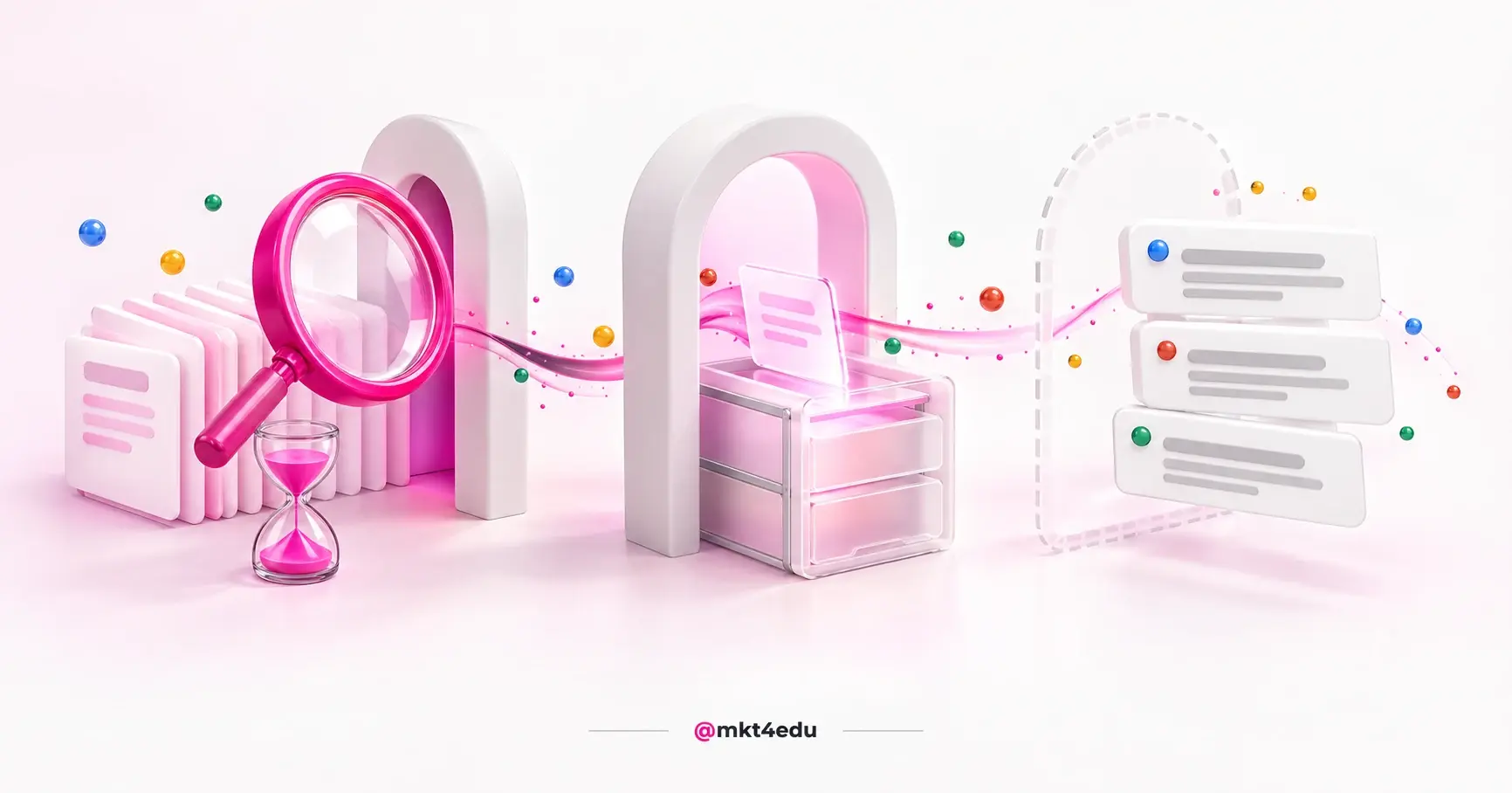
 Caption: The remarketing mechanism works to retain the audience by connecting website visits to a four-step conversion funnel.
How does remarketing work: pixel, list, audience, and window?
Remarketing works in four interconnected stages. A pixel tracks behavior on the website; this data feeds into a list; the list is transformed into an audience within the ad platform; and a time window defines how many days a person remains eligible to receive the ad.
Understanding this sequence is important because, when a campaign underperforms, the problem is almost never with the creative—it lies in one of these four components. Here’s how the process works:
- Collection. The platform’s pixel or tag triggers on the website’s pages and records events, such as a visit to a specific page, starting a form, submitting a form, or time spent on the site.
- Accumulation. Each event adds the identifier for that browser or contact to a list, which grows as the site receives visits.
- Activation. The list is published as a remarketing audience in the ad account and becomes selectable for targeting.
- Expiration. The window automatically removes users who visited more than the configured time limit ago, keeping the audience limited to those who have interacted recently.
This separation makes troubleshooting easier: a list that isn’t growing is a data collection issue; an audience that isn’t delivering results is a volume issue; and an ad that’s becoming tiresome is a retargeting window issue.
What does the remarketing pixel track?
The pixel is a snippet of code installed on website pages that informs the ad platform that a particular browser visited the site and what it did there. It tracks events and a technical identifier—not names, phone numbers, or email addresses entered in other contexts.
The quality of remarketing begins with the accuracy of this tracking. A pixel installed only on the homepage provides an undifferentiated list of casual visitors and interested users, with no hierarchy.
Tracking specific events solves this problem. Someone who visited the pricing page and someone who completed the form demonstrate very different levels of interest.
How does the remarketing list become an ad audience?
The list is the raw dataset, and the audience is that list published within the platform, with inclusion, exclusion, and duration rules already applied. It’s within the audience that the system determines who is included, who is excluded, and for how long.
Exclusion rules are the most overlooked aspect. A remarketing audience that doesn’t exclude people who have already converted continues to pay for impressions on people who no longer have a role to play in that funnel.
In addition to on-site behavior, most platforms accept contact lists submitted by the company itself and lists derived from video engagement, native forms, or social media profiles. These are sources that do not depend on the website and are not affected by ad blockers.
What is the purpose of the remarketing window?
The window is the expiration period for interest. It defines how many days a person remains in the audience after interacting, and it exists because interest fades over time: someone who visited the website five months ago is rarely at the same decision-making stage as someone who visited the day before yesterday.
The correct setting depends on the business’s decision cycle, not on a universal number. The practical reference is found in the CRM’s own history.
A window that’s too short excludes people who would still be making a decision. A window that’s too long keeps people in the audience who have already solved their problem elsewhere, and that’s when frequency increases and the ad starts to become annoying.
Does remarketing work for any type of business?
Yes, with one condition. Remarketing works in any industry because the mechanism doesn’t depend on what’s being sold, but rather on there being a gap between the initial interest and the decision. Where there’s a gap, there’s something to be recovered.
The length of that gap is what makes all the difference. Low-value purchases and immediate decisions leave little room for recovery, because the person either makes a decision during the same session or gives up altogether.
On the other hand, decisions involving high value, comparing alternatives, third-party approval, or a specific date open up a window of days or months. It is during this gap that most of the generated interest is lost without any attempt to rekindle it.
There’s a second, less obvious requirement: sufficient traffic volume to build a list. A website with only a few dozen visits per month doesn’t meet the platforms’ minimum threshold, and the effort yields better results when generating qualified leads before considering recovery.
Where does remarketing fit into the funnel across three different industries?
Remarketing operates at the transition between interest and decision—the section of the AIDA funnel where attention has already been captured but action has not yet taken place. What varies from sector to sector is the length of this stage, the event that marks the exit, and the legal limits of segmentation.
Three funnels with very distinct paces make the difference clear.
How does remarketing work in the sign-up funnel?
At an educational institution, the funnel is marked by fixed dates: the start of registration, exams or assessments, results, and payment of tuition. Each stage results in its own drop-off rate, and each drop-off requires a different message.
Those who started the enrollment process but didn’t finish need an operational nudge, with a deadline and a direct link. Those who were accepted but haven’t paid their tuition need information about payment terms and the final deadline.
The window here does not follow the average decision-making cycle; it follows the calendar. It closes on the enrollment deadline, because after that, the announcement loses all usefulness and simply burns through the budget.
How does remarketing work in healthcare scheduling?
At a clinic or health insurance provider, the conversion event is the appointment booking, and the time between the search and the booking is usually short. The list is compiled from those who visited service pages, started the online booking process, or abandoned the form.
The legal restriction here is the critical point. Health-related data is considered sensitive personal data under the LGPD, and Article 11, subsection I of Law 13.709/2018 requires specific and explicit consent, for specific purposes, for the processing of this type of data.
In practice, this precludes creating an audience based on health conditions inferred from browsing behavior. The solution is to work with a generic indicator of intent to schedule an appointment or make a booking that does not reveal a medical specialty, without turning the visited page into a clinical label for the individual.
How does remarketing work in the B2B sales cycle?
In a corporate sale, the cycle spans weeks or months and involves more than one decision-maker. Remarketing is no longer just about recovering a missed click; it becomes a consistent presence throughout a lengthy evaluation process.
The logic behind list building changes. Instead of segmenting by page visited, the process matches website visitors with the CRM database, synchronizing open deals to keep the brand visible while the proposal circulates internally.
The exclusion criteria are also different. Here, exclusion follows the stage in the sales funnel: won deals are removed from the audience, deals lost due to price may be re-engaged later with a different approach, and stalled deals continue to be targeted.
How many people does the remarketing list need to have to get started?
Each platform sets its own minimum. In Google Ads, a remarketing list needs at least 100 visitors or active users in the last 30 days to serve ads on Search, Display, YouTube, and Gmail. Below that threshold, the audience exists in the account, but the campaign won’t run.
For customer lists uploaded by the company, the same document outlines a two-tier rule. Lists uploaded or updated after February 1, 2024, require 100 matching users; lists prior to that date still require 1,000.
Those who activate audiences through a CRM platform encounter even more varied minimum thresholds, because the tool applies the requirements of each partner network. The documented volumes by network are organized as follows:
|
Audience Source |
Network and placement |
Documented minimum |
|
List of website visitors in the ad account itself |
Google Ads: Search, Display, YouTube, and Gmail |
100 assets in 30 days |
|
Customer list submitted or updated after February 1, 2024 |
Google Ads |
100 matches |
|
Customer list prior to that date |
Google Ads |
1,000 matches |
|
Audience created in HubSpot |
Google Search and YouTube |
1,000 active users in 30 days |
|
Audience created in HubSpot |
Google Display and Gmail |
100 visitors |
|
Audience created in HubSpot |
Meta |
20 users |
|
Audience created in HubSpot |
|
300 members |
Table: Audience minimums according to Google Ads documentation and the HubSpot Knowledge Base, which also requires a connected ad account and an installed pixel.
The minimum values in the right-hand column come from the Google Ads Help Center and the HubSpot Knowledge Base, which classifies audiences into four types: website visitors, contact segments, LinkedIn-only company segments, and Meta-only lookalike audiences.
The practical way to interpret this table is to follow a sequential approach. Campaigns with modest traffic should first activate Display, Gmail, and Meta—where the bid floor is lowest—and then expand to Search and YouTube as the campaign matures.
Excessive segmentation warrants a separate warning. Splitting a small list into six audiences based on page visits results in six audiences below the minimum threshold—meaning no active audiences.
Does digital remarketing still work without third-party cookies?
It does, and the situation is less dire than the 2024 discussion suggested. On April 22, 2025, Google announced that it would not roll out a standalone opt-in prompt for third-party cookies in Chrome, reversing its phase-out plan. Third-party cookies still exist in the browser.
The reversal does not mean a return to the previous state. Blockers, restrictions in other browsers, and users’ own privacy choices have already reduced the scope of any data collection that relies solely on third-party cookies.
The result is a fundamental change, not a change in mechanism. First-party data—collected with consent by the company itself—has become the most reliable source for remarketing, because it does not depend on an identifier that the browser can discard.
In practice, this fundamental shift favors three sources: the company’s own contact list, server-sent events, and engagement within the platform itself, such as videos and native forms.
The trade-off is governance. Using the company’s own database as raw material for ads requires a defined legal basis, a record of consent, and a stated purpose, which brings media operations closer to data privacy routines in CRM.
When consent is not the chosen legal basis, greater caution is required. The ANPD has published a guidance document on legitimate interest that helps document the balancing test. Sensitive data, however, is not addressed in this way.
What does the Privacy Sandbox wind-down change in remarketing?
Keeping the cookie was half the move. The Privacy Sandbox status page, updated on August 14, 2026, carries Topics, Protected Audience and Attribution Reporting marked as "deprecate and remove", alongside Shared Storage, Private Aggregation, Fenced Frames and Related Web Sites.
Protected Audience was the API designed to run a remarketing auction inside the browser itself, with no shared identifier. With it on the way out, Chrome stops building a native replacement for what the third-party cookie does today.
IP Protection carries the "discontinue" label on the same page. On Android the set meets the same fate: Attribution Reporting, Protected Audience, Topics, Protected App Signals, On-Device Personalization and SDK Runtime are all in "deprecate and remove".
For media planning, the effect lands on the horizon rather than on a live campaign. Cookie-based remarketing keeps running in Chrome, and the plan B the industry rehearsed from 2020 onward is off the map.
That reinforces the direction first-party data already pointed to. Contact lists, server-side events and in-platform engagement stop being a defensive alternative and become the standing audience infrastructure.
What mistakes burn through the budget in remarketing campaigns?
Most of the waste in remarketing doesn’t stem from creative errors; it stems from targeting errors. These are flaws in defining who is included, how long they stay, and how many times they see the ad—and they all show up in the report before they lead to complaints from the audience.
Six common patterns account for the problem in most accounts:
- Failing to exclude those who have already converted. Without an exclusion list, the campaign continues to pay for impressions for people who have already registered, scheduled an appointment, or signed a contract.
- A window out of sync with the decision-making cycle. Thirty days for a six-month decision loses people; one hundred and eighty days for a one-week decision leads to saturation.
- Unlimited frequency. Without a limit on impressions per person, the same ad repeats until it becomes annoying, and that’s where the reputation for being intrusive comes from.
- A single list, with no hierarchy. Treating those who viewed the homepage and those who abandoned their cart as the same audience wastes the most valuable signal: the depth of interaction.
- Repeating top-of-the-funnel creative. Those already familiar with the brand don’t need an introductory ad; they need proof, terms, a deadline, or a response to a specific objection.
- Sending hot traffic to a weak landing page. The campaign drives clicks, but the page undermines the conversion, which turns a media problem into a conversion rate optimization.
There is also a misinterpretation that underpins the other six. Evaluating remarketing based solely on the last click inflates the campaign’s results, because it takes credit for conversions that were actually generated by lead generation efforts.
Correcting the list is the quickest adjustment and the one with the greatest impact. Excluding converts, segmenting by interaction depth, and setting a frequency cap can usually be configured in an afternoon and change the cost per conversion for the month.
Frequently Asked Questions About Remarketing
Where should you start with remarketing in your business?
Before launching any campaign, ask yourself two questions: Is there a real time lag between interest and decision-making? And is there enough traffic to build a list? Remarketing is the most cost-effective part of the media budget because it builds on interest that’s already been paid for, and it’s the easiest to mess up when the list and targeting are set to run automatically.
The starting point isn’t the campaign—it’s the inventory: what events does the website track, what lists exist, who is being excluded, and what is the actual decision-making time in the funnel? Without these four answers, any adjustment is just a guess.
If the operation already has traffic but still doesn’t distinguish between shallow and deep interest, that’s where the most likely gain lies. Segmenting by depth of interaction, excluding converts, and limiting frequency usually yields better results than increasing the budget.
The paid media at mkt4edu sets up this strategy together with the internal team, from event mapping to the exclusion rules by stage. The review becomes more objective when the account for how much it costs to sustain paid traffic has already been finalized, because that’s what reveals where the budget is being misallocated.




.jpg)






















 Portugal