





Customer service has become the most visible part of a brand. Buyers compare response time, clarity of the answer and the effort required to solve a problem, and that comparison weighs as much as price in the next decision.
HubSpot Service Hub steps in as the operating centre: tickets to organise the queue, a knowledge base for self-service, automation for repetitive work and surveys to measure what the customer thought of the contact.
The promise only holds with design. A tool switched on without queue rules, without supporting content and without a tracked indicator simply digitises the mess that already existed.
The route below covers seven fronts: what the platform does, how to build the queue, what to publish in the knowledge base, what to automate, what the AI agents already handle, what to measure and how support feeds context back to the commercial team.
What is HubSpot Service Hub and what does it change in customer service?
HubSpot Service Hub is HubSpot's customer service centre. It brings together a ticketing system, a shared inbox, a knowledge base, live chat, satisfaction surveys and automation, and it writes every interaction to the same contact record that marketing and sales read every day.
The difference from an isolated help desk is the data available when the ticket opens. The agent sees contact source, purchase history, downloaded material and previous conversations, without asking the customer to repeat what the company already knows.
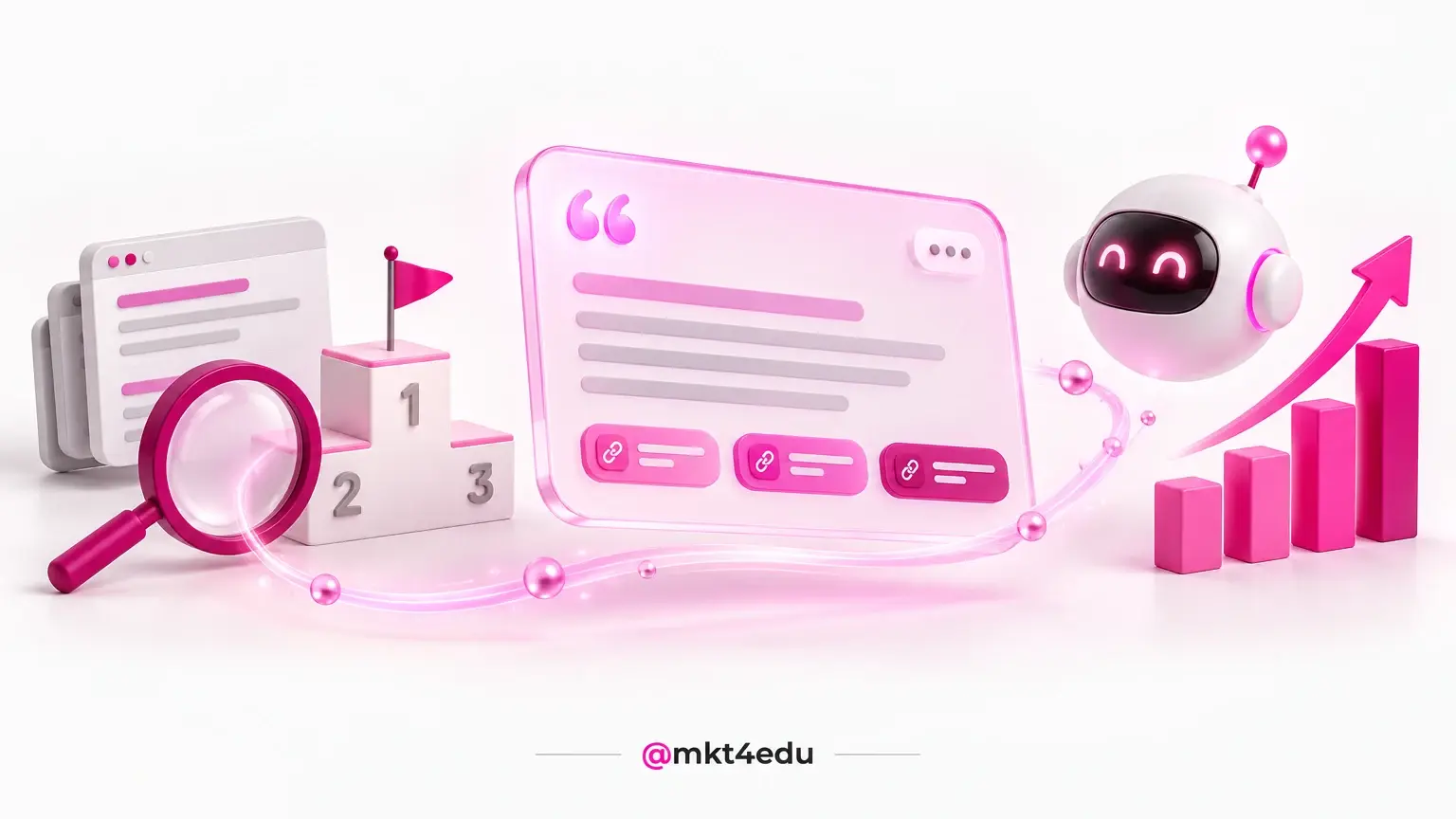
 Caption: Customer service becomes predictable when the queue, the supporting content and the indicators live on the same platform.
That repositions the team. Customer support stops being a parallel queue and starts sharing the funnel that marketing strategies and the commercial team already follow, with the same filters and the same reports.
Teams still mapping the ecosystem can start from the overview of what the HubSpot tools cover before deciding where the rollout begins.
The practical gain shows up on three fronts: less rework inside the queue, fewer repeated questions to the customer and a history of problems that feeds product, content and training.
One caveat about scope. The platform organises the work, sets deadlines and measures the outcome, yet it replaces neither a service policy nor trained people able to decide cases outside the standard.
How does the ticketing system organise the customer support queue?
The ticketing system turns each request into a record with an owner, a category, a priority, a deadline and a status. The queue leaves individual mailboxes and lives on a single screen, where managers see open volume, who answers each case and what is close to breaching the agreement.
What makes a queue predictable
- Categorythat separates questions, failures, change requests and commercial demands, because each type deserves different handling.
- Ownernamed from the moment the ticket opens, so that no case sits under collective responsibility.
- Prioritytied to impact and urgency, never to arrival order alone.
- Deadlineagreed in an SLA (Service Level Agreement) per ticket type, with an alert before it expires.
- Statuswith few steps, each one carrying an objective exit criterion.
With those five fields filled in, the queue report starts answering management questions: where time is lost, which category reopens most and which shift piles up pending work.
Pipelines, properties and automations in a ticketing system built inside HubSpot deserve to be settled before the queue goes live, because changing the structure with active cases is expensive.
Prioritisation is what separates an organised queue from a merely recorded one. A ticket that blocks product use has to run ahead of a request for information, even when it arrived later.
History also works in favour of customer service. When the same contact comes back, the agent reads what was already attempted and avoids offering a fix that failed the week before.
How does a knowledge base cut the volume of repeated tickets?
The knowledge base is the company's public library: articles, tutorials and answers to frequent questions that customers consult on their own, at any hour. It absorbs the repetitive layer of the queue and frees customer support for cases that need analysis.
The starting point is the queue itself. The twenty most frequent subjects of the last ninety days say exactly which articles to write first, with no guesswork about what customers look for.
An article only does its job when it is found. A title in search language, the answer in the first line, short steps and a screenshot of what the person actually sees solve far more than a long institutional text.
This is a matter of user experience, and user experience (UX) also decides position in search results, which makes the knowledge base work on two fronts at once.
- One subject per article: a text that tries to cover three doubts answers none of them clearly.
- The customer's wording: use the term that shows up in the ticket, not the internal module name.
- A visible review date: product content ages fast and loses trust once outdated.
- An exit path: every article ends with how to open a ticket if the doubt remains.
Each published article gives time back to the team and shortens the wait for people who prefer to solve things alone. The buying experience improves as a consequence, because customers stop depending on business hours to move forward.
Maintenance needs an owner. An article with a low usefulness score, plenty of visits and little resolution goes straight into the rewrite list for the following month.
What should you automate in customer service without hardening the conversation?
Automation pays off when it takes over routing and recording, not when it tries to replace judgement. Distributing tickets by category, alerting the owner, updating status, sending an opening confirmation and triggering the satisfaction survey are predictable moves, and predictable is what machines handle well.
Chat is the first filter. A well designed chatbot removes single answer questions from the queue and hands the agent only what depends on context, with the previous conversation already attached to the ticket.
Video: why an AI chatbot pays off in acquisition and retention, and where it fits in customer service. Narrated in Brazilian Portuguese, with automatic captions available.
The recording above is in Portuguese and walks through an AI chatbot applied to acquisition and retention.
Not every step accepts a trigger. Serious complaints, cancellations, mistakes made by the company itself and legal matters need a person from the first line, because the cost of missing the tone outweighs any gain in speed.
Here is how that division usually settles inside the operation:
|
Situation in the queue |
Automate? |
Reason |
|
Ticket opening confirmation |
Yes |
Cuts chasing contacts and sets the expectation on timing. |
|
Routing by category and language |
Yes |
Removes manual triage and shortens first response time. |
|
Question covered by a knowledge base article |
Partly |
The bot answers and offers a path to a human agent. |
|
Serious complaint or cancellation request |
No |
Requires reading context and room to negotiate. |
|
Satisfaction survey after closing |
Yes |
Standardises collection and allows comparison across periods. |
Table: Division of work between automation and human agents inside the support queue.
The same trigger logic applies on the other side of the funnel, where sales automation inside HubSpot handles commercial follow up and spares the team from repeating manual tasks on every open deal.
A simple rule protects the tone: automation informs, people decide. Whenever an automatic reply would have to promise an exception, a discount or a deadline outside the standard, the workflow hands the case back to someone who signs the decision.
What do HubSpot's AI agents already do for customer service?
HubSpot gathers its own AI agents in an agent hub reachable through the Breeze Assistant, the layer that talks to whoever uses the platform. Among them sits the Customer Agent, which resolves customer questions from the content the company has already published.
The set goes beyond service. Agent Builder lets teams assemble agents for specific tasks in the operation, and Data Agent works over HubSpot CRM data to organise and enrich records.
The effect on the queue is direct. The frequent question layer leaves the human agent, who then receives the case with a summary of what was attempted and the contact history attached.
Agent quality depends on what it reads. An outdated knowledge base produces outdated answers, so investing in supporting content becomes a prerequisite rather than a complement.
The questions that come up most often about AI (Artificial Intelligence) inside HubSpot help calibrate expectations before switching any agent on in a live operation.
The recommended design keeps people in the loop. The agent answers, records and escalates; the team reviews samples, fixes the content behind poor answers and decides what enters the automatic scope in the next cycle.
How do you measure satisfaction and performance in customer service?
Measuring service means separating speed from quality. First response time and resolution time tell how long the operation takes; reopening rate and satisfaction scores tell whether the problem actually ended. Watching only the first pair produces a fast queue and an unhappy customer.
The indicators that support decisions
- First response time: shows whether triage and routing are working.
- Average resolution time: reveals bottlenecks in process, permissions or knowledge.
- Reopening rate: exposes solutions delivered halfway.
- CSAT (Customer Satisfaction Score): measures the immediate perception of the closed contact.
- NPS (Net Promoter Score): tracks willingness to recommend the brand over time.
- Volume by channel and category: points to where an article, an automation or training pays off.
HubSpot Service Hub dashboards cross those numbers by owner, by team and by period, which allows the workload to be redistributed mid month instead of only at the closing meeting.
Reading them against the buying experience avoids hasty conclusions. A spike in tickets right after signing usually points to a weak onboarding, not to a slow customer support team.
The cycle closes with action. Every indicator outside the range turns into a concrete change: a new knowledge base article, a routing rule adjustment, a revised deadline or extra staff on the critical shift.
A target without a baseline guides nobody. Before promising a one hour reply, it pays to measure the current level for two or three weeks and set the range from the real number.
How does HubSpot CRM connect service, inbound marketing and inbound sales?
Service stops being the final step when the ticket feeds the same record the funnel uses. HubSpot CRM keeps tickets, conversations, satisfaction scores and deals on the same contact, and every area sees what happened before its turn.
For inbound marketing, the queue is a ready made source of topics. The subjects that open the most tickets point to the content missing from the site, from the knowledge base and from the nurturing cadence.
For inbound sales, support history changes the approach. A contact with an open ticket does not receive an expansion offer, and a customer with a high satisfaction score is the best door to a referral.
That stitching depends on a tidy base from the start. The CRM implementation checklist covers properties, permissions and integrations that sustain shared use of the same record.
Education institutions have a particular design, because applicants, students and alumni share one base, and educational marketing run inside HubSpot has to treat the three with distinct cadences.
The practical result is a continuous conversation. Marketing strategies stop addressing a stranger, because what the customer reported to support arrives before the next campaign goes out.
Frequently asked questions about customer service in Service Hub
Where should you start improving customer service?
The first move is diagnostic. List the ticket reasons of the last ninety days, group them by theme and see how much of the queue would fit into ten knowledge base articles.
The second is structural. Build a ticket pipeline with few statuses, set an owner and a deadline per category and switch on the two most obvious automations: opening confirmation and routing.
The third is measurement. Track first response, resolution, reopening and CSAT for a quarter before promising any target to customers or to the board.
The fourth is about expectations on AI. Switch an agent on in a narrow scope, review answer samples for a few weeks and only then widen what it can resolve on its own.
Teams that need to design this cadence inside the platform can talk to the Mkt4edu team and start from a reading of the current queue.



























 Portugal