






Connecting WhatsApp in HubSpot takes a few hours. Making the channel work as part of the recruitment operation takes a few weeks, and it is in that gap that most institutions give up halfway.
The symptom always looks the same. The number is connected, conversations appear in the inbox, and the team still replies from personal phones because the official flow turned out slow or confusing.
This guide starts exactly where the technical setup ends. It covers templates, consent, routing, automation and measurement, which together decide whether the channel becomes enrollments or just another abandoned inbox.
What should you do after connecting WhatsApp to HubSpot?
After connecting, five settings define the operation: service hours and an away auto-reply, assignment rules by team, approved templates to start conversations, consent collection and a logging standard on the contact. Without them, the channel exists but never enters the recruitment process.
The first decision is ownership. Define who answers for the number, who can reply on the institution's behalf and what happens when nobody is available.
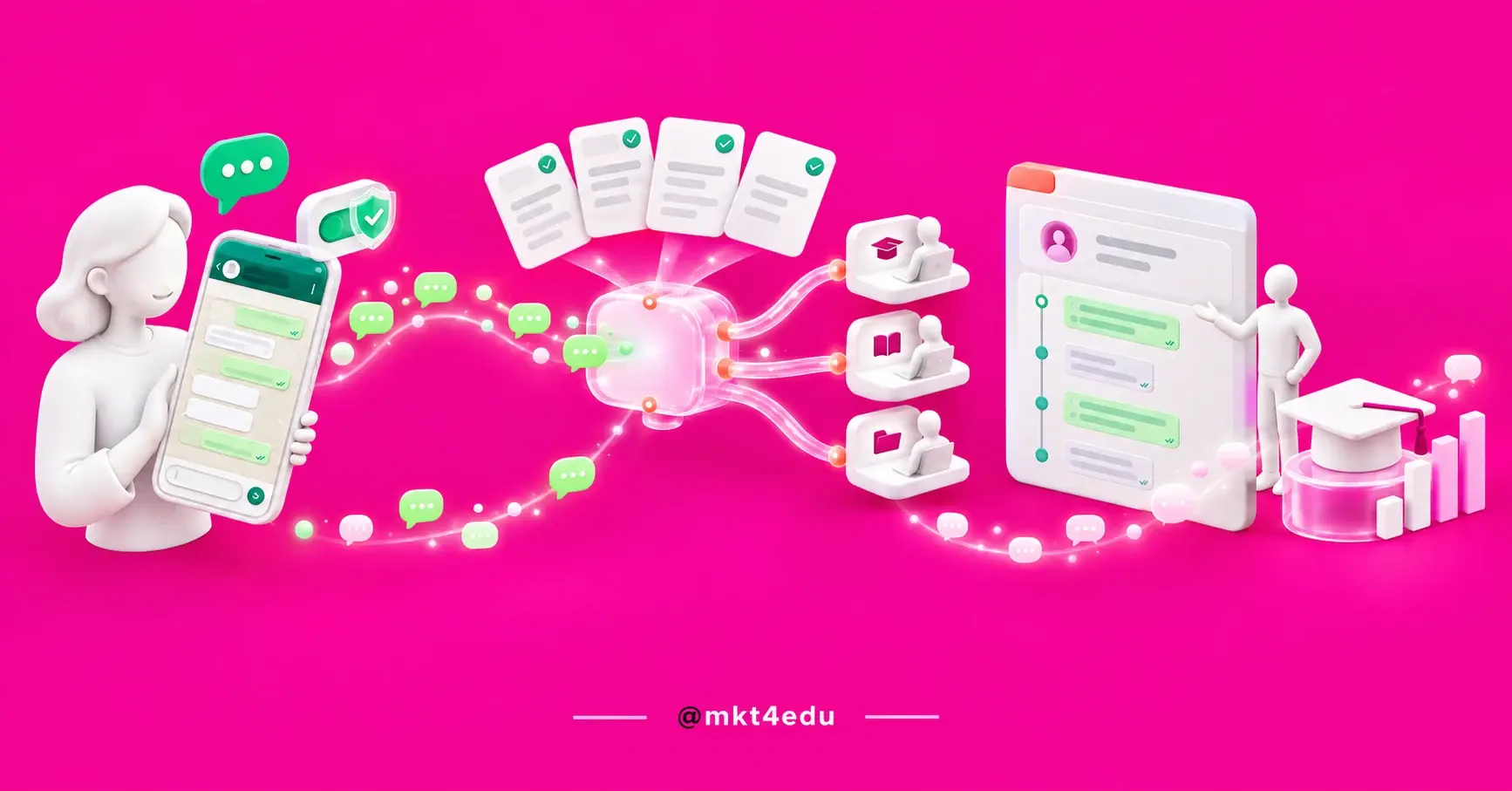
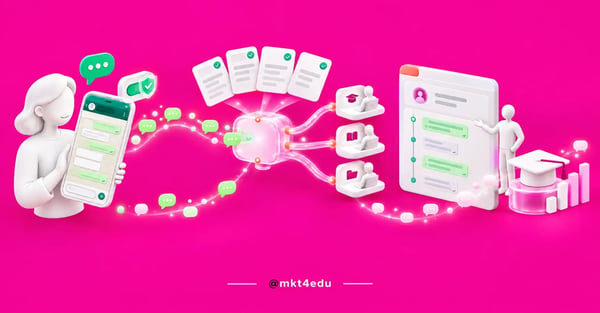 Caption: WhatsApp in HubSpot only turns into enrollments when the conversation has an approved template, a clear owner and a record on the contact
The second is scope. A single number for the whole institution mixes applicants, students and alumni in the same queue, while separate numbers by purpose make routing simpler.
It is worth recalling the prerequisites the platform imposes even before this stage. HubSpot's official documentation on connecting the channel requires a verified Meta Business account, a dedicated number able to receive voice calls and a Professional or higher subscription tier.
If the connection has not been made yet, the order of the technical steps is described in the sequence of HubSpot implementation phases, which treats the channel as part of the project rather than an isolated item.
The third setting is usually forgotten until the first problem. Establish right away what gets logged on the contact after each conversation, because loose history in the inbox does not turn into a report later.
That logging standard is what links the channel to the rest of the HubSpot CRM. When a conversation updates a property and a deal stage, WhatsApp stops being ad-hoc support and starts feeding the institution's Educational marketing strategy.
How do you create and get WhatsApp message templates approved?
Templates are message models submitted for Meta's approval, and they are the only way to start a conversation outside the 24-hour service window. They are created inside HubSpot, with fields personalized from contact properties.
The window rule reshapes the entire operation. While the applicant is replying, the conversation is free; once 24 hours pass from their last reply, any follow-up requires a template.
That is why an educational institution needs a small catalog, not a single model. Application confirmation, document reminders, admissions deadline notices and re-engagement for a stalled applicant all call for different copy.
Template classification matters for approval. The template fundamentals documentation determines that each model be categorized as authentication, marketing or utility, that review happens on creation or edit and can take up to 24 hours, and that only approved status allows sending.
It also pays to write with Meta's rejections in mind. Exaggerated promises, too many links, spelling errors and overly generic text are among the recurring causes of refusal.
Here is how message type relates to the window and to consent:
|
Situation |
What you can send |
Requirement |
|
Applicant replied less than 24 hours ago |
Free-form message |
Window open |
|
Window closed |
Approved template |
Consent recorded |
|
Deadline or document notice |
Utility template |
Transactional consent |
|
New admissions campaign |
Marketing template |
Marketing consent |
Table: How the state of the conversation, the permitted message type and the required consent relate to each other.
There is also an operational cap that tends to catch institutions at peak recruitment. According to Meta, the messaging limit defines how many unique user numbers a business can reach outside the service window within a rolling 24-hour period.
That limit is not a monthly message cap. It is calculated at the business portfolio level and shared by every number in that portfolio, starts at 250 recipients and rises with sending quality.
How do you collect and record WhatsApp opt-in under the LGPD?
WhatsApp opt-in has to be explicit, specific and verifiable. HubSpot allows three collection paths: a keyword sent by the contact themselves, manual marking by a user with the legal basis documented, and bulk updating through a workflow, and all of them are stored in the contact's subscription history.
Separating purposes is the point that protects the institution most. The platform distinguishes marketing consent from transactional consent, which lets you send a document reminder without using the permission given for campaigns.
The record is what turns consent into proof. Each change stores the date, legal basis, justification and the user responsible, as described in HubSpot's documentation on WhatsApp consent.
That care meets what Brazil's General Data Protection Law requires in terms of purpose and demonstrating consent. The sensitive point for an institution is the contact who is a minor, common in high school and first-degree recruitment.
Collection works better when it happens at the source. An acceptance field in the application form, with clear copy about what will be sent, avoids the scramble for consent after the database already exists.
The specific rules for data handling and retention inside the CRM are detailed in data privacy applied to the CRM, and that design is worth reviewing before scaling the channel.
One simple practice reduces legal risk and noise. The WhatsApp Business messaging policy determines that a business respect every block or stop request, so opt-out has to be automatic, not dependent on someone remembering to remove the contact.
How do you route WhatsApp conversations to the right team?
Routing defines who receives each incoming conversation. The inbox routing rules let you assign to specific users and teams, to the contact owner or only to available agents, and that is what keeps an applicant, a student with a billing question and an alumnus out of the same queue.
The first rule is usually by subject. An opening menu asking whether the person wants to apply, ask about a program or reach the registrar already handles most of the triage.
The second rule is by campus or site. Institutions with several units need to route the conversation to someone who knows the local reality, or the applicant waits twice for the same answer.
Response time is the indicator that validates the routing. If conversations sit more than a few minutes without a first reply during business hours, the rule is sending people to a team without capacity.
High-volume operations usually put a qualification layer in front of the human advisor. An SDR agent integrated with the CRM receives the message, identifies the program of interest and only then hands it over, which shortens the queue and raises the effective contact rate.
That triage layer is what mkt4edu delivers with AI agents for voice, SDR and support, wired to the same CRM that logs the conversation.
It is also worth defining the exception path. Every routing rule needs a default destination for whatever does not fit, because a conversation with no owner is a lost conversation.
How do you automate WhatsApp without sounding like a robot?
Automation works best at the edges of a conversation, not in the middle of it. Receipt confirmation, initial triage, deadline reminders and re-engagement of a stalled applicant can be automatic, while scholarship negotiation, specific academic questions and price objections call for a human reply.
Tone is what gives away too much automation. A long message, overly formal language and no option to reach a person turn a conversational channel into a disguised form.
One practical rule helps the design. If the correct answer depends on context only a human understands, that point in the flow should not be automated.
Video: the automatic triage layer that keeps WhatsApp in HubSpot fast without freezing the conversation, on the mkt4edu channel (in Portuguese)
The choice of triage tool matters too. The differences between the available models are mapped out in our article on chatbot tools for customer service, and the main criterion is how easily the conversation transfers to a person.
Timing deserves special attention with an education audience. A large share of applicants work and write at night, so the away auto-reply has to state a real response time.
Follow-up cadence completes the design. Two or three spaced attempts are usually enough, because Meta records that each business phone number carries a status reflecting its own quality rating and current messaging limit.
How do you log and measure WhatsApp in HubSpot?
Every conversation on the channel is logged on the contact timeline, alongside emails, forms and deals. That record is what lets you measure WhatsApp in HubSpot by result rather than by impression, cross-referencing conversation volume with applications, enrollments and campaign source.
Four indicators are usually enough to start. Time to first response, template response rate, conversations that became applications and applications that became enrollments.
The first is the most actionable in the short term. Reducing time to first response usually raises conversion more than any improvement to the message copy.
The second reveals a database or message problem. A template with a very low response rate points to an outdated list, weak consent or an offer that group does not care about.
A fifth number matters for anyone already serving enrolled students on the channel. Tracking first-contact resolution shows whether WhatsApp is actually supporting retention or just passing the question to another department.
Comparing channels closes the reading. Teams already working WhatsApp and SMS in educational marketing can distribute notices and campaigns through the channel each audience actually uses.
For the design of the conversational funnel itself, the logic of stages and cadence is described in WhatsApp applied to student recruitment, which covers the content of the messages at each moment.
What mistakes stall a WhatsApp operation in HubSpot?
Five mistakes explain most stalled operations: answering from personal phones in parallel, leaving templates without an organized catalog, treating opt-in as a formality, routing everything into a single queue, and measuring message volume instead of enrollments. All of them show up within the first month.
Parallel service is the most corrosive. When part of the team replies outside the system, the history splits, the report lies and the institution loses the ability to know what was promised to each applicant.
Video: the service mistake that WhatsApp in HubSpot exists to prevent, on the mkt4edu channel (in Portuguese)
The missing template catalog shows up at peak application time. With no approved model for the situation that came up, the team waits on Meta's approval in exactly the week the admissions deadline is closing.
Treating consent as paperwork costs dearly later. A base with no recorded opt-in limits campaigns, increases blocks and exposes the institution to any formal challenge.
The single queue, in turn, hides the bottleneck. When everything arrives in the same place, nobody can separate the applicant ready to enroll from the student with a billing question.
Measuring volume instead of outcome closes the list. A report of messages sent grows even when student recruitment and retention get worse, which is why the number that matters is still the enrollment.
Common questions about WhatsApp in HubSpot
Is a WhatsApp operation in HubSpot urgent, or can it wait?
If the next admissions cycle opens within ninety days, it is urgent. Templates depend on external approval, consent takes time to collect and routing rules need a real cycle to be tuned, so starting against the deadline means entering the peak with a raw operation.
It can wait in one specific scenario. Institutions without enough lead volume to keep the team busy gain more by organizing where demand comes from before opening another service channel.
There is an intermediate case that shows up often in consulting diagnoses. The institution already has volume but still logs service outside the HubSpot CRM, and in that scenario fixing the logging pays off more than automating broadcasts.
The priority order is reasonably stable across institutions. First consent and the template catalog, then routing and hours, then triage automation and, last, reporting and campaign integration.
That sequence avoids the project's most expensive mistake. Automating before organizing consent and routing only distributes an existing problem faster.
If your institution wants to structure this operation with people who know the enrollment cycle, mkt4edu works as an educational consultancy and an Elite HubSpot partner implementing the HubSpot CRM for education, wiring the channel to the educational marketing strategy already in motion. Talk to our team to review your scenario.


.jpg)






















 Portugal