


Asking what is HubSpot CRM is no longer a question about contact software. The platform became the place where marketing, sales and service work on the same customer record, with an artificial intelligence layer on top and a license model priced per seat.
People who type HubSpot CRM what it is into a search bar usually want three answers: what the tool does, what it costs and where to start. This guide answers all three and shows where the platform changed, because seats and credit billing reorganized the invoice.
The order here is simple. First the definition and the commercial model, then the features that carry daily work and, at the end, the rollout sequence that keeps a data migration from turning into rework.
What is HubSpot CRM and what is the platform for?
HubSpot CRM is the customer relationship management platform that HubSpot builds around a single shared database, the Smart CRM. Contacts, companies, deals, tickets and every logged interaction live there, available to marketing, sales and service teams at the same time.
Understanding what HubSpot CRM is means separating two layers. The first is the shared database, free at its base. The second is the set of products running on top of it, such as Marketing Hub, Sales Hub, Service Hub, Content Hub and Data Hub.
The practical difference shows up in daily work. When a rep opens a deal, the history of emails, forms and visited pages already sits in the record, with no spreadsheet export and no data request sent to marketing.
That unification is what separates a CRM from a contact list. It also helps to understand the difference between operational, analytical and strategic CRM, because each layer answers a different question inside the same database.
Teams that search HubSpot CRM what it is before a vendor demo arrive with sharper questions. The decisive point is rarely the feature list, and much more how much of the operation fits in a single place without manual reconciliation.
What is CRM and why the practice came before the tool
Before any software, what is CRM comes down to a practice: record every customer interaction and use it to steer the relationship. Only later did the term become a software category. Without the practice, the tool just stores idle data and bills a license for it.
HubSpot was born defending that idea inside an inbound marketing strategy: attract with content, convert with forms and nurture with automation, always in the same database. The inbound sales strategy came next, with reps working the contacts marketing had already qualified.
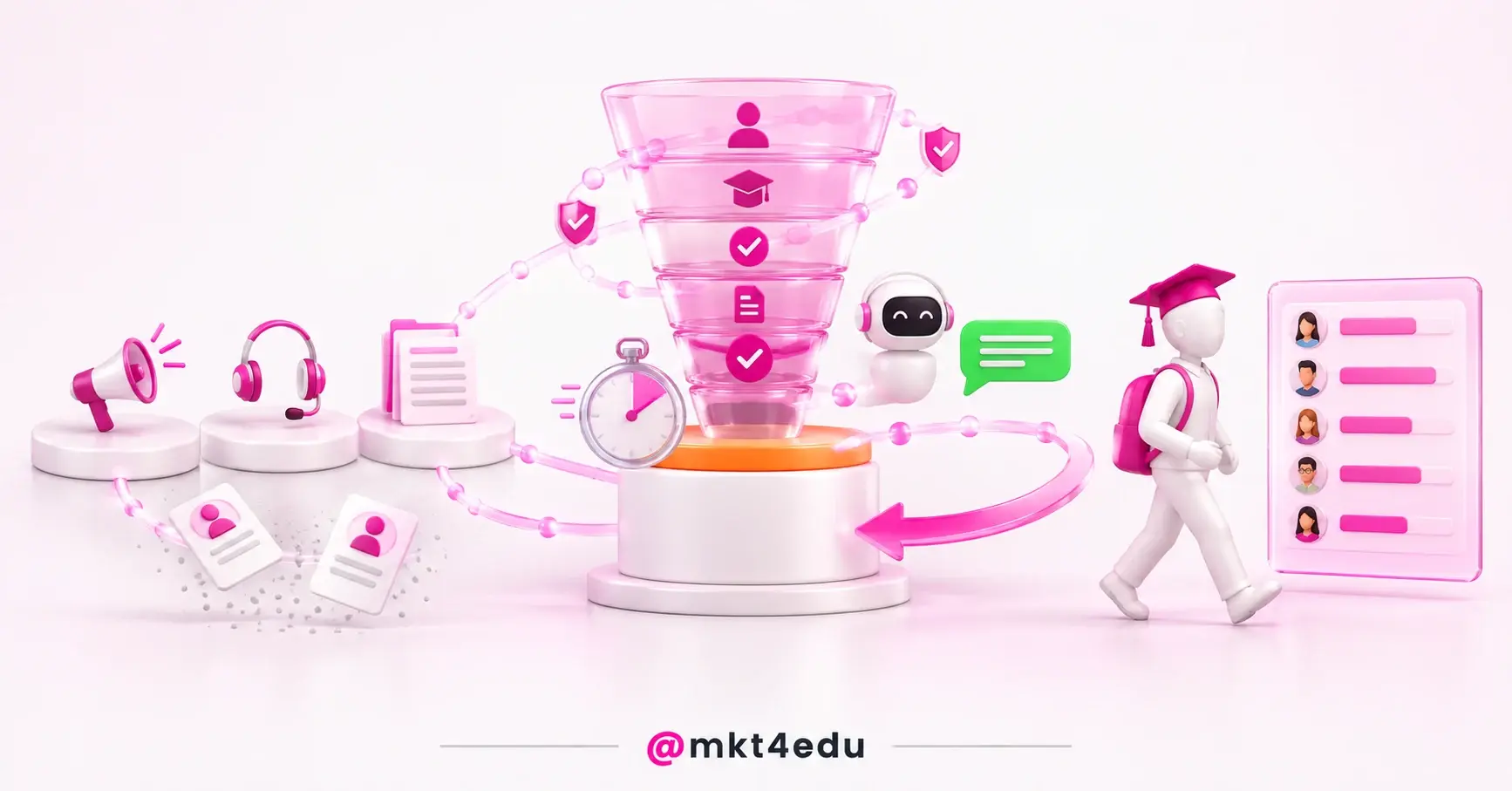
 Caption: Understanding what is HubSpot CRM starts with seeing how the platform stacks up, from the seat to the record.
How does the HubSpot CRM seat model work?
The seat model defines who reaches what inside the account and how much that costs per month. The Core Seat gives core access to all purchased products, with built-in AI through the Breeze Assistant, enriched data and the Smart CRM itself as a shared base.
Core Seat pricing changes by edition: US$ 20 per month per seat on Starter, US$ 50 on Professional and US$ 75 on Enterprise. The View-Only Seat is available at no additional cost and serves people who need to see the subscription without changing the account.
|
Seat type |
What it unlocks |
Price per month |
|
Core Seat, Starter edition |
Core access to all purchased products, built-in AI with Breeze Assistant, enriched data and Smart CRM |
US$ 20 per seat |
|
Core Seat, Professional edition |
The same core access as Starter, on the Professional edition |
US$ 50 per seat |
|
Core Seat, Enterprise edition |
The same core access, on the Enterprise edition |
US$ 75 per seat |
|
View-Only Seat |
Viewing the subscription, with no change to the account |
No additional cost |
Table: Seat types, the access each one unlocks and the monthly price for anyone deciding what is HubSpot CRM in practice.
What the invoice charges for is not access to the database, but the seat of whoever works inside it. That distinction changes the license math and usually lowers the bill in large teams with few daily operators.
The split asks for governance from day one. Setting users and permissions in HubSpot before opening the account to the team avoids idle paid seats, improper access to sensitive data and a painful cleanup at renewal time.
Inside HubSpot CRM, what is free still exists. The Free HubSpot CRM remains available and the platform products carry free and premium plans, yet advanced features depend on a paid seat and on the edition under contract.
What is Breeze and how do HubSpot AI credits work?
Breeze gathers the AI agents and features that power the entire HubSpot platform. Instead of sitting apart in a separate module, that layer appears inside the marketing, sales and service workflow, using the customer record already stored in the Smart CRM.
Usage of that layer is measured in AI credits, described as a simple, flexible way to power AI agents and automation. Credits reset every month and unused credits do not roll over into the following month.
The allowance changes by product and by edition. Smart CRM, Marketing Hub, Sales Hub, Service Hub, Content Hub and Revenue Hub include 500 credits per month on Starter, 3,000 on Professional and 5,000 on Enterprise.
Data Hub and Customer Platform carry a larger allowance of 500, 5,000 or 10,000 credits per month, in the same order of editions. Extra credit costs US$ 0.010 each on Pay-as-You-Go or US$ 10 for a pack of 1,000 credits.
That design changes planning. Because the balance zeroes out monthly, it pays to point agents at high volume repetitive work rather than at loose experiments that burn the allowance without returning anything measurable.
The artificial intelligence layer also talks to outside assistants. It is worth seeing how to connect Claude to HubSpot when a team wants CRM context available beyond the platform without exporting a spreadsheet.
What are the main features of the HubSpot platform?
HubSpot features are organized in blocks that share one base: contact and company records, a deal pipeline, automation, a conversations inbox, forms, pages, email and reporting. Everything writes to the same record, which removes exports between tools.
- Smart CRM: the shared base holding contacts, companies, deals and tickets.
- Marketing Hub: lead capture, automation, email and campaign management.
- Sales Hub: pipeline, sequences, scheduling and revenue forecasting.
- Service Hub: tickets, knowledge base and satisfaction surveys.
- Content Hub: pages, blog and website content management.
- Data Hub: syncing, quality and data preparation across systems.
Anyone asking what HubSpot CRM is in practical terms will find the answer in those blocks. Each one covers a stage of the customer journey, with no paid connector required for them to talk to each other.
Campaign management ties it together. When you create campaigns in HubSpot, marketing assets, emails, pages and deals attach to the same goal, which makes the attribution report readable for whoever approves budget.
For teams learning how to use HubSpot CRM day to day, the short path is to start with standard objects before creating custom properties. Contacts, companies, deals and tickets already cover most commercial processes.
The inbox concentrates service work. Building the conversations inbox lets email, chat and form submissions land in one place, with history tied to the right contact instead of scattered across personal mailboxes.
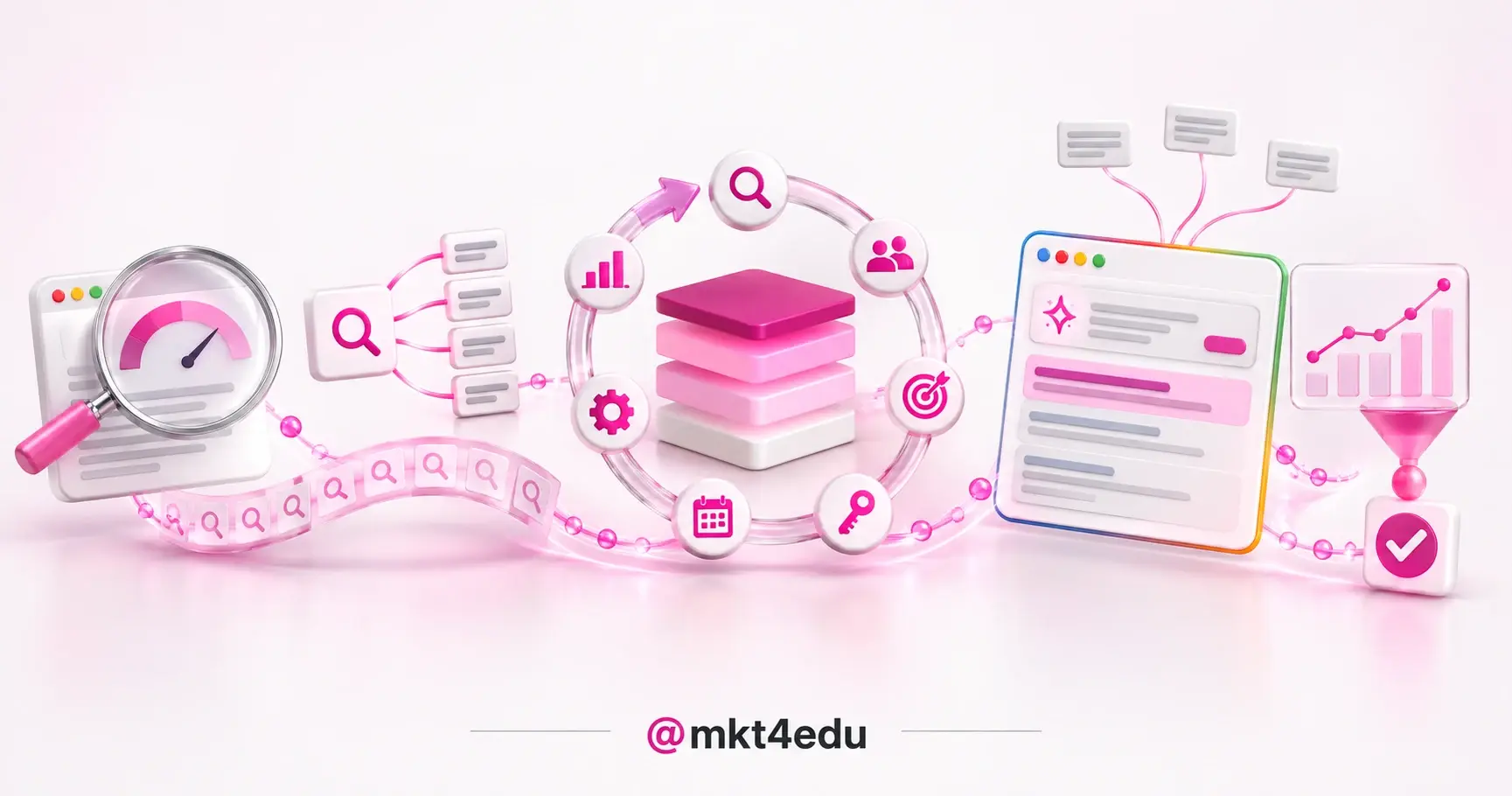
Overview of the main HubSpot CRM features in practice.
How does contact management work in HubSpot CRM?
Contact management in HubSpot CRM centralizes the storage, organization and segmentation of the database. Each contact carries profile data, source, interaction history and associated deals, which lets anyone recover the full context of a customer on a single screen.
Segmentation is what turns a database into action. Grouping contacts by behavior, interest or funnel stage lets a team send messages that make sense for each group, instead of one blast aimed at the entire list.
One example settles the idea. During a product launch, the company segments people who already showed interest in similar items and sends the campaign only to that group, which lifts conversion rate and protects sending reputation.
A well built list also feeds paid media. Keeping the contact list synced with Google and Meta prevents stale audiences and cuts waste in remarketing campaigns still talking to people who already bought.
A clean base is the prerequisite for all of it. Duplicate fields, contacts without a source and properties created with no criteria turn into noise in reporting and break automation a few months later.
What is a sales pipeline and how do you manage it in HubSpot?
A sales pipeline is the visual representation of the stages a potential customer moves through, from first contact to a closed deal. Each stage holds entry and exit criteria, which makes it possible to measure where a deal advances and where it stalls.
Knowing what is a sales pipeline changes the forecasting conversation. Instead of asking how much the team thinks it will close, leadership reads how many deals sit in each stage and how long they typically stay there.
In HubSpot CRM, the pipeline appears as a board or a list, with the deal, amount, owner and expected close date. The team sees exactly where each opportunity stands and which action is still missing.
The diagnosis comes from the pile up. When many deals stop at the same stage, the problem usually sits in the passage criteria rather than in the individual effort of whoever sells.
Good practice keeps the board trustworthy. It is worth reviewing pipeline management best practices with Sales Hub, from stage hygiene to a weekly update routine with the commercial team.
Understanding what is a sales pipeline also disciplines automation. With well defined stages, the platform fires tasks, emails and alerts at the right moment, without depending on a manual reminder in someone's calendar.
What are the benefits of HubSpot CRM for your business?
The benefits of HubSpot CRM show up on three fronts: productivity, communication and decision making. Teams waste less time hunting for data, everyone talks to the customer from the same history and leadership decides with reporting instead of perception.
Productivity and automation of repetitive work
Automation covers the work nobody should do by hand: creating a task after a meeting, moving a deal between stages, notifying an owner and logging email on the contact. The time freed goes back into customer conversations.
Alignment between marketing, sales and service
With everyone reading the same record, handoffs stop losing context. The rep knows which material the lead consumed and the service agent knows what was promised during the negotiation.
Decisions supported by reporting
Native reports cross source, stage and revenue, which lets a team adjust its digital marketing strategy in real time. The company identifies the channel that produces closed business, not only the channel that produces cheap clicks.
Integration with other tools closes the loop. Connected to media, website and service, the CRM becomes the place where the digital marketing strategy, the inbound marketing strategy and the inbound sales strategy meet on one dashboard.
How to use HubSpot CRM and implement it in your company?
To use HubSpot CRM with real results, follow an order: create the account, map the processes, clean and import the base, configure pipeline and permissions, and only then open the platform to the team. Skipping the mapping is what generates the most rework.
- Create the account, start on the free tier and learn the interface before buying any seat.
- Map the process, list the real sales and service stages, with written passage criteria.
- Clean the base, remove duplicates and records without a source before importing any file.
- Import the data, use the import tools for contacts, companies and deals.
- Configure access, decide who gets a Core Seat and who stays on view only access.
- Train the team, use HubSpot Academy courses and agree on an activity logging standard.
- Customize later, add properties, automation and integrations once basic usage is steady.
Training defines adoption. Investing in hands on workshops so everyone learns how to use HubSpot CRM inside the real workflow pays off more than any sophisticated setup built before the first day of use.
Migration deserves extra care. If the company already runs another system, it is worth working through the HubSpot CRM implementation checklist so dirty data does not travel from one base into the next.
Inside the account, what is optional at launch often becomes mandatory later: website integration, custom reporting and advanced automation arrive once basic usage is already stable.
After the first month, review everything. Idle seats, pipeline stages nobody uses and automation firing without need are the items that consume budget while delivering nothing back.
Frequently asked questions about what is HubSpot CRM
Where should you start after learning what is HubSpot CRM?
After learning what is HubSpot CRM, the next step is deciding the initial scope. Pick one process with a clear pain, configure its pipeline and move only the related contacts into the platform.
Once that first process runs, expand in layers: a second team, a second pipeline, automation and, last of all, the AI layer with credit under control. Growing in that order avoids an inflated invoice and a confusing database.
Teams that prefer to move faster with outside support can look at how Mkt4edu works with CRM and revenue operations alongside marketing and sales teams.
Mastering how to use HubSpot is less about features and more about consistency. A clean base, updated stages and activity logged the same day are what keep reporting reliable the following month.












 Portugal